
Unknown chargesmean unknown risk

Understand your business exposure before it compounds.
What Is the WM Supercenter Charge on Your Credit Card or Bank Statement?
What Is the WM Supercenter Charge on Your Credit Card or Bank Statement?
If you see WM SUPERCENTER on your credit card or bank statement, it usually refers to a purchase made at Walmart. WM is Walmart’s billing abbreviation, and Supercenter refers to Walmart’s large-format stores with full grocery and general merchandise departments.
This is one of several Walmart billing descriptors, and the exact wording can vary depending on how and where the purchase was made.
What Does “WM Supercenter” Mean?
Charges on your bank statements are represented by a billing descriptor. A billing descriptor typically contains a variation of these elements: the merchant identifier, a variable transaction date, and the merchant category/location data.
WM indicates the merchant identifier for Walmart, while Supercenter identifies the merchant category or location where the purchase occurred.
Walmart Supercenters are the larger stores which distinguishes them from Walmart Neighborhood Market locations, which may appear under different descriptors because they are smaller, grocery-focused stores.
Every Walmart Statement Descriptor Explained
Walmart charges can show up in several ways depending on the payment method and purchase type:
Below are common contextual variants of Walmart statement descriptors that may appear on your credit card or bank statements:
- WM SUPERCENTER #[number]— In-store purchase, often debit-card related
- CHECKCARD WM SUPERCENTER— Debit card swipe transaction
- WAL-MART [city state]— Common in-store credit card descriptor
- WMT*— General Walmart purchase descriptor
- WALMART.COM— Online order or pickup purchase
- WMT PLUS— Walmart+ subscription charge ($12.95/month or $98/year)
Different wording doesn’t usually indicate different merchants—just different processing channels.
What the Store Number After WM Supercenter # Tells You
The 4-5 digit number that may appear on your WM Supercenter bank statement is the unique store identifier of the store where the purchase was made.
For example: if your charge shows WM SUPERCENTER 1234, that purchase was made at store 1234.
To find out more about the unique number present on your statement, google “Walmart store [number]” or use the store finder tool at Walmart.com to find the location.
*Fraud protection tip: inquiring about the specific store number is the fastest way to confirm the charge or potentially flag a fraudulent geographic mismatch.
Why Some Descriptors Show “Bentonville AR” or “WAL-MART”
Bentonville, Arkansas, is home to Walmart’s headquarters. If you see “AR” on your statement, that indicates that the payment was routed through Walmart’s central processing system at their headquarters.
Seeing “Bentonville, AR” on your statement is standard for many credit card transactions and does not indicate anything unusual.
Some banks or card networks may display “WAL-MART” instead of “WM” or “Walmart.” Up until 2018, Walmart’s official legal corporate name was “Wal-Mart Stores, Inc.” So, if you see “WAL-MART” on your statement, it is most likely the case that an older merchant registration record or payment processing system is using Walmart’s historical legal name.
WMT Plus: The Walmart+ Subscription on Business Cards
WMT PLUS refers to a recurring Walmart+membership charge.
For business cards, finance teams may want to confirm the subscription is intentional and properly assigned. If billed annually at $98, some businesses may choose to treat it as a prepaid expense and spread the cost across 12 months for accounting purposes.
How to Verify a WM Supercenter Charge
To confirm a charge is legitimate:
- Match the amount and date to a receipt or purchase history at walmart.com
- Use the store number to verify the purchase location
- Check whether a family member or authorized card user may have made the purchase
Many “mystery” Walmart charges turn out to be shared household spending or forgotten in-store purchases.
When a WM Supercenter Charge Is Fraud
While most WM SUPERCENTER charges are legitimate, potential red flags include:
- A store number tied to a location you’ve never visited
- Multiple small charges appearing in rapid succession
- In-store charges appearing when you only shop online
If any of those apply, contact your card issuer immediately, dispute the transaction, and request a replacement card number if needed. Acting quickly can help prevent additional unauthorized charges.
The standard in finance
Slash goes above with better controls, better rewards, and better support for your business.


How Slash Helps Businesses Track Retail Purchases
Slash helps businesses keep retail spend organized by automatically identifying Walmart charges across all common bank statement descriptor variants, including abbreviated or location-specific versions.¹ Each transaction is routed to the correct expense category, so finance teams don’t have to manually reconcile unclear WM charges. Teams can also set an approval threshold for Walmart purchases and view all Walmart-related spend consolidated on a single dashboard, making it easier to monitor retail expenses, enforce policy, and close the books faster.
Apply in less than 10 minutes today
Join the 10,000+ businesses already using Slash.
Related Credit Card Charge Pages
Seeing a Google Services Charge on your statement?
Seeing APPLE charge on your statement?
Seeing a HOME DEPOT charge on your statement?
Seeing a AMAZON CORP charge on your statement?
Seeing a BEST BUY charge on your statement?
Seeing a USPS charge on your statement?
What to do
if you
don’t recognize this charge
Spot, verify, and resolve suspicious charges in minutes.
Contact your bank.
Call your bank using the number on the back of your card.
Contact the merchant.
Call their customer service to verify the charge and get transaction details.
Dispute the charge & monitor account.
If it appears fraudulent, report it to your bank or card issuer.
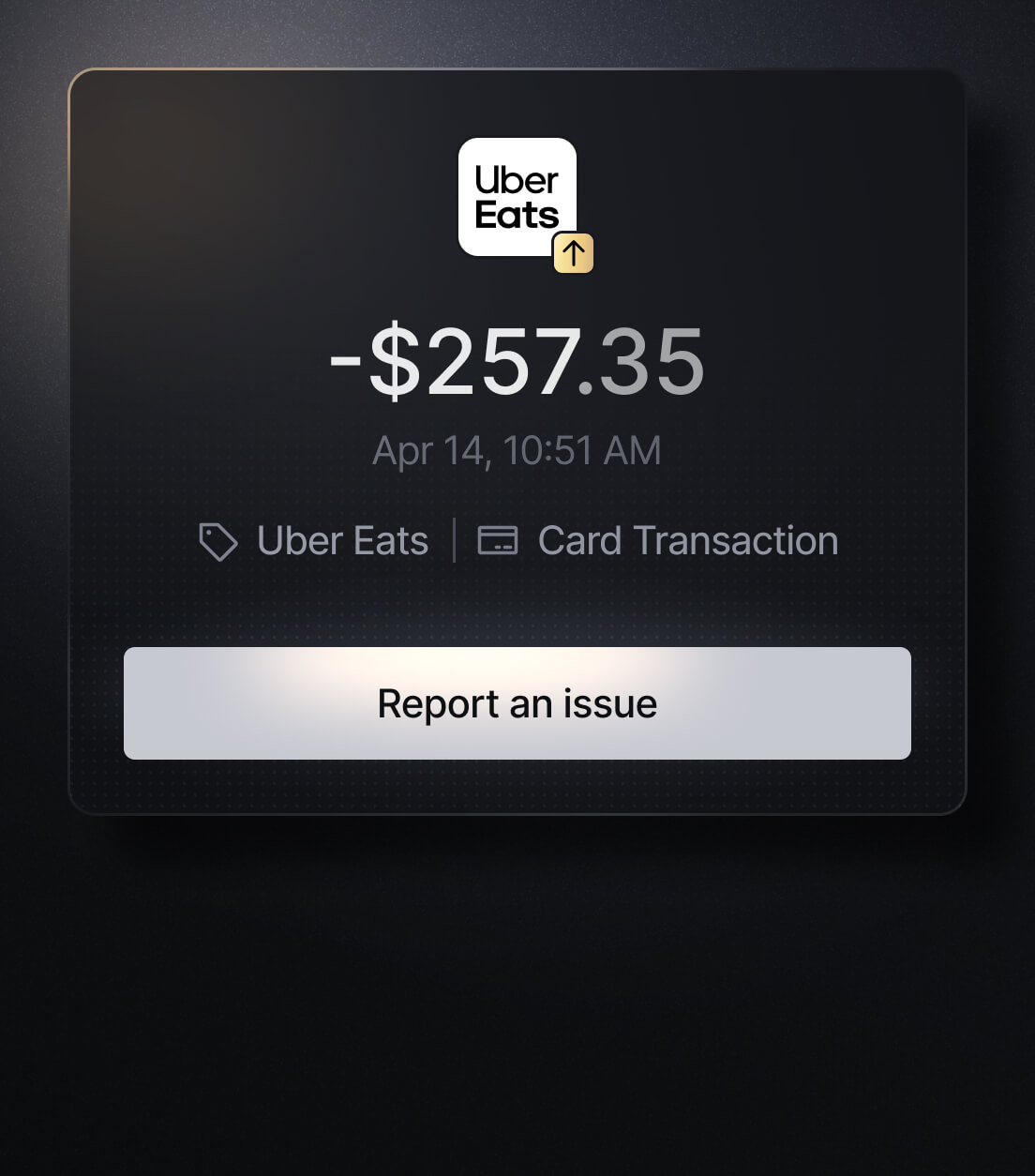
Easily Identify EVERY Charge with Slash
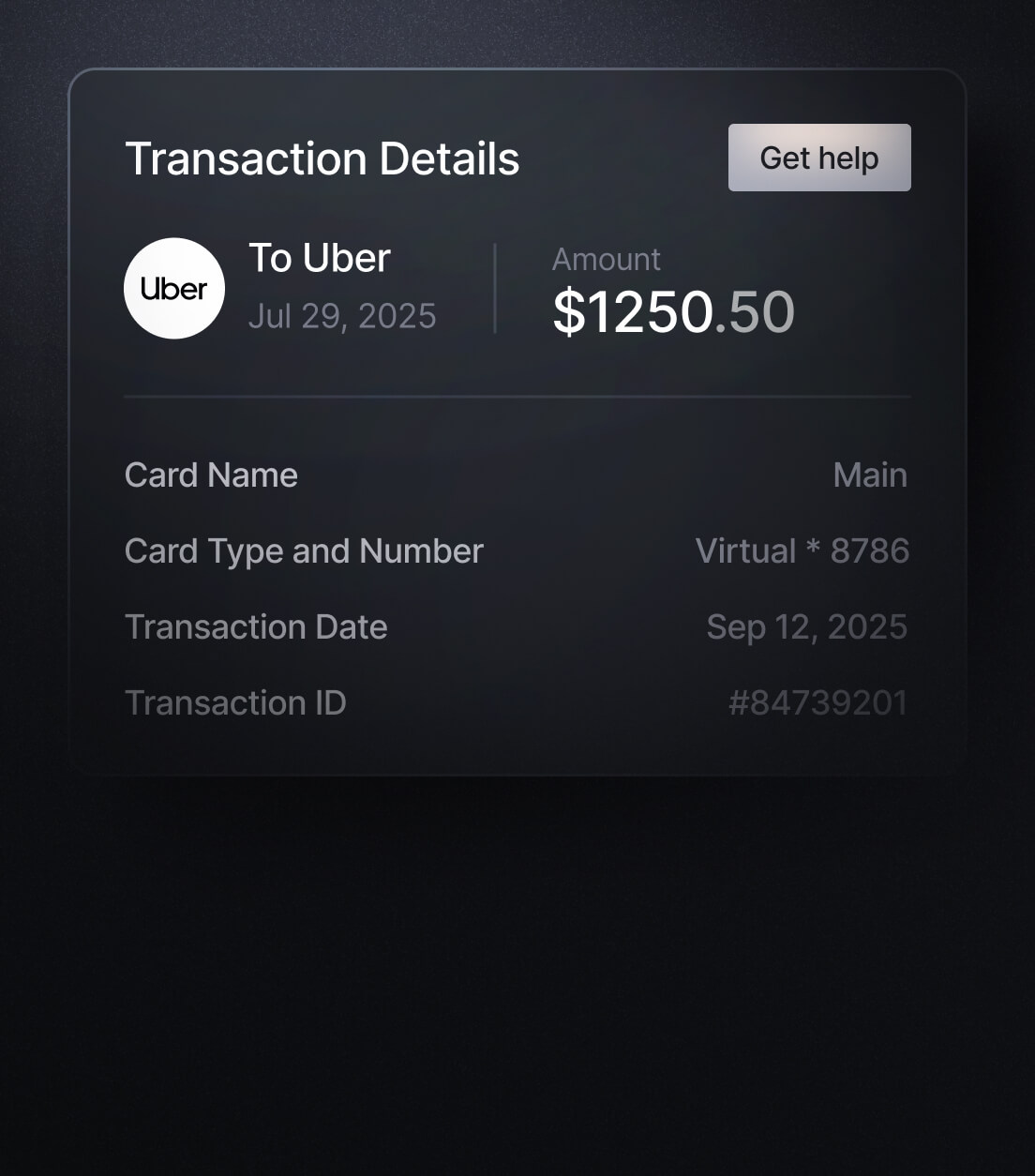
See exactly where, when, and how each charge occurred, complete with merchant names, payment types, and connected team cards with Slash’s detailed card logs and expense tracking tools.
Discover more insights


Apply in less than 10 minutes today
Join the 10,000+ businesses already using Slash.