
Unknown chargesmean unknown risk

Understand your business exposure before it compounds.
Seeing a ADOBE PARK AVENUE charge on your statement?
Common ways ADOBE PARK AVENUE charges might appear on your statement
- ADOBE 345 PARK AVENUE
- ADOBE ACROPRO 345 PARK AVENUE
- ADOBE SYSTEMS INC 345 PARK AVE
- ADOBE SUBSCRIPTION CA
- ADOBE*CREATIVE CLOUD 345 PARK AVE
- ADOBE 408-536-6000 CA
- ADOBE.COM SOFTWARE PURCHASE
What is Adobe Park Avenue?
Adobe Inc. is a multinational software company best known for creative and productivity tools such as Acrobat, Photoshop, Illustrator, and Creative Cloud. The “ADOBE 345 PARK AVENUE” descriptor refers to charges processed through Adobe’s headquarters in San Jose, California. These typically represent subscription renewals or software purchases billed via Adobe’s main payment system. Learn more at adobe.com.
Common causes for Adobe Park Avenue charges
- Monthly or annual subscription renewals for Adobe Creative Cloud or Acrobat Pro.
- Purchases of standalone Adobe software or digital licenses.
- Add-on services such as extra cloud storage or team plan upgrades.
- Automatic renewals or billing updates tied to stored payment methods.
- Refunds or adjustments for canceled Adobe plans or trial conversions.
Decoding Adobe Park Avenue charge tags
- ADOBE / ADOBE SYSTEMS INC identifies the merchant as Adobe Inc.
- 345 PARK AVENUE refers to Adobe’s corporate headquarters address in San Jose, California.
- ACROPRO / CREATIVE CLOUD specify the Adobe product or subscription type billed.
- 408-536-6000 CA is Adobe’s customer support phone number associated with these transactions.
- ADOBE.COM indicates the charge originated from Adobe’s official billing portal.
What to do
if you
don’t recognize this charge
Spot, verify, and resolve suspicious charges in minutes.
Contact your bank.
Call your bank using the number on the back of your card.

Contact the merchant.
Call their customer service to verify the charge and get transaction details.
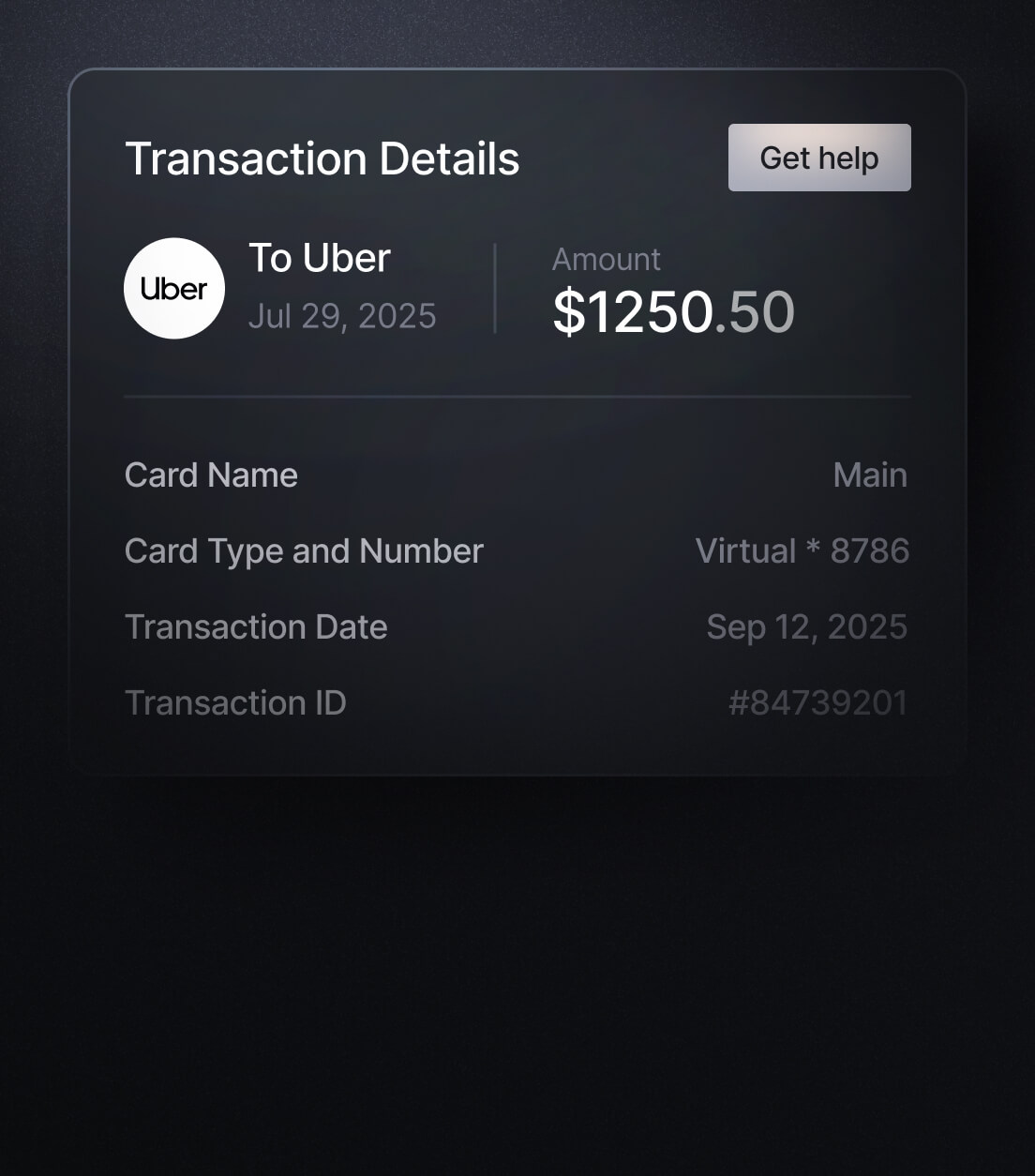
Dispute the charge & monitor account.
If it appears fraudulent, report it to your bank or card issuer.
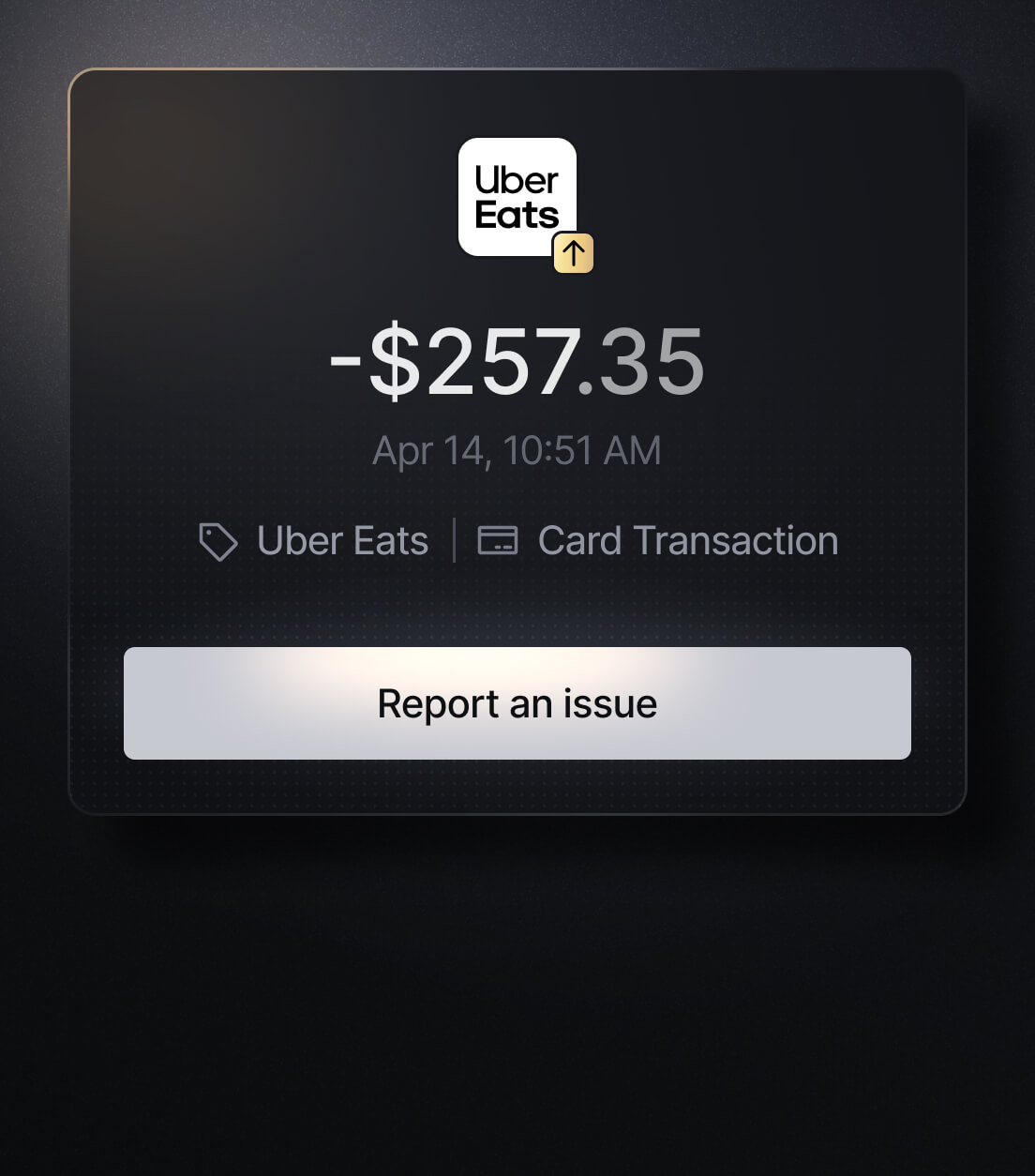
Easily Identify Every Charge with Slash
See exactly where, when, and how each charge occurred, complete with merchant names, payment types, and connected team cards with Slash’s detailed card logs and expense tracking tools.
Discover more insights


Apply in less than 10 minutes today
Join the 10,000+ businesses already using Slash.