

Best Corporate Cards for Meta and Google Ads in 2026-2027
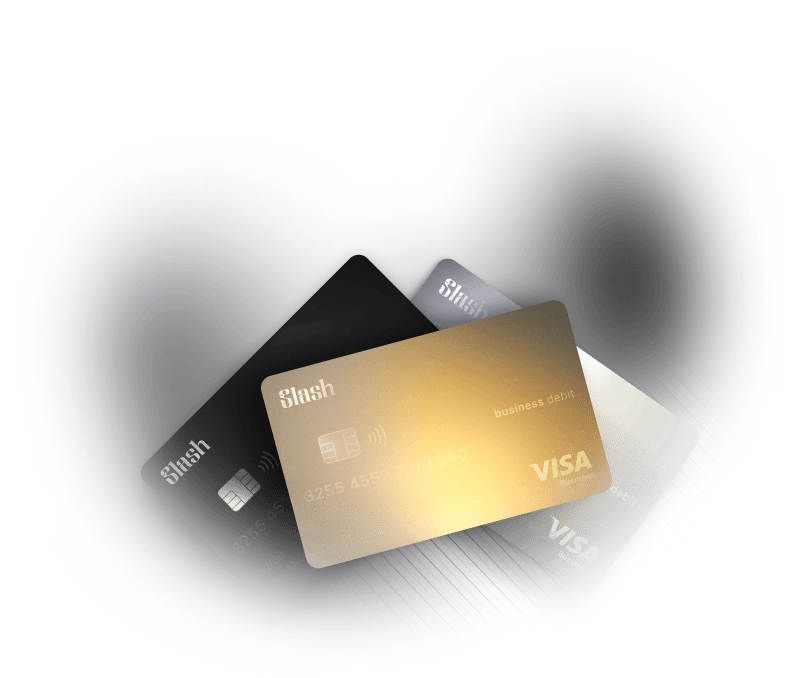
Social media ad revenue reached $117.7 billion in 2025, up 32.6% year over year, while search reached $114.2 billion, according to the IAB and PwC Internet Advertising Revenue Report published in April 2026. Slash issues the Slash Visa® Platinum Card¹ with unlimited virtual cards and up to 2% cashback to more than 10,000 businesses, a large share of them spending on exactly those two platforms.
A declined card on an ad account isn't a billing inconvenience. Meta and Google both pause delivery when a charge fails, and a paused campaign resets the learning phase you spent a week's budget building. Advertisers switch cards to fix declines and often end up with the same problem on a different BIN.
The reason is that most decline guides answer the wrong question. The card issuer matters less than four structural things: whether your account is still allowed to pay by card at all, how the card's limit behaves under threshold billing, whether the card type is one the platform trusts, and how many accounts share a single number. Here's what to check, in order, before you switch anything.
Key Takeaways
- Meta moved its highest-spend ad accounts off credit cards on April 1, 2026, so the first check is whether your account is still card-eligible.
- Google Ads and Meta both charge on a payment threshold that rises automatically, so a card's limit has to clear the next threshold, not the current one.
- Deposit-backed charge cards with real-time limits get declined less than cards whose limit moves with a monthly cycle.
- One virtual card per ad account keeps a single decline from pausing every campaign at once.
- Slash issues unlimited virtual cards with per-card limits on both plans, and pays Meta invoices over ACH or RTP when card billing isn't an option.

Check 1: Is Your Account Still Allowed to Pay by Card?
This is the check that most advertisers skip, and in 2026 it's the one that matters most.
As of April 1, 2026, Meta requires some advertisers to abandon credit card payments and use monthly invoicing or direct bank debit instead. Meta told Payments Dive that smaller advertisers aren't affected and that it will continue accepting cards, but is reducing the number of advertisers allowed to use them. Notified accounts that didn't switch by the deadline had ads paused.
If your account received that notice, no card on this list fixes anything. The question becomes which bank account pays a Net-30 invoice or a direct debit most reliably, which is a different comparison than the one most decline guides run.
Google went a similar direction earlier. Google Ads offers monthly invoicing on a credit line for businesses that meet its requirements, paid by check or bank transfer, alongside automatic card payments for everyone else.
The practical test: open Billing Settings in each ad account before you touch your card setup. If the card option is gone, skip to the bank-rail section below.
Check 2: Does the Card's Limit Clear the Next Threshold, Not the Current One?
Both platforms charge in threshold increments rather than per click. Google's help center describes it plainly: on postpay, you're charged whenever your account reaches a payment threshold or on the first of the month, and that threshold "can increase automatically based on your account's spending and activity." Google also notes you won't be notified when the threshold increases.
Meta's best practices for preventing payment failures make the same point from the other side: some cards have a maximum single-transaction amount, and if yours does, Meta suggests lowering your payment threshold to match it.
The implication for card choice is direct. A card whose per-transaction or daily limit sits just above today's threshold will decline the first time the threshold steps up during a scaling week. The cards that decline least are the ones with headroom you control, not headroom the issuer recalculates monthly.
Check 3: Is It a Card Type the Platform Trusts?
Meta's help center maintains a page on why an online banking account may not be accepted as a payment method, and third-party troubleshooting guides consistently report that some prepaid and unverified virtual cards fail verification on Meta. Google's postpay billing accepts credit and debit cards; prepaid instruments are not among the listed methods.
The card type that clears both platforms with the least friction is a corporate charge or credit card issued by a regulated US bank on the Visa or Mastercard network, tied to a verified business entity. A virtual card issued under that program inherits the issuer's BIN and standing. A prepaid card issued by an app does not.
Check 4: How Many Ad Accounts Share One Card Number?
Meta's payment-failure guidance also states that it limits the number of accounts a payment method can be used on. Running six ad accounts off one card number is a decline waiting to happen, and when it happens, all six pause.
One virtual card per ad account solves this structurally. A decline on the card for Account C affects Account C. The other five keep delivering. That's why unlimited virtual issuance is a decline-prevention feature before it's a convenience feature.
The Cards, Ranked on Those Four Checks
1. Slash Visa® Platinum Card: Unlimited Virtual Cards, Real-Time Limits, and a Bank-Rail Backup
The Slash Visa® Platinum Card is a corporate charge card issued by Column N.A. on the Visa network. Charges settle in full from your Slash cash account each business day, and the card's effective limit is the lower of a risk-based maximum and the funds on deposit, updated in real time.
That structure answers Checks 2, 3, and 4 at once.
- Headroom you control: Because the limit tracks your deposit balance in real time, moving cash into Slash before a scaling week raises the ceiling immediately. There's no monthly recalculation to wait for.
- A trusted card type: A Visa charge card from an FDIC-insured issuing bank, tied to a verified US business entity.
- **Unlimited virtual cards on both plans:** One card per ad account, each with its own monthly limit, per-transaction ceiling, and merchant restriction so a Meta card can't be used anywhere but Meta.
- Card groups: Group every ad-account card under a Marketing budget, and set the group ceiling to your peak-month spend so no single card runs into a wall.
- Up to 2% cashback: Up to 1.5% on the Free plan and up to 2% on Pro, with no bonus categories to track.
- Real-time visibility: Every charge appears in the dashboard as it settles, and Twin, Slash's AI financial assistant, can raise a card's limit, freeze a card, or issue a new one from Slack when someone with permission asks.
Check 1 is where Slash separates from a pure card provider. If Meta has moved your account to direct debit or invoicing, Slash's business banking account handles that side too: direct debit pulls from your Slash checking account, and Bill Pay parses the monthly invoice and pays it over ACH, RTP, or FedNow, with approval routing and the invoice attached to the transaction.
Jay-Jay P., Founder and CEO of Hike Footwear, a Slash customer whose team has managed more than $20 million in ad spend in a 90-day window, described Slash as "an essential part of how we manage ad spend."
Pricing is $0 a month on the Free plan and $25 a month on Pro, which also takes same-day ACH, domestic wires, and FedNow or RTP payments to $0.
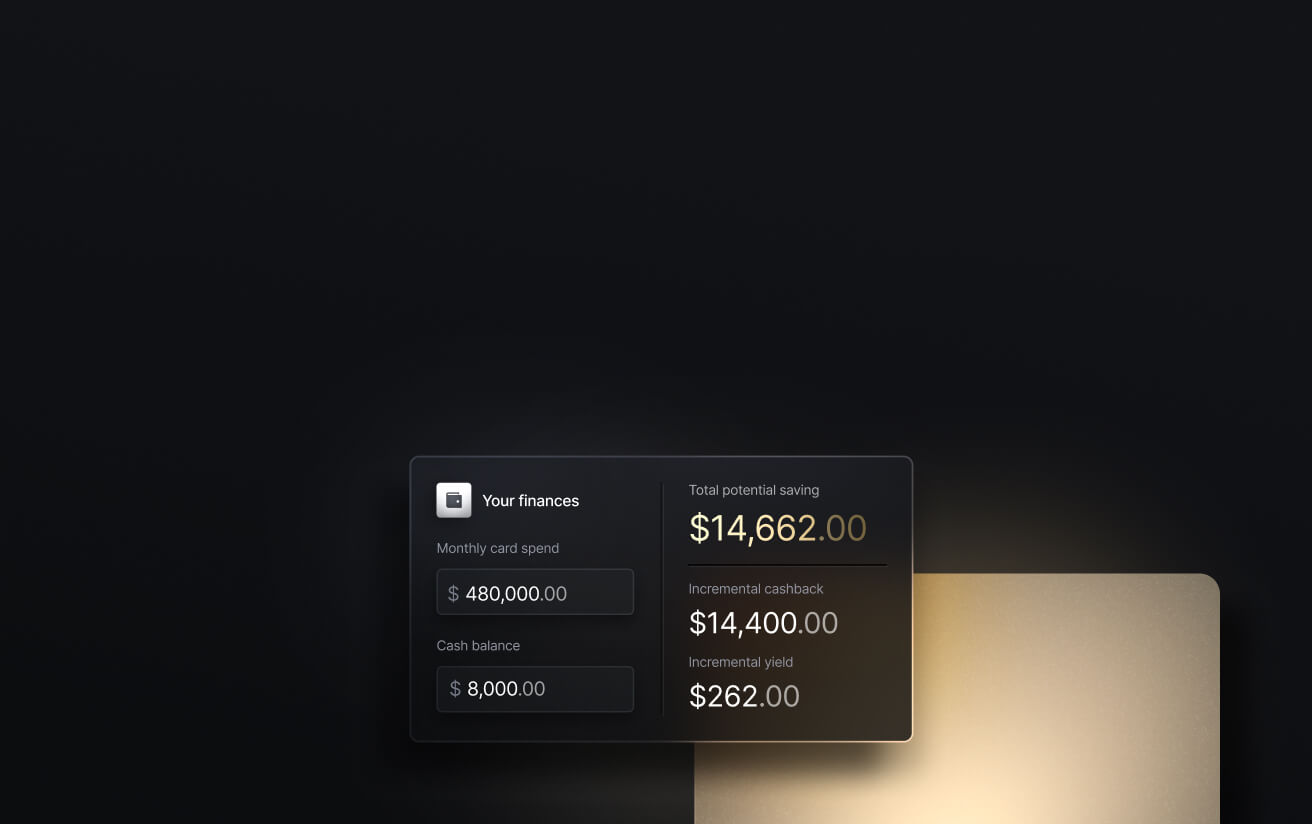
See the ROI behind your spend
Use this calculator to understand impact, then manage and track it all in Slash.

2. Dash.fi: A Fit for Brands Whose Meta Accounts Are Still Card-Eligible
Dash.fi is a corporate charge card built specifically for advertisers, advertising 3% cashback on Meta, Google, and shipping spend, unlimited virtual cards, no personal guarantee, and terms from daily Net-1 up to Net-30. Limits are described as performance-based rather than deposit-linked.
The structural point is the one Dash.fi itself raised in a June 2026 post on Meta's billing change: for advertisers moved to invoicing or direct debit, card rewards on Meta spend are eliminated and the card is no longer the payment instrument.
For Meta accounts below the mandate line, and for Google, TikTok, and native networks, the rate is competitive. Confirm which of your accounts are still cardable before modeling on it.
3. Ramp: A Fit for Teams That Want Policy Automation on Card Spend
Ramp issues unlimited physical and virtual Visa cards with no personal guarantee, per NerdWallet's June 2026 review. Preset controls can block out-of-policy spend before it happens, and receipt capture is prompted at swipe.
On Check 2, Ramp's limit is set through underwriting rather than tracked to a deposit balance, so headroom changes require a limit request. On rewards, NerdWallet lists the rate as 1% to 1.5%, set per customer, and Ramp requires at least $25,000 in a US business bank account to qualify.
4. Mercury IO: A Fit for Companies Already Banking on Mercury
Mercury's IO card offers a flat 1.5% cashback, no annual fee, and no personal guarantee, with virtual cards issued instantly. Per Mercury's help center, the IO balance can't exceed cash deposits held with Mercury, with an introductory limit typically up to $5,000 on daily repayment and higher limits plus 30-day terms available above $15,000 in balances.
That deposit-linked model is sound on Check 2 as long as the balance stays put. Advertisers who sweep cash out for inventory the same week a campaign scales should model how the limit moves before relying on it.
Side-by-Side Comparison
Provider figures reflect publicly published information as of September 2026 and are subject to change.
The Pre-Switch Checklist
Run this before moving a single ad account to a new card.
- Open Billing Settings on every ad account: Confirm whether card payment is still offered. If Meta has moved the account to invoicing or direct debit, choose a bank account, not a card.
- Find your current payment threshold on each platform: Google shows it on the Billing summary page; Meta shows it in Payment Settings. Write down the number, then assume it will step up.
- Confirm the new card's per-transaction and daily ceiling: It needs to clear at least the next threshold tier, and ideally your peak daily spend.
- Issue one virtual card per ad account: Set a merchant restriction to the platform and a monthly limit at or above peak spend. Don't reuse one number across accounts.
- Add a backup payment method on each platform: Both Google and Meta recommend it, and it's the difference between a retry and a pause.
- Set a low-balance alert on the funding account: Deposit-backed cards decline when the account runs dry, not when the issuer decides. Watch the balance, not the card.
- Verify the billing address matches the card exactly: Address mismatches trigger declines on both platforms independent of limit or card type.
How Slash Fits Both Sides of the 2026 Change
The Meta change split advertisers into two groups: accounts that still pay by card, and accounts that now pay by bank rail. Most providers serve one group. Slash is built to serve both from one account.
- Card-eligible accounts: One Slash virtual card per ad account, each with its own limit and merchant lock, grouped under a marketing budget with a ceiling you set. Limits track deposits in real time, so funding the account is the same action as raising the limit.
- Invoice or direct-debit accounts: Meta pulls direct debit from your Slash checking account, or Bill Pay parses the monthly invoice and pays it by ACH, RTP, or FedNow on the due date with approval routing attached. Pro users send those payments for $0.
- Both at once: Card spend and invoice payments sit in the same dashboard, sync to the same accounting integration with receipts and invoices attached, and roll up to one number when you ask Twin what you spent on Meta this month.
For teams that were earning card rewards on Meta spend and lost them in April, the direct-debit path doesn't restore cashback. What it restores is the thing that actually costs money when it breaks: uninterrupted delivery.
Conclusion
The cards that get declined least on Meta and Google share three traits: a limit you can raise instantly, a card type the platform trusts, and one card per ad account so a single failure stays contained. In 2026, a fourth trait joined the list: a bank account behind the card that can pay an invoice or a direct debit when the platform stops accepting the card at all.
Check billing eligibility first, threshold headroom second, card type third, and card-per-account fourth. Then switch.
Talk to the Slash team about structuring ad-account cards and invoice payments before your next scaling window.
Apply in less than 10 minutes today
Join the 10,000+ businesses already using Slash.
FAQs
1. Which corporate card gets declined least on Meta ads?
The corporate card that gets declined least on Meta ads is one issued by a regulated US bank with a limit the advertiser controls in real time and one virtual card per ad account. The Slash Visa® Platinum Card meets all three, with limits that track deposits and unlimited virtual cards on both plans. Since April 1, 2026, high-spend Meta accounts are required to use monthly invoicing or direct debit rather than any card.
The Best Credit Cards for Meta Ad Spend in 2026

2. Why does Google Ads keep declining my business card?
Google Ads declines a business card most often because the card's per-transaction or daily limit doesn't clear the payment threshold, which Google raises automatically without notification, or because the billing address on file doesn't match the card. Prepaid cards are not among Google's listed postpay methods, and Google recommends adding a backup payment method to avoid paused ads.
What Is Business Spend Management? Key Components Explained

3. Did Meta stop accepting credit cards for ads in 2026?
Meta stopped accepting credit cards for some higher-spend ad accounts as of April 1, 2026, requiring those accounts to switch to monthly invoicing or direct bank debit. Meta told Payments Dive that smaller advertisers are not affected and that it continues to accept credit cards from a reduced number of advertisers.
The Best Business Credit Cards for Ad Spend in 2026
4. Should each ad account have its own virtual card?
Each ad account should have its own virtual card because Meta limits the number of accounts a single payment method can be used on and because a decline on a shared card pauses every account attached to it. Slash issues unlimited virtual cards with per-card limits and merchant restrictions on both the Free and Pro plans.
The 6 Best Business Bank Accounts for Affiliate Marketers

5. How do I pay Meta by direct debit or invoice from a business bank account?
Meta direct debit pulls the balance from a US business checking account over ACH, and monthly invoicing is paid by bank transfer within the invoice terms. Slash supports direct debit from its checking account and pays Meta invoices through Bill Pay over ACH, RTP, or FedNow with approval routing, at $0 per transfer on the Pro plan.
ACH Routing Numbers Explained: How They Work and Where to Find Yours


