

Business Bank Accounts That Also Accept Card Payments Online in 2026: Invoicing, Fees and Payout Speed Compared
A customer wants to pay your invoice by card, and your bank account has no way to take it. Usually, you’d need a separate payment processor that takes the card payment and pays the net amount out to your bank, so each invoice gets matched to a deposit in another system.
Some business accounts take the card payment themselves. Slash, a business banking platform¹, lets customers pay a Slash invoice by card once your business is approved for Slash Payment Processing, and the money moves into the Slash account you choose. Chase, U.S. Bank and Square build card acceptance into their checking accounts, Relay takes cards on its invoices, and Mercury connects to Stripe for the card payments.
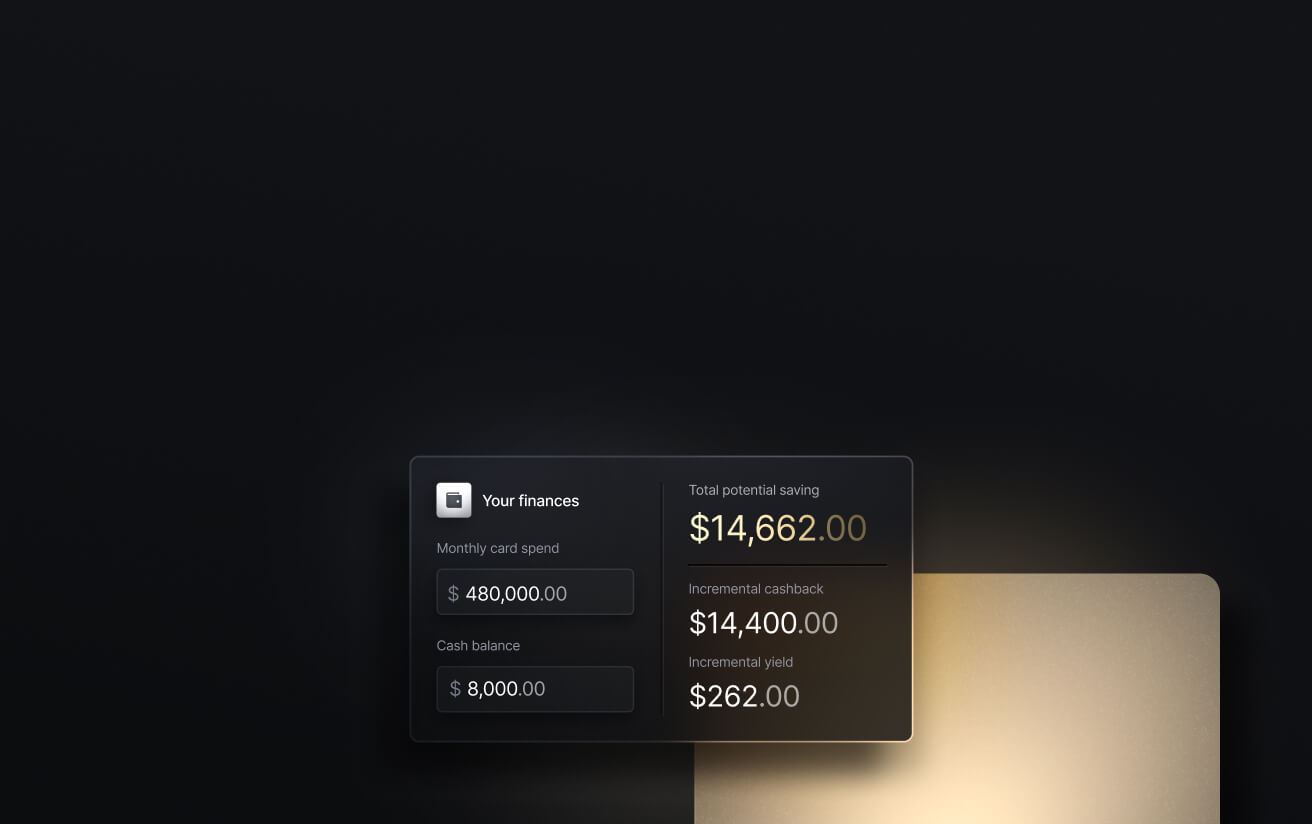
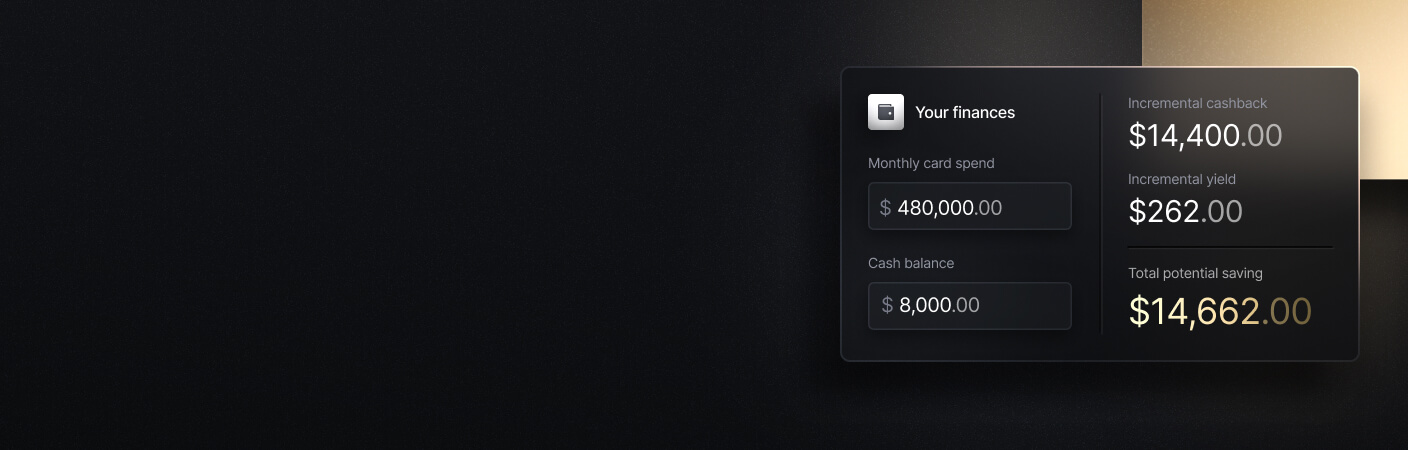
See the ROI behind your spend
Use this calculator to understand impact, then manage and track it all in Slash.
Key Takeaways
- Card payments on Slash invoices cost from 3% plus $0.40, set per account. The same payment page can carry ACH and wire, with Direct ACH debit at 1% of the invoice plus $3 by default.
- Chase charges 3.5% plus 10 cents on card-paid invoices, with same-day deposits for payments processed by 5 p.m. PT.
- U.S. Bank Business Essentials has no monthly maintenance fee and lists 2.90% plus 30 cents on online card payments.
- Square's Free plan charges 3.3% plus 30 cents on online and invoice payments. Money from Square card sales is generally available in Square Checking right after processing.
- Relay charges 2.9% plus $0.30 on card-paid invoices on every plan, the same as Stripe's standard rate on card payments to Mercury invoices.
What Should a Business Bank Account Offer When It Accepts Card Payments Online?
The card rate gets compared first, but it’s only one cost among several. Where exactly the money lands decides how many balances you reconcile, payout timing decides when you can spend it, and the ledger connection decides how much of the matching happens by hand. At Slash and U.S. Bank, card acceptance is also approved separately from the bank account.
- Card payments on the invoice and online: A card option inside the invoice your customer opens, plus a checkout on your own website if you sell there.
- Where the money lands: The operating account itself, or a processor account that pays out to it.
- The card rate: The percentage and per-payment fee on an online or invoice payment, and who charges it.
- Payout timing: How long a card payment takes to become money you can spend.
- Bank payments on the same invoice: ACH, wire and debit options next to card, and what each costs.
- Ledger sync: Which accounting systems connect, and in which direction the data moves.
1. Slash: Card, ACH and Wire Payments on One Invoice, Paid Into Your Slash Account
Slash takes card payments inside the same account you bank with. Once your business is approved for Payment Processing, it can take cards on Slash invoices and through a checkout on your own website.
What Slash Does for a Business Taking Card Payments
- Card payments on the invoice: You select Card Payment under Supported payment methods, and Slash shows the processing fee and payment limits before the invoice goes out.
- A checkout on your own site: Slash Payment Processing takes card payments through a checkout built with the Slash Payment Elements SDK and API, in both USD and EUR.
- Payouts into the account you choose: Card payments are paid into a Slash account, and you can specify which Slash account receives each invoice payment.
- Bank payments on the same invoice: ACH and wire appear next to card on the payment page, and Direct ACH debit pulls payment from a customer's business bank account for 1% of the invoice plus $3 by default.
- Two-way ledger sync: Slash syncs two ways with QuickBooks Online, Xero, Sage Intacct and NetSuite, importing your chart of accounts and pushing categorized transactions back.
Codes Health, a medical record retrieval company, invoices more than 100 law firm clients through Slash. "Every single one of our customers have specific asks about how they want to see their invoice and how they wanna pay," said Alvaro Rivera, co-founder of Codes Health.
What It Costs
Slash's pricing page lists two plans. Free costs $0 a month, charges $1 per same-day ACH and $6 per domestic wire, and earns a default 1.5% cashback on the Slash Visa® Platinum Card. Pro costs $25 a month, earns up to 2% cashback and brings same-day ACH, domestic wires and outgoing FedNow and RTP to $0.
Card payments on Slash invoices cost from 3% plus $0.40, set per account, and Slash shows the fee in the invoice flow before each invoice goes out.
The standard in finance
Slash goes above with better controls, better rewards, and better support for your business.
2. Chase QuickAccept: Same-Day Deposits for Card Payments Processed by 5 p.m. PT
Chase builds card acceptance into Chase Business Complete Banking through QuickAccept, and card payments deposit straight into the Chase checking account. Customers can pay an invoice by card, which Chase's invoicing page prices at 3.5% plus 10 cents. Chase's QuickAccept page lists 2.6% plus 10 cents for a card tapped, dipped or swiped in person, and says payments processed by 5 p.m. PT qualify for same-day deposits at no extra cost, though risk assessment and fraud monitoring can delay them.
The account itself costs $15 a month unless one of five waivers applies, and one of those waivers is $2,000 in QuickAccept or other Chase Payment Solutions deposits. Chase's invoicing FAQ says recurring invoices are unavailable through the account. Card payments are tracked and reconciled automatically, while Zelle and check payments need a manual update. Chase shares card payment data with QuickBooks Online at the end of each day, and payments on your own website run through a payment gateway such as Authorize.net.
3. U.S. Bank Business Essentials: $0 Monthly Maintenance Fee, 2.90% Plus 30¢ Online
U.S. Bank sells Business Essentials as one product: a business checking account paired with card acceptance through U.S. Bank Payment Solutions. There’s no monthly maintenance fee and no minimum balance, digital transactions are unlimited, and 25 teller or paper transactions each statement cycle are free before each extra one costs $0.50. Card payments process every day, including weekends, and U.S. Bank advertises free same-day access to the funds, often within hours.
U.S. Bank's pricing sheet, effective August 10, 2026, lists 2.90% plus 30 cents for online payments, 3.50% plus 15 cents for keyed entries and 2.60% plus 10 cents for tap or insert, with a $35 fee for each chargeback, and passes card brand assessments through at cost. The first mobile card reader is free and the mobile app sends digital invoices. Card acceptance is approved separately from checking, and processing switches on once the opening deposit reaches the account within 30 days of checking approval.
4. Square Checking: Card Sales Generally Available Right After Processing, 3.3% Plus 30¢ on Square Free
Square Checking is a free account that a business opens after signing up to sell with Square, and it receives the money from Square card sales. Square's checking page says funds from Square payment processing are generally available in the account balance immediately after a payment is processed, with no monthly fee and no minimum balance. Square is a financial services platform, and Sutton Bank provides the account.
Rates depend on the Square plan. On Square Free, Square's fee guide lists 3.3% plus 30 cents for online and invoice payments, 2.9% plus 30 cents for payments taken through its online API, and 3.5% plus 15 cents for manually entered cards. ACH payments on Square invoices cost 1% with a $1 minimum, and they’re free when they deposit into Square Checking. The Square App Marketplace lists QuickBooks Online and Xero apps for the books, and each account comes with up to five debit cards.
5. Mercury: Card Payments Through a Connected Stripe Account at Stripe's Standard 2.9% Plus $0.30
Mercury sends unlimited invoices on its $0 plan, and its pricing page says customers pay by ACH, wire or check at no cost. To take cards, you connect a Stripe account from Mercury's integration settings and turn on Accept credit cards for each invoice or payment link. Mercury's help article on card payments explains that the payment goes to the Stripe account first, Stripe charges its standard 2.9% plus $0.30 for domestic cards, and the net amount moves to Mercury each day, on a schedule you can change in Stripe.
Recurring invoices and ACH debit at $1 per transaction come with Mercury Plus, at $29.90 a month billed annually, and Mercury's accounting connections cover QuickBooks Online, Xero and NetSuite. Mercury charges no card processing fee of its own, and refunds and disputes on card payments are managed in Stripe.
6. Relay: Card-Paid Invoices Typically Settle in 2 to 3 Business Days
Relay invoices accept card, Online Bank Transfer, ACH and incoming wire, and Relay deducts its fee before depositing the net amount into the Relay account. Relay's invoice fee table, updated August 11, 2026, lists 2.9% plus $0.30 per card payment on all three plans. Card payments typically settle in 2 to 3 business days, ACH in 1 to 2, and wires the same or next business day.
Starter costs $0, Grow $30 a month and Scale $90 a month against a $120 list price, per Relay's pricing page. On Grow and Scale you can add a surcharge of up to 2.9% so the payer covers the card fee, with some restrictions. Online Bank Transfer costs 1% on Starter, 0.75% on Grow and 0.5% on Scale, ACH carries no per-transaction fee and each incoming wire costs $5. The pricing page names QuickBooks and Xero as Relay's accounting integrations.
Side-by-Side Comparison
Provider figures reflect publicly published information as of October 2026 and are subject to change.
How to Choose a Business Bank Account That Accepts Card Payments
- Work out the card cost on a typical invoice: On a $5,000 invoice paid by card, 2.9% plus $0.30 comes to $145.30 at Relay, through Stripe at Mercury and on an online payment at U.S. Bank before its card brand assessments. Square Free's 3.3% plus 30 cents is $165.30, and Chase's 3.5% plus 10 cents is $175.10. On a Slash invoice, 3% plus $0.40 comes to $150.40.
- Read the payout terms next to the rate: Chase deposits the same day for payments processed by 5 p.m. PT, and Relay typically settles cards in 2 to 3 business days. Ask the Slash team how long card payments take to reach your Slash account before you plan a bill run against them.
- Choose which account receives each payment: Slash lets you set the receiving Slash account on each invoice, so invoice revenue can go into a virtual account with its own account and routing numbers.
- Check the ledger before the rate: A two-way sync pulls your chart of accounts into the bank and pushes coded transactions back to the books. Slash does this with QuickBooks Online, Xero, Sage Intacct and NetSuite. Mercury connects to QuickBooks Online, Xero and NetSuite, Relay to QuickBooks and Xero, and Chase shares card payment data with QuickBooks Online once a day.
- Plan for two approvals: The bank account and card processing are reviewed separately at both Slash and U.S. Bank, and Slash's Payment Processing rules for prohibited and restricted businesses are worth reading before the control person applies.
Conclusion
Slash puts card, ACH and wire payments on one invoice, takes cards through a checkout on your own website and moves the money into the Slash account you choose. Transactions then sync two ways with QuickBooks Online, Xero, Sage Intacct and NetSuite.
Chase offers no recurring invoices through the account, and Square Checking opens only after you sign up to sell with Square. Mercury's accounting connections stop at QuickBooks Online, Xero and NetSuite, and Relay's stop at QuickBooks and Xero.
Talk to the Slash team about the card processing rate for your invoices and website checkout.
Apply in less than 10 minutes today
Join the 10,000+ businesses already using Slash.
FAQs
1. Can customers pay a Slash invoice by card?
Yes, once your business is approved for Slash Payment Processing. You select Card Payment under Supported payment methods when you create or edit the invoice, and your customer enters their card and billing details on the invoice page and selects Pay.
2. How much does Slash charge to process a card payment?
Card payments on a Slash invoice cost from 3% plus $0.40, set per account. Slash shows the fee and payment limits in the invoice flow before you send each invoice.
3. How do I apply for Slash Payment Processing?
The control person for your legal entity applies from Payment Processing under Revenue in the Slash dashboard. The application asks for business, website and identity information, and proof of fulfillment or past processing statements can improve the chance of approval. Slash emails you once the application is approved, and you can then turn on card payments for your invoices.
Now Live: Slash Payment Processing

4. Can I take card payments on my own website with Slash?
Yes. Slash Payment Processing supports a website checkout built with the Slash Payment Elements SDK and Payment Processing API, in USD and EUR. Payments, payouts, balances and disputes appear in the Slash dashboard, where you can issue full or partial refunds.
5. What does Chase charge to accept a card payment on an invoice?
Chase charges 3.5% plus 10 cents when a customer pays an invoice by card, and invoicing is available only on Chase Business Complete Banking. Zelle and check payments carry no processing fee, and card payments processed by 5 p.m. PT can deposit the same day.
Best Chase Business Banking Alternatives for Startups (2026)


