

How to Build a Payment Gateway: Custom Setups Explained
It can be tough to launch a small business smoothly without arranging a tech stack first. Most founders spend a good amount of time shopping for a banking platform, accounting app, payment processor, and other pieces of software. That said, you don’t have to rely on third parties for all your financial services. You can build a payment gateway all by yourself.
Constructing your own gateway can give you more control over checkout, reporting, and the countries and currencies you plan on dealing with. It’s also a deeply complex process that may take more time and money than a typical small business owner has to spare.
In this guide, we’ll explain the way gateways work, the five steps involved in creating one yourself, and the pros and cons of a custom build. If you’re interested in creating your own payment gateway, but you don’t know where to begin, start with Slash. Slash is a business banking platform that allows users to build a custom merchant checkout with a software development kit (SDK), then view all incoming payments on a real-time dashboard.¹
Key Takeaways
- Building a gateway doesn't mean building a processor, since most custom gateways still connect to third-party processors, acquiring banks, wallets, and fraud services.
- PCI DSS scope is a key part of the process, since the more card data your own systems handle, the tougher it can be to stay compliant.
- You can save some money on fees with a custom build, but only in relation to the gateway markup. Interchange and processor fees stay on your bill.
- As you test your new gateway, run through some “rare” scenarios like insufficient funds and incorrect CVVs.
- A custom build can take 6 to 18 months, and the work doesn't end at launch, since you’ll be maintaining some systems long after your project is finished.
How Does a Payment Gateway Work?
A payment gateway is the connection between the customer-facing checkout and the systems that authorize a payment. It can power an online form, in-app checkout, or physical terminal. In each case, the gateway collects a customer’s payment information, encrypts or tokenizes it, and sends the transaction to a processor.
While payment gateways and payment processors are closely related, they’re two different tools. The gateway securely captures and transmits payment data, then the processor routes requests through the relevant network to the issuing bank and helps move approved funds toward the merchant account during settlement. Lots of providers bundle both functions, but if you’re building your own gateway, you’ll have to address each separately.
A gateway can come in the form of a redirected provider-hosted page, a hybrid checkout with hosted payment fields, or a fully on-site system. Regardless of the exact type of gateway you’re using, you have to be mindful of how secure your setup is. The more card data your business handles directly, the tougher it can be to remain compliant with regulations like PCI DSS (Payment Card Industry Data Security Standard).
It’s also important to note that building a gateway doesn’t necessarily mean building your own processor at the same time. Most custom gateways still connect to other processors, acquiring banks, wallets, fraud services, and alternative-payment providers. Your business can own the checkout and routing logic while third-party institutions authorize and settle transactions.
Building Your Own Payment Gateway: Pros and Cons
At this point, you might be wondering why you should construct a custom payment gateway in the first place. Is it worth the extra time and effort? For the right business, it certainly can be. Some of the advantages to a custom build include:
- Customizability and control: Your business controls the design of the checkout, reporting, retry/processor failover logic, and integrations with internal systems. If you choose a third-party gateway, those decisions are largely made for you.
- International reach: With your own gateway, you have the power to connect different acquirers, currencies, and local methods by the markets you work with. That said, some of your reach will still depend on processor relationships and local rules.
- Reduced gateway markup: Third party providers almost always charge gateway fees that you won’t have to pay with an internal system. You won’t be able to eliminate interchange and processing fees, but a lack of gateway fees can save you a fair amount of money over time.
Before starting the project, however, you should also be aware of some of the challenges and downsides that come with building your own payment gateway. A few of these include:
- Regulatory and security responsibility: PCI DSS applies to entities that store, process, or transmit cardholder data. Other obligations depend on the markets served and whether the product only transmits data or also holds and moves funds. Either way, it can be easier to let a third party handle these matters.
- Technical complexity: Your system must be able to handle duplicate requests, processor timeouts, delayed events, authentication challenges, refunds, disputes, and settlement mismatches without charging customers twice. It’s complicated, and planning each of these details out can be almost as tough as sitting down and programming them.
- Developer and operating costs: You’ll need payments, backend, security, infrastructure, quality-assurance, and compliance expertise, so unless you’re a tech whiz, you may need to hire a team. Factors like processor updates and revised standards may also lead to more maintenance work than you were expecting.
For a lot of companies, a practical middle ground is a branded routing and checkout system built on third-party tokenization and processor technology. That’s exactly what Slash supports. Since Slash provides the processor and the SDK infrastructure to build your own gateway, you can customize your store’s checkout experience with a smaller technical burden than someone would experience doing it all from scratch.
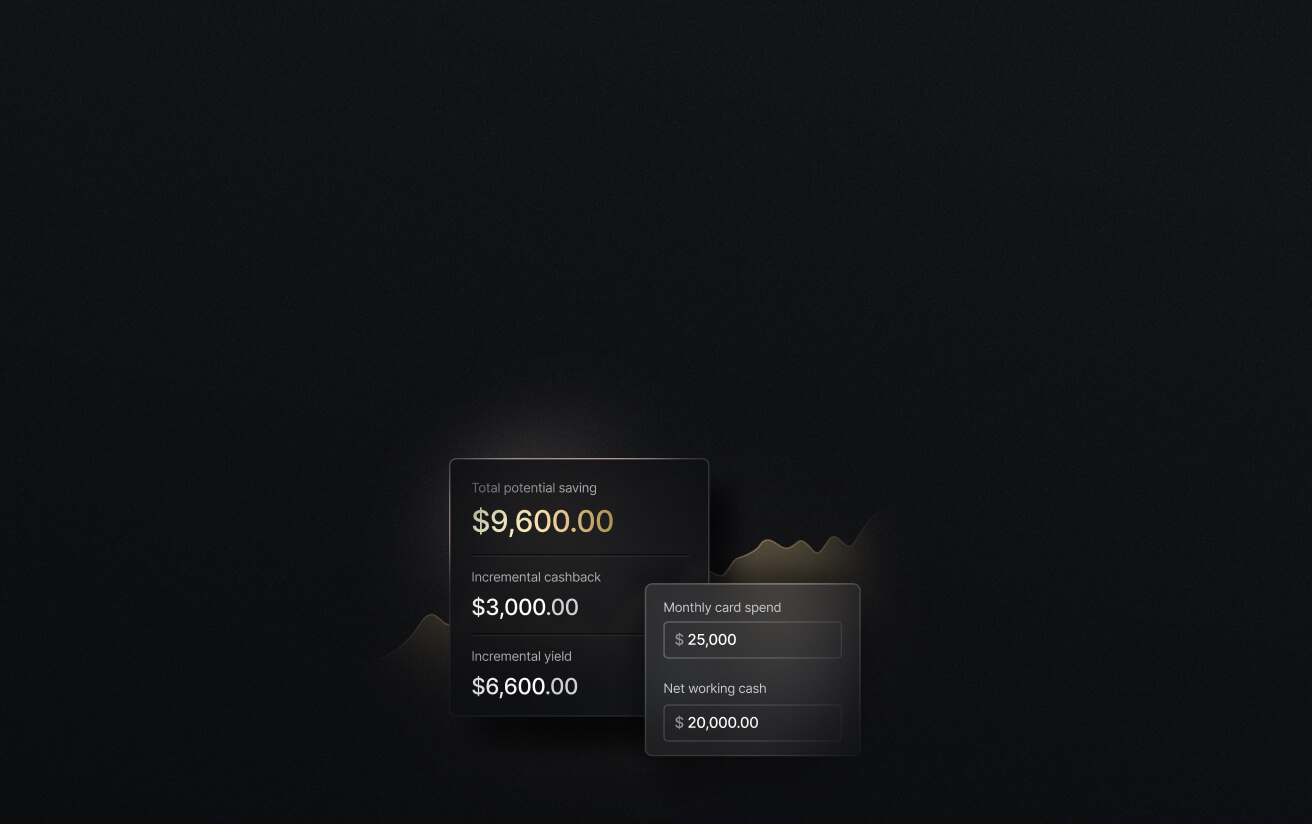
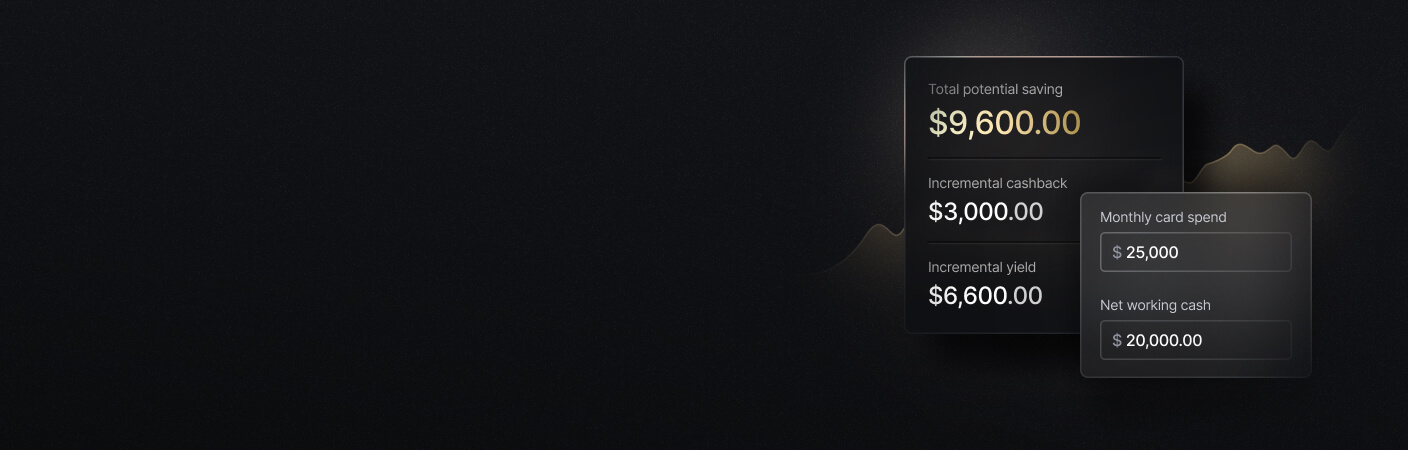
See the ROI behind your spend
Use this calculator to understand impact, then manage and track it all in Slash.
How to Build a Payment Gateway
Constructing your own gateway sounds like a complex process – and that’s because it is. To make it all a little easier to digest, we’ve broken it down into five clear steps.
Step 1: Create a Plan
You’ll want to begin with the payment problem, not the codebase. Define who will use the gateway, where customers live, how they pay, what currencies they use, and how much volume you expect to come through the system. A marketplace may need split payments and seller onboarding, while a subscription company needs saved methods, retries, and recurring mandates. An everyday retailer may just want one setup that works both online and in stores.
List the cards, wallets, bank methods, refunds, authentication flows, and markets you’ll want to support, then identify processors and acquirers that provide that coverage. For the sake of security, you’ll also decide whether raw card data ever touches your servers and whether a provider will tokenize it. These choices affect PCI scope and the risks you’ll be taking on.
All in all, your plan should include a requirements document, data-flow diagram, processor shortlist, compliance checklist, budget, and release schedule. You should also have a good idea of the acquiring partners you’ll be working with and any tech/compliance experts you want to bring aboard.
Step 2: Select the Right Technology Stack
If you’re not a developer or programmer, this next part might sound foreign to you, but it won’t to the experts you hire. A tech stack might use React or another modern framework for checkout, Java, Kotlin, Go, or Python for backend services, PostgreSQL for durable records, and Redis for short-lived state. Since they’re commonplace online, Java and Python are solid payment API choices. Slash’s SDK is based around React.
At the same time, you have to make sure the card data that travels through these systems is safe. Use TLS (Transport Layer Security) for customer and service connections, store sensitive data in a managed vault, protect cryptographic keys through controlled key-management infrastructure, and isolate the cardholder-data environment. If you directly handle untokenized card numbers, you’re opening a PCI DSS can of worms.
The best way to keep this data safe is through tokenization, which replaces reusable card numbers with code-based values that are useless to bad actors. You may also want to add authentication and fraud controls such as EMV 3-D Secure and address/CVC checks.
Step 3: Design the Architecture
As you start designing, it can be easier to separate the system into components rather than one large payment service. The customer-facing layer creates payment sessions and handles checkout, while a tokenization service or hosted field isolates card data. Then, the orchestration step applies routing rules and sends requests through processor-specific connectors.
Your system’s architecture should include risk checks, authentication, webhook handling, an immutable event history or ledger, support for refunds and disputes, and a dashboard that monitors it all. Additionally, it’s best to give every transaction one internal identifier that links the checkout request to the processor’s response and settlement.
Processor connectors should map different statuses and error codes into one internal model while preserving raw responses for investigation. Retries must be “idempotent”, which means they only produce a charge on the first attempt and not subsequent attempts. Finally, you’ll want to include webhook notifications, which can alert you about events like transaction failures and account updates.
Step 4: Develop and Test Your Payment Gateway
Test your gateway with a basic transaction: create a session, collect a tokenized method, request authorization, show a safe customer response, process the webhook, and reconcile the transaction. It sounds complex, but that’s as simple as it’s going to get. Once you feel that your basic flow is reliable, add saved methods, refunds, recurring payments, authentication tools, and secondary processors.
As far as the customer experience is concerned, you’ll want your checkout to be fast, accessible, mobile-friendly, and clear about errors. While you run tests, keep an eye on the backend and the frontend at the same time.
Before going live, you also need to make sure your gateway can handle edge cases. Scenarios like insufficient funds, incorrect CVCs, delayed webhooks, expired cards, and settlement discrepancies can throw a wrench in the system if you haven’t prepared ahead of time for them. Along the way, confirm that your logs never contain sensitive data like full account numbers or keys.
Step 5: Launch and Monitor
It’s better to launch gradually rather than directing all your customer’s traffic to the new gateway at once. Here’s a quick rundown of the steps involved in launching:
- Release first to employees, test merchants, or a small customer group.
- Use feature flags for processors, payment methods, and currencies.
- Keep a fallback processor or previous gateway available.
- Compare authorization rates and settlement reports with the old system.
- Make sure engineering, risk, and finance support is on call during the launch, whether that’s you yourself or another team.
- Document rollback and incident-response procedures before live traffic begins.
After launch, keep tracking things like approval rates, error codes, chargebacks, and processor availability. Alerts should catch both major outages and minor revenue problems, such as one card brand or region declining more often than others.
There’s a lot of ongoing work as well. Outside of generally tweaking your rules and processes, you’ll have to manage things like API-version upgrades, PCI reviews, and disaster-recovery exercises. Building a gateway is a commitment that can last long past the initial construction project.
Build a Custom Payment Gateway With Slash
The five steps we outlined above can take anywhere from 6-18 months. If you’re operating a high-volume platform with unusual routing or product requirements, the control of a custom payment gateway can justify the time and cost. If you’re not, you may instead want to choose the kind of custom checkout experience that a provider like Slash offers.
Slash is a financial platform that not only offers business banking features, but a payment processor and SDK for a custom gateway as well. This means businesses can accept card payments directly within their own website and then track that data alongside their other payment and card information on the Slash dashboard.
Payment Elements, delivered through Slash’s React SDK, provides the secure, prebuilt payment components needed to add card and supported wallet entry to an existing checkout. You control the checkout design, the information you intake, and the steps customers take before and after their purchase. Slash securely handles card entry and additional verification, including 3-D Secure when required.
Outside of payment processing, here’s what you get with Slash:
- The Slash Visa® Platinum Card: The Slash Card is a corporate charge card that allows you to set customizable spending controls and issue unlimited virtual cards for handling team expenses, vendor payments, subscriptions, and more. Users can also earn up to 2% cash back on eligible business purchases.
- Working capital financing: Access short-term financing with flexible 30-, 60-, or 90-day repayment terms to help bridge cash flow gaps.⁵
- High-yield treasury: Earn up to 4.02% annualized yield on idle funds with money market investments from BlackRock and Morgan Stanley, managed directly within your Slash account.⁶
- Accounting & ERP integrations: Sync transaction data with QuickBooks Online, Xero, NetSuite, or Sage Intacct to streamline reconciliation, reporting, and month-end close.
- Native cryptocurrency support: Send and receive USD-pegged stablecoins USDC and USDT across 15 supported blockchains for faster, lower-cost global payments.⁴
Apply in less than 10 minutes today
Join the 10,000+ businesses already using Slash.
Frequently Asked Questions
How long does it take to build a payment gateway?
Expect to spend somewhere between 6 and 18 months building your gateway. A single-processor, single-currency gateway using hosted fields may not take too long, while multi-acquirer routing with local methods and direct card handling can easily take more than a year.
What Is a Multi-Currency Payment Gateway? Benefits and Challenges

What is PCI DSS?
Payment Card Industry Data Security Standard, or PCI DSS, is a global set of security rules designed to ensure that all businesses securely accept, process, store, and transmit credit and debit card information. In other words, it exists to make sure your processor and gateway aren’t putting your customers’ card numbers at risk.
KYC Compliance for Businesses: Requirements Explained

Does owning the gateway make it easier to switch processors?
Yes, since, when routing and failover logic live in your system, adding or replacing a processor becomes a connector change rather than a rebuild of your checkout. The catch is that stored card tokens are usually specific to the processor that issued them, so moving saved payment methods still requires a coordinated migration with both providers.


