

How to Get a Crypto Wallet: A Step-by-Step Guide for Businesses
When you receive money, it's probably headed either to your checking or savings account or to the wallet in your pocket. When you receive cryptocurrency, though, where does it go? There's no account number to write down, and no local branch ready to hold it for you. To hold digital assets safely, you'll need a crypto wallet.
A crypto wallet is the closest thing crypto has to a bank account, but the comparison only goes so far. A wallet doesn't deal in dollars, only in digital tokens, and there's no institution standing behind it: nobody approves you, and nobody holds your assets on your behalf. For most people that's the appeal. You can hold, send, and receive crypto anywhere in the world without asking permission, and your assets answer to you alone. The tradeoff is that the security work comes with it, which is exactly what the steps below are for.
For a business, it's worth asking whether you need to hold crypto yourself at all. If the goal is paying contractors or suppliers rather than holding digital assets, Slash is a financial platform that lets you send and receive stablecoins from the same dashboard where you manage the rest of your money.¹,⁴ Built-in on and off ramps convert your dollars into USDC or USDT you can use for payments, so there's no separate wallet to fund, secure, or reconcile. If you do want your own wallet, here's how to set one up.


Key Takeaways
- A crypto wallet doesn't technically hold your coins. The coins live on the blockchain and the wallet holds the keys that prove they're yours.
- Your public key is safe to share like an account number, while your private key needs to be protected, as it unlocks access to the whole wallet.
- Custodial wallets let you reset a forgotten password and request customer support, which usually isn’t possible among non-custodial wallets.
- It’s smart to send a small test transfer before a large one, because money sent on the wrong blockchain network usually cannot be recovered.
What is a Crypto Wallet?
Crypto wallets are the tools that let you hold, send, and receive cryptocurrency. Virtually all crypto in existence today ($2.27 trillion worth) is held securely in wallets around the world. You may hold digital tokens like Bitcoin in a wallet for the purposes of trading, or you can hold stablecoins for business-related payments. Since stablecoins are pegged 1:1 to a currency like the US dollar, they’re a lot more practical for transactions that would otherwise be executed through a traditional bank.
The name “crypto wallet” is actually a little misleading, because it doesn't store your coins in the same way a leather one stores twenty dollar bills. Your coins live on the blockchain, which acts as a public record of who owns what. The wallet stores the keys that prove those coins are yours.
You get two keys with each crypto wallet. The first is your public key, which works somewhat like a bank account number. It's a long string of characters you can show to anyone who wants to pay you, with no risk of that number being used by someone else to access your tokens. Wallets usually use a shortened version called a wallet address, which is what you’ll copy and paste when someone asks you where they should send your crypto.
Your private key is the opposite. It's the credential that authorizes transactions, meaning anyone who knows it can move your funds. Most wallets never actually show you the raw private key, which is a 256-digit number at its core. Instead, they generate a recovery phrase (sometimes called a seed phrase) which is a list of 12 to 24 ordinary words that encodes the key in a form a user can write down. Here’s an example of what a recovery phrase might look like:
guava imperial fan worth belt derelict mango other capri welcome fortitude happy wisdom kite
It can be just about any combination of the 171,000 words in the English language. When it’s generated, that recovery phrase may as well be your wallet. Anyone with access to it can restore your funds on any device, any time, anywhere.
That’s the scary part of holding your own crypto. If you lose the recovery phrase for a wallet you control yourself, your coins are gone permanently. There's no password reset or fraud department phone number, even if you know how your tokens were stolen and who’s responsible. That’s why secure practices, which we’ll dive into a little later, are so important.
Types of Crypto Wallets
Crypto wallets come in different forms based on where the keys physically live and who controls them. As you decide what type of wallet to open up, keep the following distinctions in mind:
Hardware vs Software Wallets
A software wallet is a mobile or computer-based app that stores your keys. Setup is free, and may only take a few minutes. While this structure is simple, it keeps your keys on a machine that connects to the internet, which means they’re vulnerable to malware and scams. Some popular software options include MetaMask, Phantom, Trust Wallet, and Exodus.
Mobile wallets are pretty convenient for payments, often using QR codes instead of long addresses. If you prefer to work on your computer, you may either download a desktop program or use a browser-based wallet.
On the other side of the spectrum is the hardware wallet, which is a physical device that keeps your private keys offline. It comes with its own built-in screen, meaning you don’t have to link it up to a computer or phone. When you want to send funds, you plug it in, check the transaction details on the screen, and press a physical button to approve. Since the key itself doesn’t enter your computer, it’s a more secure method of transferring crypto than a typical software wallet. Ledger and Trezor are two of the best-known hardware wallet providers.
The downside is largely in their price. Hardware wallets can cost anywhere between $50 and $400, and every transaction takes a little more effort than it would on your browser. If you’re only holding a modest amount of crypto, you may not need one. Once your balance reaches around a few thousand dollars, though, it might be worth the investment to keep those funds safe.
Custodial vs Non-Custodial Wallets
A custodial wallet puts a separate company in charge of holding your private keys. If you've bought crypto on an exchange like Coinbase or Kraken and kept it there, you've used one. These are exclusively online-based; you can’t put another company in charge of your personal hardware wallet.
The main perk of custodial wallets is their security. If you forget your password or get locked out, there's often a support team that can help you get back in. Losing your verification information isn’t the same type of emergency that it is with alternative types of wallets.
If you prefer to be in sole control of your information, you’ll want a non-custodial wallet. No company holds your keys, no identity verification is required, and you don’t have to hope that a third-party organization can stay financially solvent. You can also get access to decentralized finance applications that custodial wallets often can't reach, such as Uniswap (for clean token swapping) and AAVE (a protocol that enables users to borrow tokens). Without the help of a separate company, however, you can’t recover your seed phrase if you lose it or cancel a token transfer if you send them to the wrong place. Any mistake you make or hack you experience is permanent.
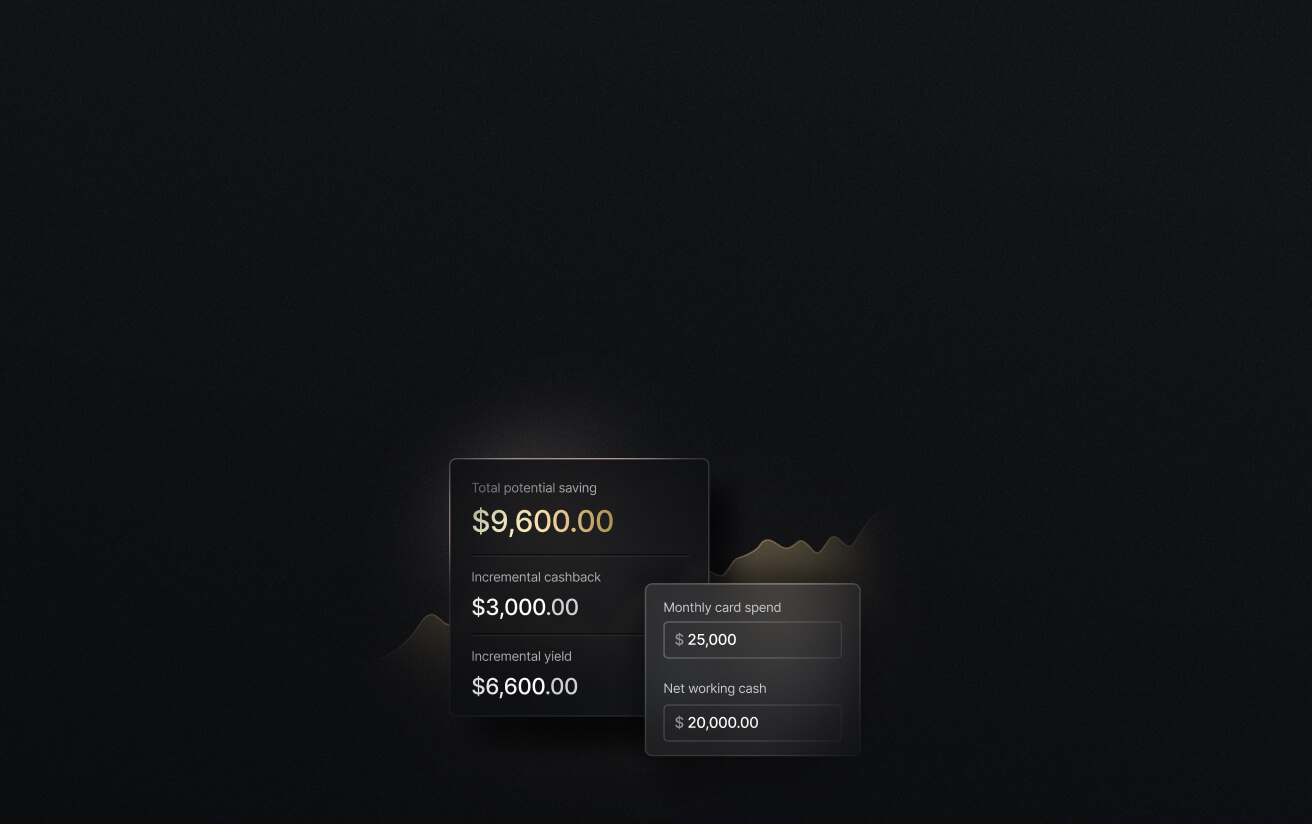
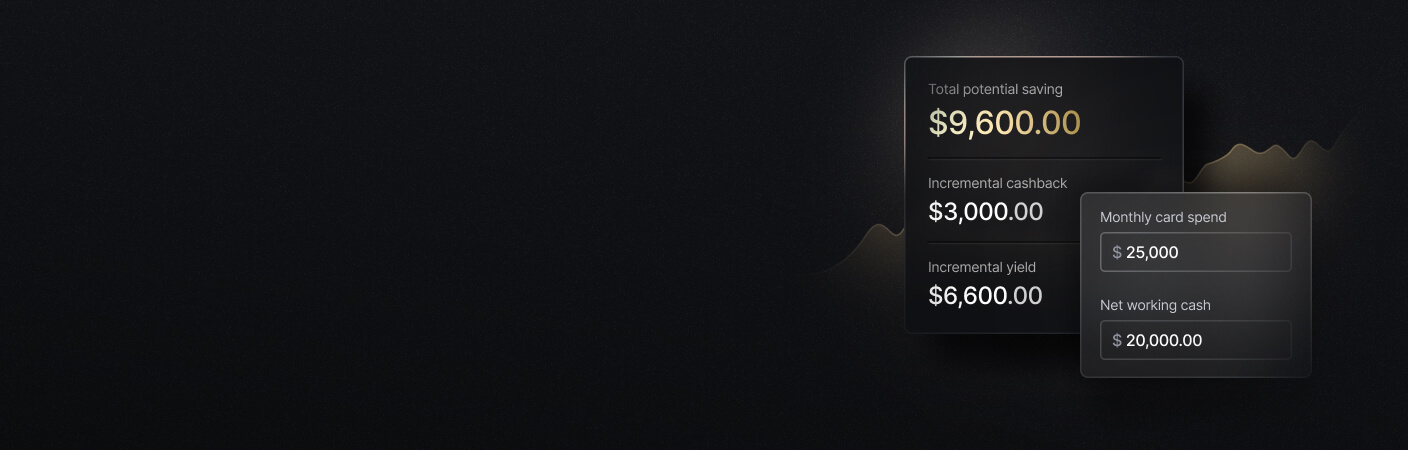
See the ROI behind your spend
Use this calculator to understand impact, then manage and track it all in Slash.
How to Set Up Your Crypto Wallet
The steps below most closely describe setting up a custodial wallet on an exchange, which is where most beginners tend to start. That said, even if you decide to begin with a non-custodial setup, you’ll follow a similar path. Here are the four main steps:
Step 1: Select a crypto platform
Before you dive into a platform or product’s features, it’s best to double-check its context and qualifications. Make sure it’s licensed to operate where you live, look at how long it's been running, and see whether it publishes proof-of-reserves attestations showing it actually holds enough off-chain assets to cover its customer funds.
Once you’re confident in the platform’s structure, you can start getting into the nitty-gritty. You can look into currencies and networks it supports, what it charges to buy and withdraw, and how fast support responds when something goes wrong. If you plan to move money between crypto and your bank account, check which deposit methods are available where you live. If you use Slash, you can natively off-ramp USDC and USDT and send it right into your business checking account.
Step 2: Create an account (securely)
Sign up with an email address and a strong, unique password. If you’re ever going to use one of those password generators that spits out gibberish, now’s the time. Otherwise, your crypto could be stolen overnight if an unrelated website experiences a breach and you use the same passwords across multiple sites.
It’s also wise to turn on two-factor authentication (2FA) immediately, and use an authenticator app rather than text messages. SMS codes can be intercepted through SIM swapping, where an attacker persuades a mobile carrier to move your number to their device. In short, when it comes to account security, you’ll want to overdo it. Since stolen tokens are so hard to recover, you don’t want to leave any room for risk.
Step 3: Verify your identity
Regulated platforms are required to confirm who you are due to KYC (Know Your Customer) regulations. Typically, you’ll upload a government-issued ID and take a selfie for comparison. If your picture quality is sharp and nothing’s fishy, you can be verified in minutes.
This step is the biggest difference between custodial and non-custodial wallets. If you have a non-custodial wallet, you don’t have to prove your identity upon opening an account or setting up your hardware. There’s no company on the other side that needs to know you, so you can get going by yourself.
Step 4: Transfer Your Funds
Finally, it’s time to link a payment method and move your money into the wallet. Along the way, you may pay a couple fees, like gas fees and exchange withdrawal charges. Using on-ramps, Slash users can send stablecoins right from the platform that holds their fiat currency, with 1.5% fees for funding and payout respectively.
Before moving a large balance from your bank account to your crypto wallet, it’s smart to send a small test transaction of $10-$20 first. This can confirm that the address is correct, that you've selected the right blockchain network, and that you've included any memo or destination tag the receiving platform requires. If you send your funds through an unsupported network, you can lose them entirely.
Security Measures To Keep Your Crypto Safe
Lots of crypto losses come from ordinary mistakes rather than malicious attacks. To help keep your funds safe from scammers (and yourself), follow these five habits:
- Use a strong, unique password: If you reuse your crypto wallet password across other websites and services, a breach in one place could trace right back to your tokens. With a password manager, you can randomly generate a unique string of characters and keep it safe.
- Write your recovery phrase somewhere physical: Attackers can and will prowl digital spaces to find your recovery phrase, including your photo gallery and notes app. Anything stored online can be reached by someone else. If you keep your recovery phrase somewhere physical around your house or office, like in a hidden notebook, it’s nearly impossible for someone to steal.
- Enable 2FA with an app rather than SMS: Authenticator apps generate codes on your device instead of sending them over a phone network, which means they can’t be intercepted. While it’s slightly less convenient to open a separate app each time, it’s worth the effort.
- Only download apps from official sources: Phishing is rampant, especially in the world of crypto. Scam sites can imitate legitimate exchanges by changing a single character in the URL. Fake wallet apps often appear in app stores without being immediately removed. There are two tips we can offer: do careful due diligence when selecting a wallet provider, and when you’re confident in their authenticity, make them a bookmark on your computer so you can find the right site again.
- Never enter your recovery phrase into a pop-up: Similarly, you have to be cautious about where you type your recovery phrase. A legitimate wallet likely asks for your phrase exactly twice: when you first write it down and when you restore it on a new device. Any other window that asks for it is probably an attempt to steal your funds, even if it looks official.
How Slash Can Help Users Send and Receive Stablecoins
Getting a crypto wallet can involve researching different types, protecting your recovery phrase, and doing everything in your power to make sure you don’t make a single mistake along the way. If you’re buying crypto as an investment, that's part of the whole deal. If you’re part of a company that just wants to pay a contractor in Germany without waiting three days for a wire to clear, it may be a lot of risk to take on for a payment method.
Business owners that want to use stablecoins without having to become a crypto custodian may want to try Slash. Slash is a business banking platform that allows users to send and receive USDC and USDT without having to open or manage a wallet. You can convert fiat currency into stablecoins, transfer it to another person’s account, and watch it settle in minutes. It works the same way in the other direction: you can receive a stablecoin payment from a business partner and add the funds to your business account without any extra transfer steps. You don’t actually hold the crypto at any point along the way. In layman’s terms, it leaves your account as fiat currency, converts into USDC or USDT for the journey, and can reach the recipient as their own fiat currency.
Transfers can settle in minutes instead of the 1-5 business days a traditional wire takes, and they can also work on weekends and holidays. That means stablecoins turn into another payment rail rather than a separate project. Along with crypto payments, Slash offers its users:
- Business banking: FDIC-insured business checking, protected up to $150M through Column N.A.'s insured cash sweep network.²
- Accounts payable and receivable: Create invoices, track payment status, and collect payments via multiple methods all in your dashboard. For your bills, Slash can parse an uploaded invoice, route each bill for approval, and track its status from pending to paid, so payables don't slip through the cracks.
- Diverse payment rails: Slash supports a wide range of payment methods, including card spend, global ACH, international wire transfers to over 180 countries via SWIFT, and real-time domestic payments through RTP and FedNow.
- The Slash Visa® Platinum Card: The Slash Card is a corporate charge card that allows you to set customizable spending controls and issue unlimited virtual cards for handling team expenses, vendor payments, subscriptions, and more. Users can also earn up to 2% cash back on business purchases.
- High-yield treasury: Earn up to 3.83% annualized yield on idle funds with money market investments from BlackRock and Morgan Stanley, managed directly within your Slash account.⁶
Keep crypto simple. Reach out to Slash today if you’re interested in sending and receiving business payments in USDC and USDT.
Apply in less than 10 minutes today
Join the 10,000+ businesses already using Slash.
Frequently Asked Questions
Do I need a crypto wallet to buy cryptocurrency?
Well, you need somewhere for the crypto to go, but it doesn't have to be a wallet you set up yourself. Buying through an exchange automatically places your coins in a hosted wallet on that platform, which is enough for most people starting out. Setting up a separate self-custody wallet becomes worthwhile once you're holding a lot of money or want to use applications the exchange doesn't support.
Fiat vs Crypto: What’s the Difference and Why it Matters

How much does a crypto wallet cost?
Software wallets are almost always free to create, whether hosted on an exchange or downloaded as an app. Hardware wallets typically cost between $50 and $400, depending on the model.
Can a business use stablecoins without managing a crypto wallet?
Yes. Business banking platforms like Slash can handle conversion at both ends, so dollars leave your account, travel as stablecoins, and arrive as dollars for the recipient. This keeps settlement speeds fast while removing things like key management and custody from your responsibilities. It’s usually more suitable for companies that prefer to use stablecoins for payments, instead of keeping them as a financial asset.
Stablecoins Explained: Types, Benefits, Risks, and Use Cases

When should I consider a hardware wallet instead of a software wallet?
If you hold a few thousand dollars or more, or you want the best protection from online threats, a hardware wallet can be worth the cost and extra steps. For small balances and day-to-day use, a good software wallet is usually enough.


