
Unknown chargesmean unknown risk

Understand your business exposure before it compounds.
Seeing an FID BKG SVC LLC MONEYLINE charge on your statement?
What Is the FID BKG SVC LLC Moneyline Charge on Your Bank Statement?
If you see FID BKG SVC LLC Moneyline on your bank statement, it usually refers to Fidelity Investments electronic transfer. In most cases, this is a legitimate transaction tied to a Fidelity brokerage, retirement, or cash management account.
If you have any relationship with Fidelity, such as an IRA, 401(k), brokerage account, or workplace retirement plan, this descriptor is typically normal and not a sign of fraud.
What Does FID BKG SVC LLC Stand For?
This billing descriptor is shorthand for Fidelity Brokerage Services LLC, a major financial institution and Fidelity Investments affiliate.
Here’s what each part means:
- FID= Fidelity
- BKG= Brokerage
- SVC= Services
- LLC= Limited Liability Company
Fidelity is a well-established institution founded in 1946 and serves more than 40 million investors, which can help confirm this is a recognized and legitimate source.
What Does “Moneyline” Mean?
Moneyline is Fidelity’s internal electronic funds transfer system. It is not a subscription, fee, or standalone product.
The term typically appears when Fidelity processes:
- ACH deposits into Fidelity accounts
- Withdrawals to linked bank accounts
- Transfers between Fidelity and external banks
- Internal movement of funds between Fidelity accounts
In other words, “Moneyline” is often just the technical label for how the transfer was processed.
What Is PPD ID 0368004600?
You may also see PPD ID 0368004600 associated with this transaction.
PPD stands for Prearranged Payment and Deposit, a standard ACH transaction classification used for authorized electronic payments and transfers.
The identifier 0368004600 is Fidelity’s ACH originator ID within the banking network. Its appearance on your statement is generally normal and expected for Fidelity-initiated transfers.
Common Reasons This Charge Appears
This descriptor often shows up because of routine Fidelity account activity, including:
- IRA or 401(k) contributions
- Investment deposits or withdrawals
- Dividend or cash transfers
- Bill payments made through Fidelity
- Peer-to-peer transfer funding
- Automatic investment plan transfers
- Employer 401(k) matching contributions
Many of these can post automatically, which is why the description may appear even if you did not manually initiate something that day.
Is This Charge Legitimate?
In most cases, yes—if you have a Fidelity account or employer-sponsored retirement plan, this charge is likely legitimate.
Start by matching the amount and transaction date on your bank statement to recent activity in Fidelity. If you participate in a workplace 401(k), check with your HR or benefits administrator as well, since contributions or matching activity can trigger these entries.
How to Verify and Identify the Exact Transaction
To confirm the source of the charge, log in to fidelity.com and review your transaction history. Match the amount and posting date on your bank statement to a deposit, withdrawal, or transfer in your Fidelity activity.
If the transaction may be tied to a workplace retirement plan, check your employer benefits portal for contribution or match activity.
If you still can’t identify the transfer, contact Fidelity customer service at 1-800-343-3548 and ask them to trace the transaction using the date and amount.
The standard in finance
Slash goes above with better controls, better rewards, and better support for your business.


What to Do If the Charge Is Unauthorized
If you don’t recognize the transaction, contact Fidelity at 1-800-343-3548 first to determine whether it originated from one of your accounts.
If Fidelity confirms no matching transaction exists, contact your bank or card issuer and dispute the charge as potentially unauthorized.
As a precaution, you should also:
- Change your Fidelity password
- Review linked bank accounts and recent account activity
- Enable two-factor authentication immediately
Taking those steps can help secure your account while the transaction is investigated.
How Slash Helps Business Cardholders
If you're a finance manager and you saw this charge on a company card, you may have been a bit alarmed. Slash is a business banking platform that automatically identifies Fidelity/MONEYLINE descriptors and routes them to Benefits or Investment expense categories automatically. Don't stress about surprise charges -- get in touch with Slash today.
Apply in less than 10 minutes today
Join the 10,000+ businesses already using Slash.
Related Credit Card Charge Pages
Seeing a AGASERVICEO MAR T ALLIANZINS.US VA charge on your statement?
Seeing a TFL TRAVEL CHG on your statement?
Seeing a UNITED AIRLINES INFLT charge on your statement?
Seeing a LEAD BANK SELF LEND charge on your statement?
Seeing a THP NEA ONLINE charge on your statement?
Seeing a DMI DELL BUS ONLINE charge on your statement?
What to do
if you
don’t recognize this charge
Spot, verify, and resolve suspicious charges in minutes.
Contact your bank.
Call your bank using the number on the back of your card.

Contact the merchant.
Call their customer service to verify the charge and get transaction details.
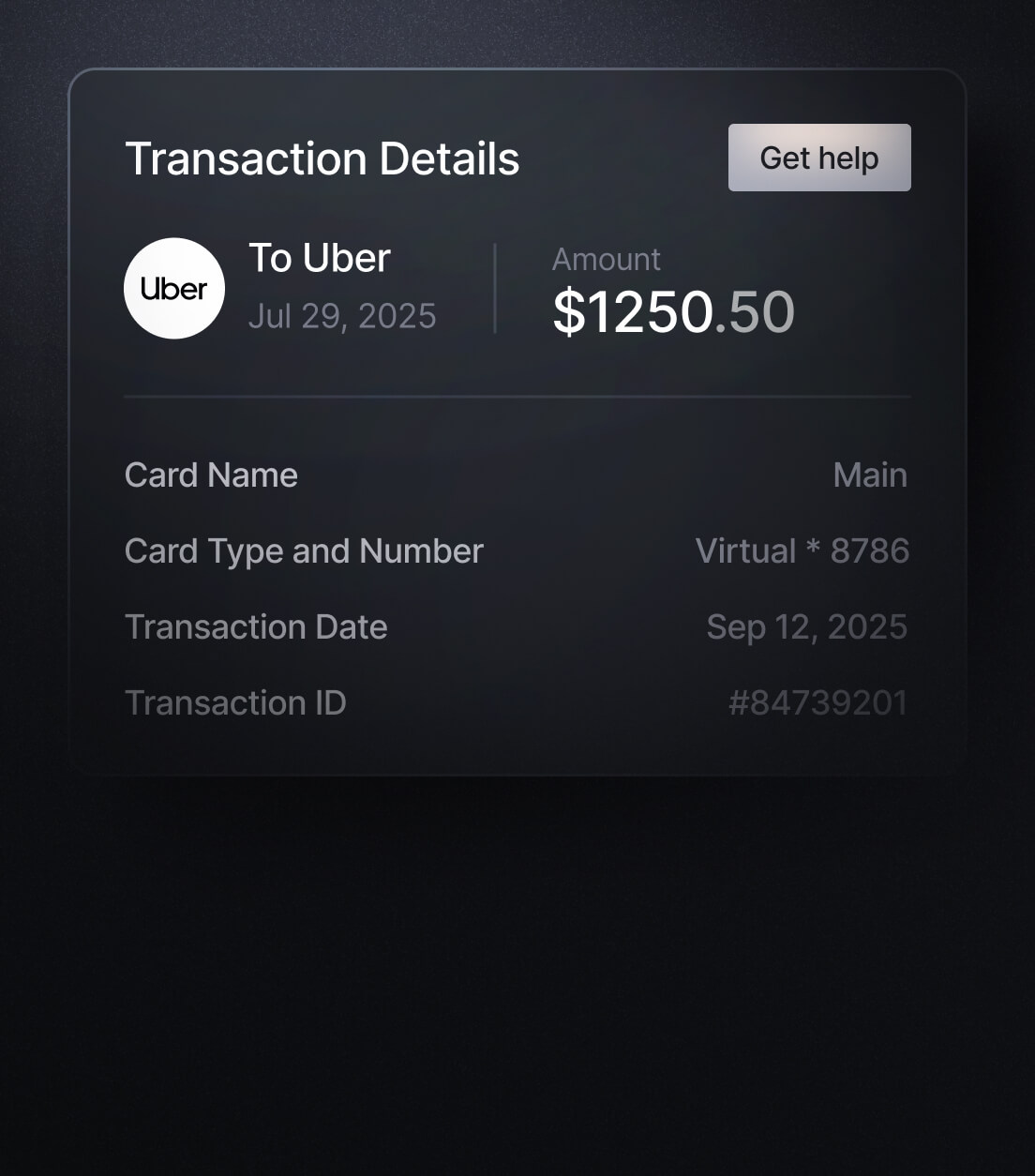
Dispute the charge & monitor account.
If it appears fraudulent, report it to your bank or card issuer.
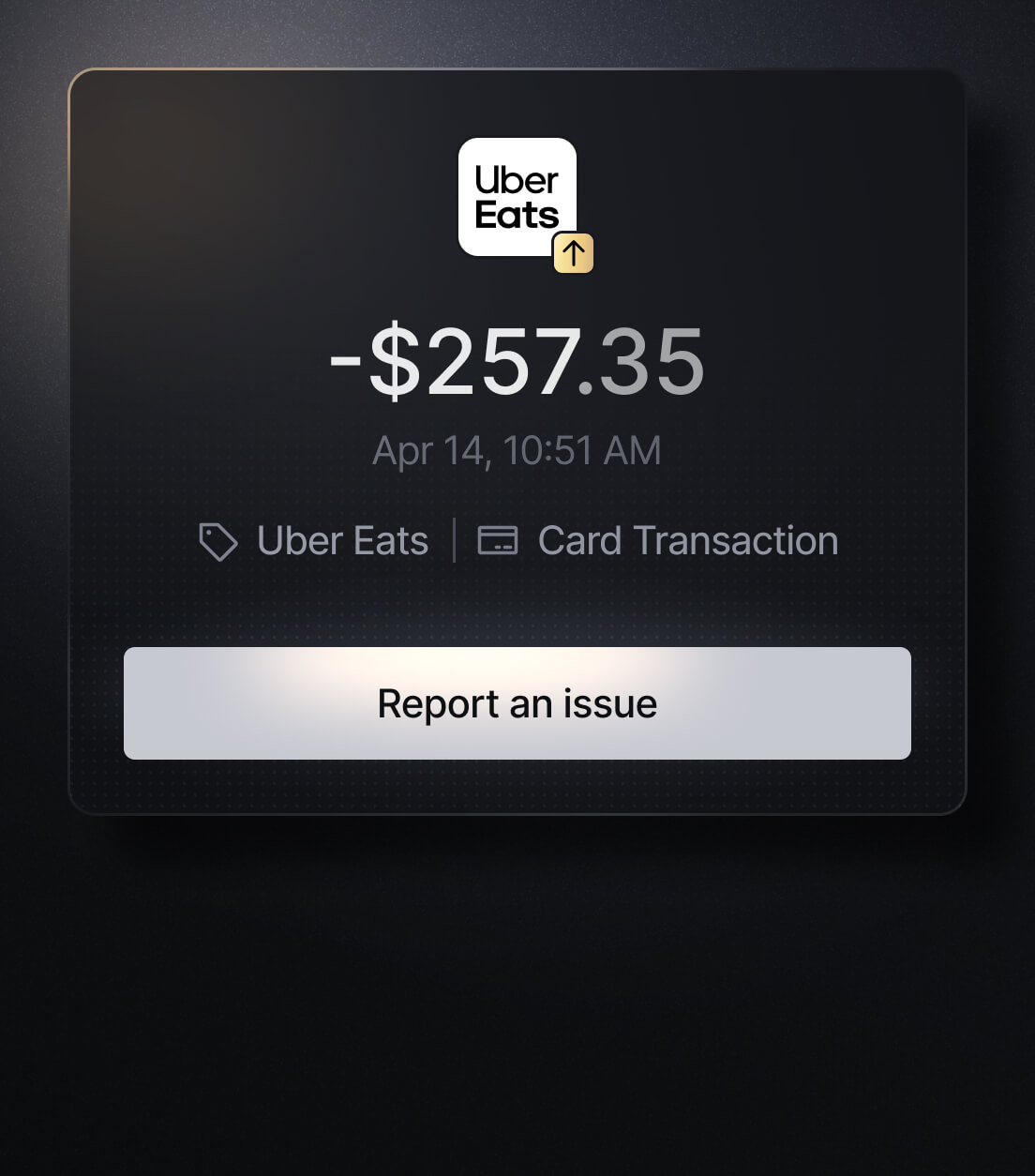
Easily Identify EVERY Charge with Slash
See exactly where, when, and how each charge occurred, complete with merchant names, payment types, and connected team cards with Slash’s detailed card logs and expense tracking tools.
Discover more insights


Apply in less than 10 minutes today
Join the 10,000+ businesses already using Slash.