

How Expense Management Automation Simplifies Spending and Compliance
As your business scales, managing everyday spending for your team can get complicated. More employees are making more purchases: travel, software, supplies, meals, client-related costs. Before long, transaction details are scattered across credit card statements, email inboxes, and paper receipts, making it difficult to see how your company’s money is actually being spent.
Without an expense management system in place, your team is left to comb through statements, track down receipts buried in inboxes, and manually copy transaction details into spreadsheets. Important approvals can be missed, receipts may go unsubmitted; over time, expense management becomes more reactive than proactive.
Automated expense management software can bring structure to the process. Rather than relying on a mix of disconnected tools and manual steps, businesses can centralize reimbursements, corporate cards, expense policy enforcement, and approval workflows in a single system. In this guide, we’ll walk through best practices for implementing an automated expense management system. We’ll explain the tools that help automate manual processes and the practical ways to track their effectiveness over time.
Platforms like Slash apply these principles through a unified, day-to-day expense management system. With the Slash Card, businesses can set granular spend controls, capture receipts automatically at the point of purchase, and categorize transactions in real time.¹ All activity flows into the Slash dashboard, giving finance teams clearer visibility into spend and producing structured data that syncs directly with accounting software. Continue reading to learn more.
What is expense management automation?
Expense management encompasses a range of processes within an organization, including expense reporting, approvals, reimbursements, policy enforcement, and more. Expense management automation brings these activities together with software that connects company spending channels with built-in controls, enabling faster and more consistent oversight.
In practice, expense management automation involves more than software alone. It combines interconnected tools such as corporate cards, banking, and treasury into a single system to simplify financial management from end-to-end. For instance, a purchase made on a company card can be checked against preset spending rules; after its approved, the receipt and transaction details are uploaded automatically to an expense management dashboard where it’s automatically categorized; then, that transaction can be exported to accounting software without the need to reformat any of the details.
Some advantages of implementing a well-structured expense management system include:
- Reduced manual data entry: Automated categorization and receipt scanning can eliminate the need to copy transaction details from receipts and corporate cards into spreadsheets. This can save hours of manual work and reduce the risk of errors like duplicate entries.
- Faster expense submission: Employees can submit out-of-pocket business expenses by uploading receipts, which are then scanned and implemented into the broader record of company transactions.
- Better compliance and policy enforcement: Automated systems enforce company policies at the point of sale through corporate cards with built-in controls. Out-of-policy spending can be blocked before it happens, while unusual transactions are flagged for review, strengthening both compliance and fraud prevention efforts.
- Enhanced spend visibility and reporting: Transactions are unified across channels, from cards to outbound bank transfers. Expenses are automatically categorized, broken down by payment method, and easily organized to include in balance sheets and income statements for regular financial review.
- Time savings for finance and accounting teams: By syncing financial data with integrated accounting or ERP systems, businesses can streamline reconciliation, reporting, tax filing, and audit preparation.
The standard in finance
Slash goes above with better controls, better rewards, and better support for your business.


6key components of expense management automation
Automating expense management from end-to-end requires using several interconnected tools. Together, they can support the full expense lifecycle, from purchase to approval to reconciliation, while reducing manual work for both employees and finance teams. Below are some of the core features and tools contained within an automated expense management system:
Digital receipt capture and OCR
Optical Character Recognition (OCR) extracts details from receipt images and enters them directly into your expense management system. When employees upload a receipt, the system reads merchant names, dates, and amounts automatically, removing the need for manual data entry. Expenses can then be categorized and routed for approval based on predefined rules, allowing finance teams to focus on exceptions rather than routine transactions.
Automated policy enforcement and spend controls
When corporate credit cards are integrated with expense management software, spending controls can be applied at the point of purchase. With Slash, virtual cards can be issued with preset limits, approved merchant categories, and category-level restrictions. Transactions that violate company policies can be blocked before they occur, preventing out-of-policy spend rather than flagging it later during reconciliation.
Approval workflows and conditional routing
Approval workflows determine how transactions move through your organization for review. Automated systems can route expenses based on amount thresholds, expense categories, departments, or project codes to the appropriate approver. A $50 office supply purchase might auto-approve, while a $5,000 equipment rental routes to a department manager. The same logic applies to other financial actions like outbound bank transfers, debits, and other transactions to ensure consistent policy enforcement across different transactions.
Integration with accounting and ERP tools
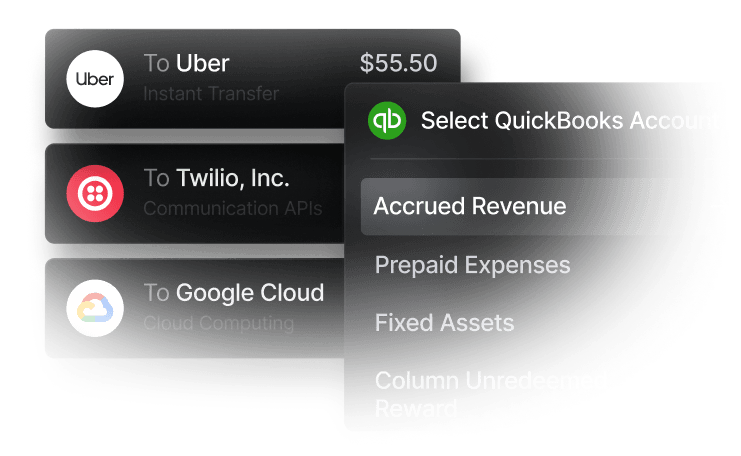
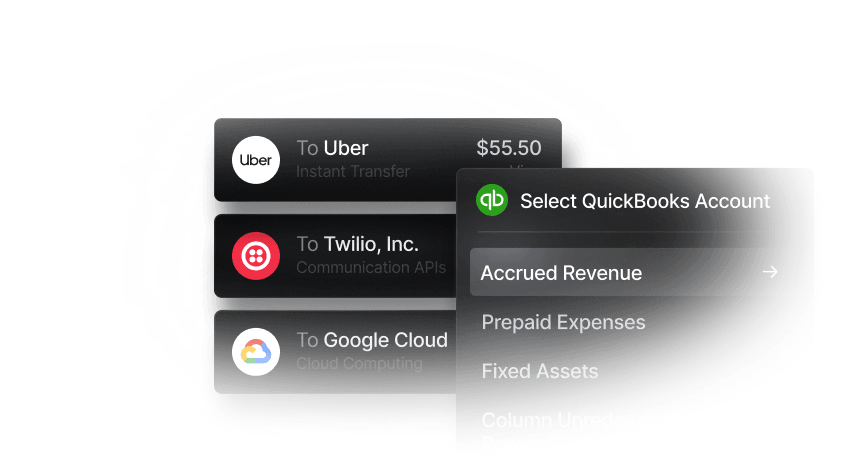
Expense management software can integrate with accounting platforms such as QuickBooks or Xero, as well as ERP systems like Oracle NetSuite. These integrations allow categorized expense data to sync automatically with the general ledger, reducing manual reconciliation and keeping financial records up to date. Slash integrates with leading platforms like QuickBooks and Xero for seamless data sharing between your financial and accounting systems.
Real-time dashboards and analytics
Expense management dashboards can consolidate data from corporate cards, bank transfers, reimbursements, and other payment methods into a single view. With all your financial activity stored in one place, you can use built-in analytics tools to track spending patterns to identify your highest-value merchants, where costs are rising, and which employees or teams are nearing budget limits. This visibility into cash flow supports more proactive, data-driven decisions around budgeting, policy updates, and cost control.
Reimbursement systems
Employees sometimes pay for business expenses out of pocket. A structured reimbursement workflow makes it easier to review these expenses against company policies and streamline repayments to employee bank accounts. With Slash’s reimbursement feature, employees can link their personal bank accounts directly to the dashboard. When receipts are uploaded, OCR captures transaction details and automatically populates expense reports. Administrators can then review outstanding reimbursements and approve repayments for direct deposit to employee accounts.
Best practices for implementing expense automation
Automating expense management requires more than just adopting new software. Organizations that see the best results often take time to establish clear policies, configure systems to match their workflows, and ensure employees understand how to use new tools effectively. These best practices can help maximize the benefits of automation while minimizing disruptions during the transition:
Standardize expense categories and policies
Well-defined expense categories can make it easier to analyze spending patterns, enforce budgets, and prepare for tax filing. Categories should align with your chart of accounts and tax requirements, distinguishing between deductible expenses like business travel and meals, capital expenditures for equipment, and non-deductible costs. Standardized categories also help to ensure consistency across departments, making it easier to compare spending and identify cost-saving opportunities.
Define automated rules and limits up front
Automated systems work best when rules are configured thoroughly from the start. Take time to map out spending controls, approval thresholds, and routing procedures before issuing cards or rolling out the system. Clear rules reduce the need for manual oversight and can help prevent policy violations before they occur.
Train employees on automation workflows
Create comprehensive documentation that explains your expense policies to communicate with your team how rules are enforced to set clear expectations about spending. Additionally, include information about how automated expense management rules work with step-by-step instructions for common tasks like submitting receipts, requesting reimbursements, or using corporate cards.
Monitor performance and refine processes over time
Expense automation is not a set-it-and-forget-it solution. Tracking the right metrics can help identify where bottlenecks persist, where policies may be too restrictive or too lenient, and where additional training may be needed. Regularly reviewing spending patterns can also reveal which expense categories consistently fall over or under budget, allowing teams to adjust controls and processes before small issues become larger problems.
Measuring success: KPIs and metrics
An important part of effective expense management is monitoring your system’s performance over time. Tracking key metrics helps determine whether your system is supporting expense policies, reducing delays, and scaling as your business grows. Below are some common metrics businesses use to evaluate the effectiveness of their expense management policies and automations:
- Expense processing time: Measures how long it takes for an expense to move from submission to being fully recorded in your accounting system. This metric highlights time savings achieved through automation and should be monitored continuously, as sudden slowdowns often indicate issues with reporting intake or approval routing.
- Policy compliance rate: Tracks the percentage of expenses that follow company policies versus those that require exceptions or are flagged for violations. Low compliance rates may suggest that policies are unclear, spending limits are too restrictive, or certain expense categories need refinement.
- Error or exception rates: Measures how often expenses contain errors, missing information, or require manual intervention. Elevated error rates can point to issues such as poor receipt quality, unclear categorization rules, or the need for additional employee training on submission workflows.
- Reimbursement turnaround time: Tracks how long employees wait between submitting out-of-pocket expenses and receiving repayment. While related to expense processing time, this metric focuses specifically on reimbursements and reflects both approval speed and administrative effort.
- Cost per expense: Calculates the administrative cost of processing each expense transaction, including staff time and system costs. Comparing this metric across expense types can help identify where automation delivers the greatest impact and where additional workflow improvements may reduce overhead.
Choosing the right automated expense management solution
Not all expense management platforms offer the same capabilities or fit every business model. The right solution depends on your company’s size, spending patterns, existing accounting systems, and the level of control you need over employee expenses. But, there are some important features to look out for regardless of your current setup. When evaluating options, look for:
- Easy issuance of corporate credit cards with spending rules that automatically enforce company policies.
- Real-time transaction visibility, supported by analytics dashboards that improve financial oversight and alerts that help detect potential fraud.
- Automated categorization that identifies vendors and expense details to apply consistent tags across transactions.
- Reimbursement workflows that simplify receipt submission for employees and review and processing for finance teams.
- Integrations with accounting and ERP systems to streamline reconciliation, reporting, and tax preparation.
- Customizable approval workflows that reduce friction for routine purchases while routing higher-value transactions for additional review.
Automate expense management with Slash
Expense management works best when spending, review, and reporting happen in one place. Slash helps businesses manage employee spending by combining corporate cards, automated receipt capture, and policy controls in a single system. Instead of reviewing expenses after the fact, finance teams can track transactions as they occur for clearer oversight and fewer issues to fix after the fact.
Slash combines automation with complete business banking infrastructure, giving finance teams a single system to control spending, track expenses, and move money efficiently. Key capabilities include:
- Slash Visa Platinum Card: Earn up to 2% cash back with granular spend controls, configurable limits, automated receipt capture, and unlimited card issuance for employees.
- Real-time spend monitoring: AI-powered monitoring flags unusual activity, prevents out-of-policy spending before it happens, and delivers alerts directly to administrators.
- Approval workflows: Route payments and debits for large or sensitive transactions to the right managers before funds move.
- Reimbursement tools: Organize receipts and details for out-of-pocket expenses and send direct deposits to connected employee bank accounts.
- Accounting integrations: Automatically sync transaction data with QuickBooks, connect to additional tools via Plaid, or import data from Xero to simplify reconciliation and reporting.
- Diverse payment methods: Send payments via global ACH, international wire transfers to over 180 countries through SWIFT, and real-time domestic rails like RTP and FedNow. Includes native cryptocurrency support to convert funds into USD-pegged stablecoins such as USDC or USDT for blockchain-based transfers.⁴
- High-yield treasury: Earn up to 3.86% annualized yield through money market funds backed by BlackRock and Morgan Stanley.⁶
Apply in less than 10 minutes today
Join the 10,000+ businesses already using Slash.
Frequently asked questions
What is the best expense management software?
The best expense management software depends on your business size, transaction volume, and existing financial systems. Strong solutions like Slash combine automated expense tracking, policy controls, corporate cards, and accounting integrations to reduce manual work while improving visibility and compliance.
Top Expense Tracking Software in 2026

How long does it typically take to implement expense management solutions?
Implementation time varies based on complexity, but many modern platforms can be set up in days rather than months. Cloud-based systems with prebuilt accounting integrations and configurable workflows allow teams to start automating expenses quickly without major process changes.
What systems should expense management software integrate with?
Expense management software should integrate with accounting systems like QuickBooks and Xero or ERP platforms like Netsuite or Sage Intacct. For ecommerce operators, look for platforms like Slash with merchant services for major marketplaces like Shopify or Amazon.
The Best QuickBooks Integrations to Automate Accounting


