

How Invoice Automation Can Streamline Your Accounts Payable Process
Old-fashioned accounts payable workflows can act as a significant detriment to a company’s financial department. When finance teams rely on paper invoices, manual data entry, and sluggish approval chains, roadblocks appear and time disappears. This outdated style of manual invoice processing can lead to late payments that strain vendor relationships, lost receipts that go unnoticed, and data entry errors that create compliance headaches.
These issues have real business impact. Late payments can result in fees and damaged vendor relationships, while mistakes in data entry create reconciliation nightmares. Missing receipts spoil the accuracy of expense reports and invite potential audits due to inconsistent financial records.
The solution to this problem is invoice automation with software that captures, routes, approves, and pays invoices without manual intervention. Business banking platforms like Slash can eliminate these pain points with AP automation, secure payment workflows, and integrations with your current accounting software.¹ The result is faster processing that gives you complete visibility into your accounts payable process from invoice receipt to payment confirmation.
The standard in finance
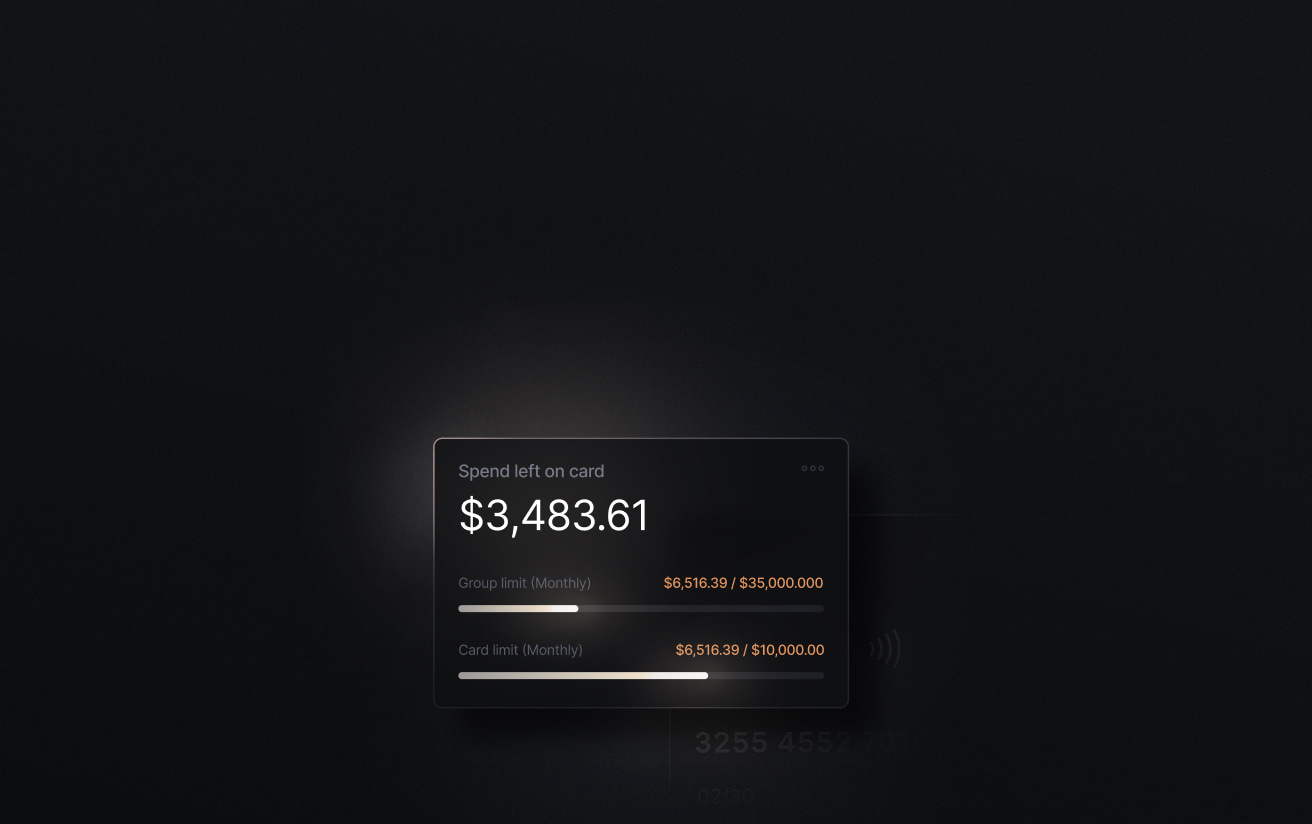
Slash goes above with better controls, better rewards, and better support for your business.

What Is Invoice Processing Automation?
Invoice processing automation is the act of streamlining the entire accounts payable workflow and bringing it to the digital realm. Instead of manually entering invoice data into your accounting system, routing paper documents for approvals, and counting receipts, automated systems handle these tasks without the need for human effort (or error).
Ultimately, invoice automation greatly reduces tedious work. When an invoice from a vendor arrives, invoice processing software extracts key details like vendor name, invoice number, and payment terms. This information is then validated and fast-tracked to those in charge of approval. Slash can further optimize this process by syncing with your accounting software to match transaction records to invoices that you’ve received from suppliers.
Invoice processing automation works hand in hand with accounts payable (AP) automation. If your organization’s still bogged down with a manual accounts payable process, AP automation is a shortcut to faster vendor payments and more accurate bookkeeping.
Benefits of Invoice Processing Automation
Faster Invoice Approvals and Payments
Automated invoice processing can lead to quicker invoice approvals, especially when compared to workflows that incorporate multiple people from different parts of an administration. Slash’s real-time payment and crypto capabilities enable faster invoice intake and settlement, streamlining the entire invoicing process.
Improved Cash Flow Visibility and Forecasting
Before AP automation, invoices were often stored in a variety of platforms, files, and folders, making it difficult for companies to know exactly what they owed. Invoice automation provides real-time visibility into your outstanding invoices, their approval status, and scheduled payment dates. These insights unlock more accurate cash flow forecasting and better working capital management.5
Reduction of Manual Errors and Duplicate Payments
With desks full of paperwork, it’s inevitable that accountants will make mistakes during manual data entry. Duplicated invoices, missing receipts, and typos can crop up and wreak havoc down the line when developing expense reports.
Invoice automation often comes with optical character recognition (OCR) technology that extracts invoice data accurately and quickly. There’s hardly any room for manual mistakes when OCR copies data right from the source.
Stronger Vendor Relationships Through Timely Payments
You don’t want to break trust with your suppliers by paying invoices after their due dates. When vendors can't rely on timely transactions, they may request less favorable terms or prioritize other customers. AP automation platforms like Slash provide automated payment scheduling, keeping your operations more organized and your vendors happy.
Real-Time Reporting for Finance Teams
It’s important for companies to move nimbly based on up-to-date information, but manual AP processes make it difficult to generate timely reports on spending and budget forecasts. Finance teams often spend hours compiling data from multiple sources just to answer basic accounting questions. Accounts payable automation systems like Slash offer real-time dashboards and reports that give finance teams clear visibility into key analytics. Features like automated expense categorization and accounting software integrations enable more strategic decision-making based on current data.
Key Features of Invoice Processing Automation Software
Your AP automation software should provide a comprehensive set of features that address every stage of the accounts payable process. When shopping for a solution, look for these essential capabilities:
Automated Invoice Capture and Data Extraction
Thanks to its ability to upload information from both PDF and paper invoices, OCR technology is one of the most helpful pieces of a good invoice automation system. OCR can eliminate hours of manual data entry and most of the mistakes that follow.
Workflow Routing and Multi-Level Approvals
AP automation ensures invoices reach the right approvers as quickly as possible. Not only does the software speed up the process and centralize documents in one place, but its expense categorization features can make it easier to determine which invoices are meant for which individuals.
Integration with ERP and Accounting Software
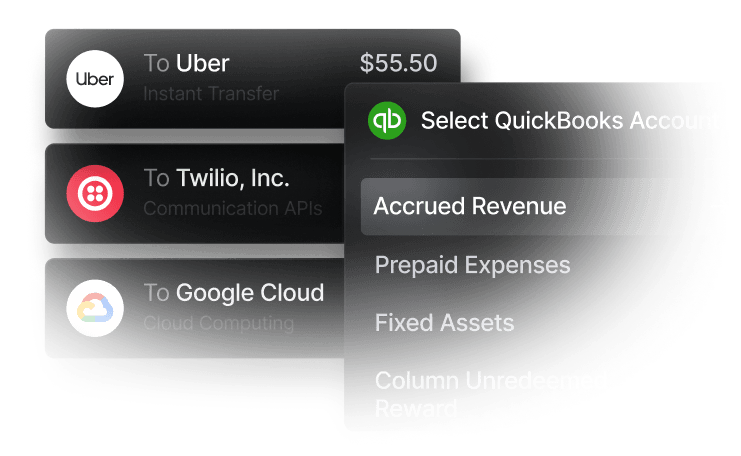
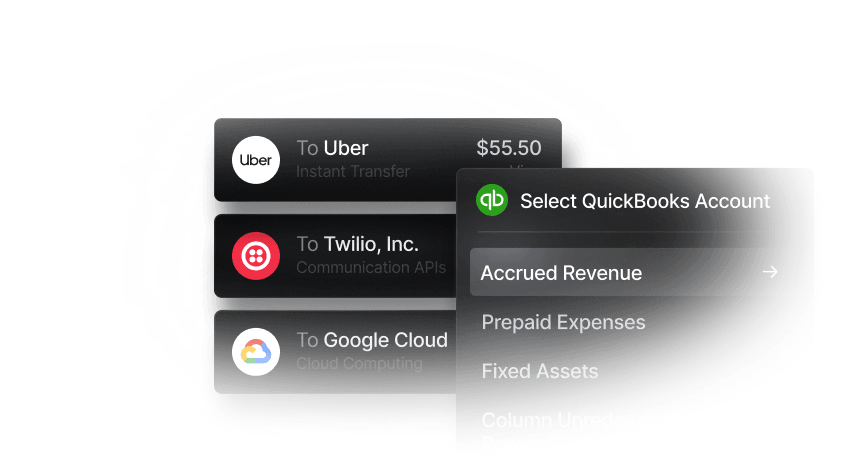
Your ERP or accounting system should work in tandem with your invoice automation software. Thanks to real-time syncing, you’ll have new invoices, updated reports, and reconciled payments in one spot. Keep an eye out for platforms like Slash that connect with popular apps like QuickBooks.
Payment Scheduling and Execution
Once an invoice is approved, your system should automatically schedule the transaction, then later execute payments on the due date via your chosen method of ACH, wire transfer, or virtual card.
Audit Trails and Reporting
For the sake of tax compliance, every action from purchase order creation to payment should be logged with timestamps and key information. This creates a complete record for audits and makes it easy to track down discrepancies. Accounts payable software like Slash provides detailed visibility and reporting tools that enable finance teams to continuously optimize their invoice processing operations.
With Slash, you get automated invoice processing, approval workflows, and payment execution all connected to your business bank accounts and cards. This integration eliminates the need to reconcile data across multiple systems and provides unparalleled visibility into your entire cash flow. Expense reporting and tax preparation becomes a breeze when finance teams can track invoice status, approval progress, and payment execution in real-time, all from one dashboard.
Common Challenges in Automated Invoice Processing
While invoice automation often delivers significant benefits, implementing and optimizing these systems can come with growing pains. Here are some speed bumps your company might run into, along with ways to move past them:
Poor Data Entry or Low-Quality Invoice Data
Even the best OCR technology can struggle with poorly formatted invoices, handwritten notes, or low resolution scans. Messy invoices severely hamper data extraction, making uploads inaccurate and defeating the purpose of the software.
Fix it by: Working with vendors to standardize invoice formats and prioritize electronic documents whenever possible. It’s also helpful to send reminders that any handwritten documents should be clean and legible, just the way we were reminded when we filled out standardized tests in school.
Complex Approval Workflows
Approval workflows can be overly complicated; if every invoice requires multiple approvals regardless of amount, the whole process often gets backed up and stuck in the mud.
Fix it by: Developing more efficient approval workflows that balance control with efficiency. If you sort payments by dollar amount and expense category, you'll ideally cut down your sends to one individual per invoice instead of two.
Multi-Entity or Cross-Border Payment Complexity
Businesses with multiple entities or international clients face a variety of challenges. Cross-border payments introduce foreign exchange rates and longer processing times, and companies with several subsidiaries have to juggle different bank accounts and tax obligations.
Fix it by: Choosing an invoice automation platform built for these complexities. Slash makes cross-border payments easy with low transfer fees, crypto and stablecoin support, and real-time visibility into exchange rates.⁴ Organizations with multiple subsidiaries can also utilize Slash’s one-stop dashboard for tracking and reporting financial activity across entities and accounts.
Resistance to Adopting New Technology
Not everyone is comfortable with change, especially if you’ve got a veteran team who’s done it “their way” for years. Some folks aren’t technologically savvy, while others won’t be interested in giving automated tools a go at all.
Fix it by: Onboarding, training, and focusing on the positives. Show your finance team how automation eliminates tedious manual work, speeds up payment processing and enables them to focus on more pressing concerns. When they watch the OCR technology extract and upload data in seconds, they may change their minds.
Streamline Invoice Automation with Slash
Invoicing should be aligned with everything else in your financial stack. With the Slash business banking platform, you can send and track invoices in the same place you manage your card spend, cross-border payments, and other financial elements. Our AP automation platform combines real-time visibility with granular controls, giving you full control over your cash flow and cleaning up accounts payable processes that used to be a burden.
Slash enables you to track every invoice from receipt to payment in real-time. See when purchase orders have been created, which invoices are pending approval, and when payments are scheduled to execute. Thanks to our integrations with accounting software like Quickbooks, you’ll be able to sync your accounting data both ways, utilize OCR technology, and manage invoices from external sources in one place.
With our automation solution, the cross-border payments you’re tracking become streamlined as well. Slash supports global ACH, international wire transfers to 180+ countries, and real-time domestic payments through RTP and FedNow. For companies who work with cryptocurrency, you can also convert funds into USD-pegged stablecoins such as USDT or USDC to send transfers quickly and cheaply.
Save your finance team time, money, and headaches by modernizing your invoice processing capabilities with Slash.
Apply in less than 10 minutes today
Join the 10,000+ businesses already using Slash.
FAQs
What ERP/accounting systems are best for small businesses?
Your company's size can often be a significant factor in what automation solution fits in best. Quickbooks is an accounting software that offers a beginner pricing plan that helps smaller teams automate bookkeeping, invoicing, and expense tracking. On the contrary, a platform like Sage Intacct fits larger enterprises with multi-entity tools and advanced reporting.
What are purchase orders, and how do they fit into the invoice workflow?
Purchase orders are legally binding documents issued by a buyer to a seller that outline payment terms and expected goods or services before delivery. A purchase order is the first step in an invoice workflow; a business initiates the purchase, and the invoice is created and logged.
Is there a difference between accounts payable automation and invoice processing automation?
Accounts payable automation typically refers to a wider breadth of workflows than invoice processing automation. Invoice processing focuses specifically on automated steps surrounding invoices, while AP automation can include actions like expense categorization and payment scheduling.


