

How to Keep Track of Business Expenses: Proven Strategies for Small Businesses
Between processing invoices, sifting through receipts, and ensuring timely reimbursements, it’s often a challenge for organizations to efficiently manage their expenses. These tasks can be even more difficult for small businesses whose accounting “team” is actually a single person with a cluttered desk, creating expense reports and tracking business expenses by hand.
Expense tracking is an important step to maintaining tax compliance, planning your company’s financial future, and keeping an eye on employee spending. One of the best ways for small businesses to manage all this is by adopting expense management software.
Business expense trackers can minimize errors and make life easier for small business accountants. Those who use the expense management features found on the Slash business banking platform can take advantage of granular spending controls, automated data entry, and integrations with a number of common accounting tools.¹
In this article, we’ll go over the essentials of expense management software, including key features to look for, the benefits of categorizing expenses, and the best practices for implementation. We’ll also compare some of the most popular platforms for expense tracking, including Freshbooks, Slash, Quickbooks, and Expensify.
What is Expense Management Software? Key Insights for Small Businesses
Expense management software helps businesses maintain compliance, improve cash flow management, and make strategic financial decisions with confidence. Unlike old-fashioned methods of expense tracking, purpose-built software often automates tedious processes and enables greater visibility into spending by gathering transactions on one dashboard.
With a business expense tracker, small businesses won’t have to worry about misplaced receipts, slow reimbursements, and long nights spent crunching numbers. You may have begun your operations using accounting tools like QuickBooks or Xero, which handle some aspects of expense tracking but not others. Dedicated expense tracking software can integrate directly with those accounting tools, filling gaps and unlocking real-time insights into cash flow.
Many platforms for expense tracking, such as Slash, offer corporate cards and virtual accounts that directly automate categorization.


Key Features of Expense Tracking Software for Small Businesses
While most business expense trackers are built to solve the same problems, not all of them offer the same features. When choosing expense tracking software, keep a look out for these solutions, and be mindful of how they’ll fit into your current processes and goals:
Corporate credit card integration
Many organizations assign corporate cards to their employees, enabling them to spend money on anything from materials and office supplies to lunches and gym memberships. Trying to manage all these expenses is a problem that can be solved by separating corporate cards by category and aligning them on the same dashboard.
Real-time spend monitoring and reporting
The ability to track inbound and outbound payments in real time allows you to develop more detailed expense reports and catch out-of-policy transactions when they happen.
Automation of workflows
Without a program that automatically categorizes transactions and stores digital receipts, navigating a wide variety of business-related purchases is tough, especially for a small accounting team. Automated expense tracking solves that problem and ensures your bookkeeping is always accurate and up to date.
Spending controls and policy management
Whether from an employee’s maverick spending or surprise subscription charges, some unauthorized transactions can fly under the radar. With a business expense tracker that comes with tight spending controls, you can set up guardrails and ensure that potential compliance issues are flagged right away.
Invoice management
The right expense tracking software will enable you to create, send, and track invoices in the same place you manage the rest of your financial operations. Processing and keeping records of invoices is another task to add to the pile – unless you use a platform like Slash that ties it all together.
Integrations with accounting software
Speaking of tying it all together, it’s smart to work with an accounting system and business expense tracker that sync up. Whether you use Freshbooks, Expensify, or something else, your expense tracking solution should be able to pull full datasets from your current accounting tools.
What Are the Benefits of Using Expense Management Software?
Small businesses that decide to utilize a business expense tracker will find that it saves them time, optimizes their financial operations, and reduces their overall accounting workload. Gaining a deeper view into your business’ cash flow gives you access to real-time financial data and streamlines tax reporting.
Without automation, accountants have to track expenses manually, which is a process that leads to human errors and lost receipts. Automatic data entry and complete syncs with accounting software minimize those mistakes.
Another benefit is increased data security; most expense management systems offer methods of encryption and secure access controls to keep your most sensitive financial data safely locked up. Thanks to real-time updates on corporate card spending, your own business bank accounts will also be more secure in the face of unauthorized spends or instances of card theft.
How Can I Effectively Implement Expense Management Software?
Your new software can’t properly streamline processes without your leadership and employees working in tandem with it. Efficient training and implementation will help you get the most out of your business expense tracker. Here are the steps you should take:
- Assess your small business’ existing processes and needs to determine what features you should look out for
- Select the tool that best fits your team’s workflow (more on specific platforms in just a moment)
- Engage key financial leaders and accountants, informing them of upcoming changes
- Train your team on how to use the platform and any changes to policy or corporate card guidelines
- Set clear and transparent KPIs that align with spend policies
- Sync accounting software integrations
- Monitor progress and gather feedback from accountants and employees who often use their corporate cards
- Review and refine regularly while keeping up with software updates
The good news for small business owners is that adopting an expense tracker early in your company’s life cycle makes the onboarding process quicker. It’s wise to prepare for complex financial processes in the future by bringing new software aboard when your team’s more tightly knit.
What Are the Best Tools For Expense Tracking for Small Businesses?
There are a myriad of tools that can help small businesses with expense tracking and accounting, each with different specialties. Here are some of our top picks:
Slash
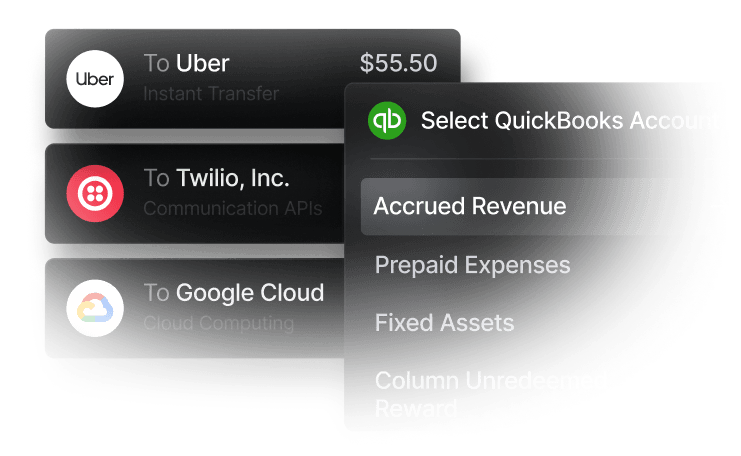
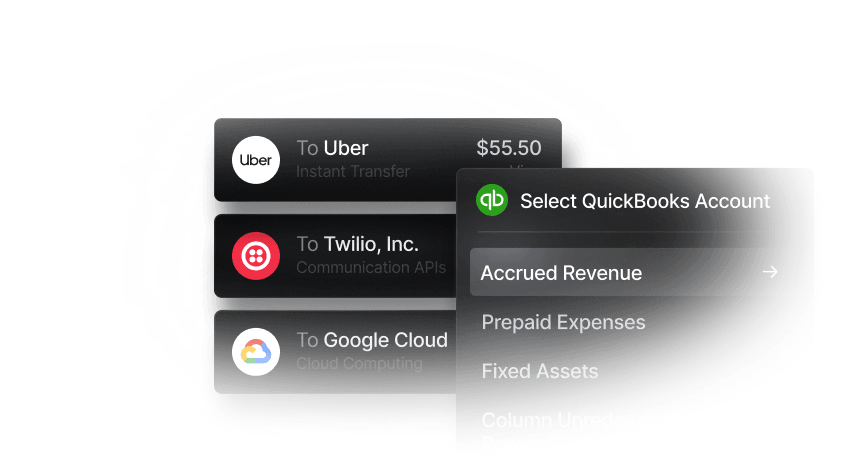
Slash is a single-platform solution that combines payments, high-cashback corporate cards, expense management, and more. Real-time reporting and automated expense approvals keep your finger on the pulse of your business’ cash flow, and with accounting software integrations, all your financial data can be synced with the click of a button.
Ramp
Ramp is a popular choice among tech startups that are looking to automate their workflow, as the platform specializes in automatic categorization, approval controls, and corporate cards. Those who are seeking cards with high cashback on everyday purchases may be disappointed by their offerings, however.
Xero
Xero boasts plenty of key accounting features like invoicing tools and real-time reports, but small businesses may find themselves hamstrung by its pricing tiers. The Xero “expense claiming” feature is locked behind its most expensive, “Established” tier, which is an obstacle for small businesses that want to, well, claim expenses.
Sap Concur Expense
Sap Concur has a strong portfolio of accounting integrations and receipt scanning capabilities, but it also has a reputation for its clunky user interface. An unintuitive UI is more than just annoying; it can affect your team’s adoption of the software and can also lead to mistakes when reporting expenses. Concur Expense is also considered a better fit for enterprises than small businesses.
Freshbooks
Freshbooks also offers receipt scanning alongside solid expense tracking tools, and it’s well-suited for small businesses. It might be a little too tuned for small businesses, in a way – pricing for Freshbooks increases steadily as you add more team members, so you won’t be saving much money as your company scales.
Expensify
Expensify comes with a lot of unique strengths, including integrations with HR platforms and a mobile expense tracker app. However, your workflow with the Expensify platform may not be the smoothest, as separate systems for card management and payments are required.
Zoho Expense
Zoho Expense’s expense tracking features are cloud-based, meaning they’re available in equal measure on mobile and desktop. It also comes with uncommon features like cash advance and budgeting tools. Like Sap Concur, though, many users describe Zoho Expense as tough to navigate and unintuitive.
Intuit Quickbooks
Quickbooks is one of the most widely used platforms for tracking business expenses, with clear visibility into cash flow, useful integrations, receipt scanning and solutions for tax compliance. It’s on the pricier side, however, and users can find themselves stuck in different silos when trying to work across cards, analytics, and payments.
What Factors Should Be Considered When Choosing Expense Management Software?
Reviewing all these business expense tracking tools can be overwhelming, especially when cross-referencing with your own business’ workflow. Let’s take a look at the key capabilities you should keep in mind:
- User Friendliness
- Automation Capabilities
- Accounting Software Integration
- Corporate Card Compatibility
- Mobile Access
- Scalability
- Pricing
- Strong Data Security
The standard in finance
Slash goes above with better controls, better rewards, and better support for your business.

Organize Spending with the Slash Business Banking Platform
Small businesses often struggle to make sense of scattered spending data across cards, invoices, and bank accounts. Slash is an excellent solution for streamlining expense management and monitoring real-time spending while staying tax compliant.
Our expense categorization tools help teams automatically organize transactions by type (e.g., travel, office supplies, software), making it easier to track where money is going without manual sorting. This can lead to cleaner bookkeeping, faster tax reporting, and clearer insights into budget adherence. By categorizing expenses at the source, our platform supports real-time visibility into cash flow and simplifies reconciliation with accounting systems.
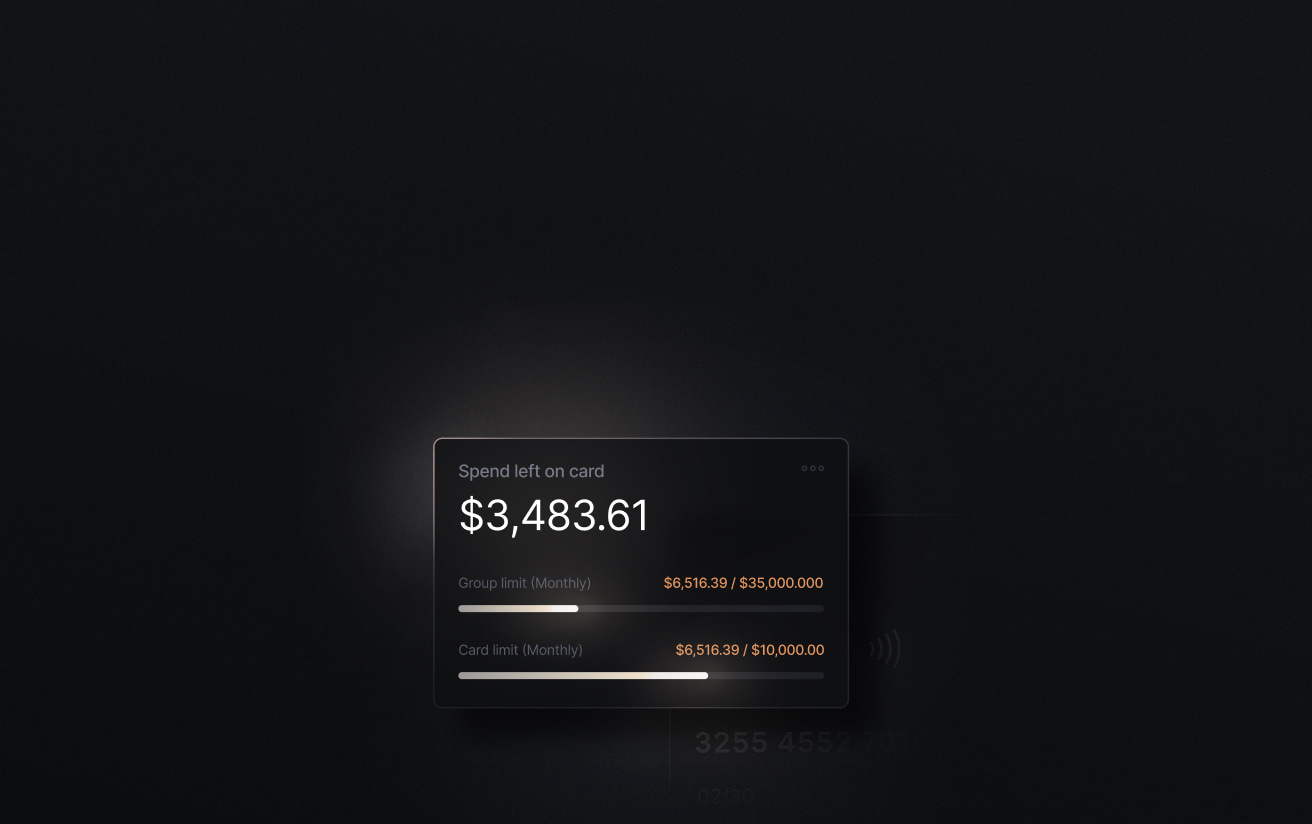
Slash's corporate charge cards are the piece of our expense management solution. Our platform’s granular spending controls and real-time insights enable you to monitor card spend and flag potential compliance issues or unauthorized purchases. With per-merchant limits and approval restrictions, you don’t have to sweat about what’s coming and going from your business bank account.
One more thing? Those cards come with up to 2% cashback, unlocking industry-leading value every time you or your team makes a business-related purchase.
With the Slash business banking platform, you won’t have to spend long nights gathering receipts and punching numbers. Our expense management software automates everything, freeing up your time, your capital, and a lot of unnecessary stress.
Apply in less than 10 minutes today
Join the 3,000+ businesses already using Slash.
Frequently asked questions
What accounting software is best to integrate with Slash?
Slash’s business expense tracker pairs well with several accounting platforms, but the two we tend to suggest are Quickbooks and Xero. With Quickbooks, you can review detailed transaction data, set scheduled syncs with Quickbooks Online, and use the Slash API for real-time data sharing across platforms. Xero users can keep their accounts fully updated while automating cash management and optimizing working capital.
The Best QuickBooks Integrations to Automate Accounting

What is the IRS rule on expense receipts?
According to IRS rules, employees must submit receipts for:
1. Any expense over $75 where the nature of the expense is not clear on the face of the electronic receipt
2. All lodging invoices for which the credit card company does not provide the merchant’s electronic itemization of each expense
3. Any expenses paid for by the employee without using the business credit card.
Lots of payments don't come with receipts, like in the case of mileage tracking, but the ones that reasonably do should be logged.
The Complete Guide to LLC Expenses and Tax Deductions
What should be included in your expense report?
A complete expense report should include the date of each purchase, expense category, amount, vendor, a business purpose (the justification for why the purchase was necessary), and receipts or relevant documentation. Clear categorization & documentation speed up reimbursement and keep your bookkeeping tax compliant.
Expense Reports: How to Track, Manage, and Simplify Costs


