

A Complete Guide to Selecting the Best Accounts Payable and Receivable Software
Staying on top of both accounts payable (AP) and accounts receivable (AR) is key to a company’s financial health and bookkeeping. However, businesses of all sizes struggle with outdated manual processes, delayed incoming and outgoing payments, and fragmented, incorrect data. It’s incredibly difficult to keep up with scaling operations and multitudes of bank accounts and vendors when your finance team is still tracking transactions by hand.
Modern organizations have eliminated most of these obstacles by adopting accounts payable and accounts receivable software. Choosing the right platform streamlines workflows, improves cash flow visibility, reduces errors, and frees finance teams to focus on issues they used to be too swamped to address.
This guide breaks down everything you need to know about AP and AR software: essential features, core benefits, evaluation criteria, and platform comparisons. We’ll also discuss the ways Slash provides integrated banking infrastructure alongside AP and AR automation features, helping finance teams execute payments more efficiently and gain better visibility into spending.1
Whether you're replacing old-fashioned manual processes or upgrading from legacy systems, this guide will help you make informed choices tailored to your business needs and growth trajectory.
What Is Accounts Payable and Receivable Software?
Before diving into software selection, it's important to understand the fundamental differences between AP and AR:
Accounts payable (AP) represents money your business owes to vendors, suppliers, and service providers. This includes everything from inventory purchases and contractor payments to utility bills and software subscriptions. The steps to the AP process involve receiving vendor invoices, verifying their accuracy, obtaining approvals, scheduling payments, and reconciling those payments with your accounting records.
Accounts receivable (AR), also called receivables, represents money owed to your business by customers. This encompasses customer invoices, payment tracking, collections, and reconciliation of received payments. The AR process includes generating and sending invoices, tracking payment status, following up on overdue accounts, and recording payments when they arrive.
AR and AP software automates these critical financial workflows, replacing manual, paper-based processes with digital systems that reduce errors and provide real-time visibility into cash flow.
While large enterprises often have dedicated AP and AR departments, small business owners frequently handle these processes themselves or with limited staff. This can result in data entry mistakes, misplaced receipts and invoices, and clumsy financial reports.
For small businesses, AP and AR software delivers particularly significant benefits. Automation eliminates hours of manual work each week, freeing owners to focus on growth rather than administrative tasks. These tools can also scale with your business, as the software is built to receive and manage loads of paperwork without getting wrist cramps from writing all day.
Accounts Payable vs. Receivable: How AP and AR Software Works
While accounts payable and receivable represent opposite sides of the cash flow, modern software platforms often integrate both functions into unified systems. Understanding how each workflow operates helps you evaluate which features matter most for your specific needs.
Accounts Payable Workflows
AP software transforms how businesses manage outgoing payments, automating the journey from invoice receipt to payment execution:
- Invoice capture: Modern AP systems automatically intake vendor invoices from multiple sources, including email attachments, supplier portals, and direct uploads.
- Automated approval routing: Once captured, invoices flow through approval workflows based on guidelines around charge amount and expense category.
- Scheduled vendor payments: After approval, the system schedules payments on their due dates. With Slash, businesses can pay vendors via multiple methods—ACH transfers, wire payments, corporate cards, and cryptocurrency.4
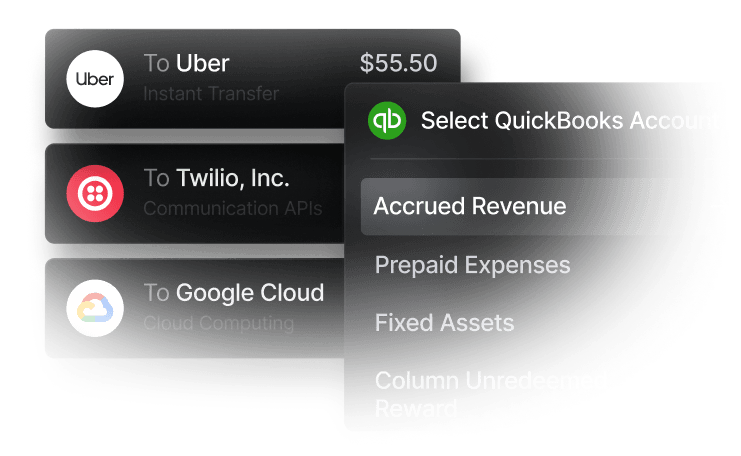
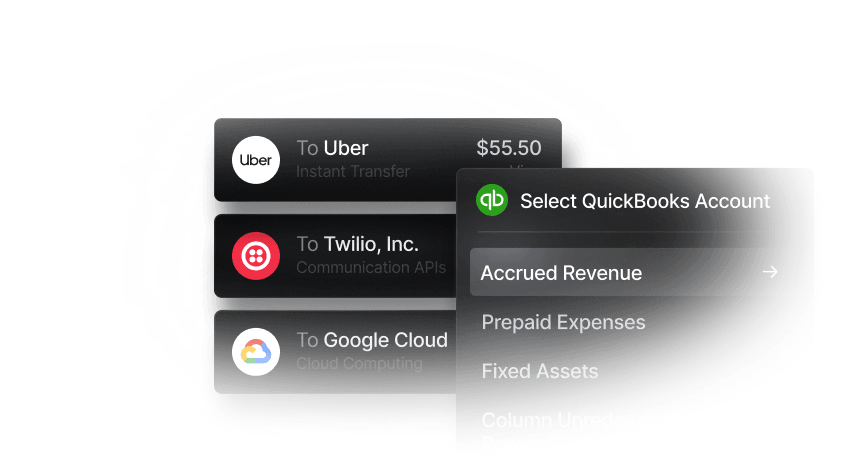
- Reconciliation with books: Many examples of AP & AR software can integrate with your accounting system, posting approved invoices to the general ledger, updating vendor balances, and matching executed payments against outstanding invoices. For example, Slash integrates with popular apps like Quickbooks, Xero, and more.
Accounts Receivable Workflows
AR software streamlines the process of collecting money from customers, automating everything from invoice generation to collections:
- Digital invoicing and delivery: Accounts receivable systems can generate invoices based on completed work, recurring billing schedules, or milestone achievements, then route them directly to customers.
- Automated payment reminders: Rather than manually tracking due dates (and manually forgetting due dates), AR software automatically sends payment reminders based on agreed-upon schedules.
- Customer payment tracking and reporting: Your system can track payment status for every invoice, providing real-time visibility into outstanding balances and generating reports that show which customers have overdue balances. Matching payments in this way is also known as cash application.
- Collections workflows: For overdue accounts, AR software can automate escalating collections processes, both for payments that are a tad late and those that seem to have been forgotten.
With the right software, both AP and AR workflows can sync with a variety of accounting systems, ensuring that all financial data flows into your general ledger automatically. Integrations like this help ensure clean bookkeeping and accurate financial forecasting.
The standard in finance
Slash goes above with better controls, better rewards, and better support for your business.


How AP & AR Software Transforms Business: Real-World Use Cases
Seeing is believing, as they say. Here are a couple hypothetical real-world scenarios that demonstrate ways accounts payable and receivable software can help:
Small businesses reducing invoice cycle time
A boutique marketing agency was spending 15+ hours per week on payment processing as they manually entered vendor invoices and chased approvals via email.
After implementing AP automation, invoice processing time dropped to under 2 hours per week. Optical character recognition (OCR) technology captured invoice data automatically, approval workflows would send invoices to the right people instantly, and ACH payments executed automatically on due dates. The owner was able to reclaim 13 hours weekly to focus on client work and business development.
Finance teams capturing payments faster
An e-commerce business struggled with slow AR collections; invoices sent via email were inconsistent or ignored, and tracking owed payments required hours of spreadsheet work each week.
After deploying AR automation, average days sales outstanding (DSO) dropped from 42 days to 28 days. Automated invoicing with payment links made it easy for customers to pay immediately, scheduled reminders improved collection rates, and real-time AR dashboards helped the finance team prioritize collection efforts. This improved cash flow enabled faster inventory restocking and new product launches.
Key Features of Accounts Payable and Receivable Software
Invoice capture and optical character recognition (OCR): OCR technology is software that scans and extracts data from vendor invoices in PDF, image, email, or paper form.
Approval workflows
AP software can route invoices through appropriate approval chains based on business rules you define.
Spend controls
Some corporate cards, such as the Slash Visa® Platinum Card, come with granular spend controls that provide guardrails for specified purchases and flag suspicious transactions for review.
Digital invoicing & customer portals
AR platforms come with professional invoice generation with customizable templates as well as automated delivery via email. Some also offer branded customer portals that streamline customer communication and make fund transfers more secure.
Scheduled & automated vendor payments
Once invoices are approved, the system automatically schedules payments on the dates they’re due.
Real-time dashboards & reporting
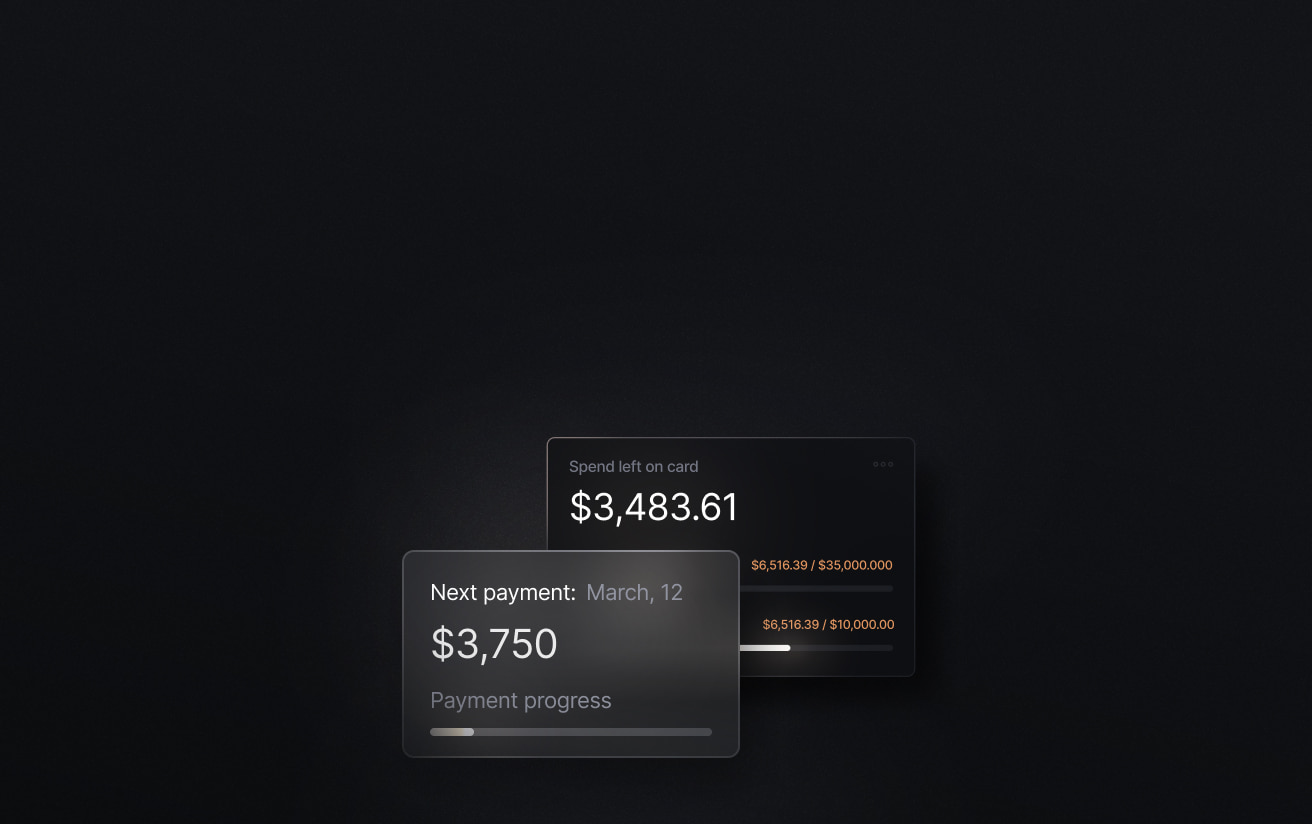
Financial dashboards can provide instant visibility into key metrics including outstanding payables, cash flow forecasts & reports, and average payment cycle times. Slash’s all-in-one dashboard also supports multi-entity organizations by allowing them to monitor each of their accounts in one location.
Payment reconciliation & accounting sync
Seamless integration with accounting systems ensures all AP and AR transactions automatically post to the general ledger, update vendor and customer balances, and reconcile payments against invoices. This eliminates the need for manual journal entries, reduces reconciliation time from days to minutes, and ensures your financial records are always current and accurate.
Integration with ERP and accounting systems
Pre-built integrations with popular platforms like QuickBooks, Xero, NetSuite, and Sage Intacct enable quick implementation without juggling several tools. When your AP and AR software connects with your accounting apps, transactions can automatically post to the general ledger, update vendor and customer balances, and reconcile payments against invoices.
Reporting and analytics for cash flow insights
Advanced analytics transform transactional data into strategic insights. Track metrics like days payable outstanding (DPO), days sales outstanding (DSO), customer payment behavior, and working capital trends. Financial management systems like Slash offer comprehensive dashboards where you can view current and upcoming financial obligations, payment deadlines, and analytics. This visibility gives you a clearer picture of where your cash is now and where it will be in the future.
The standard in finance
Slash goes above with better controls, better rewards, and better support for your business.

What Are the Benefits of AP & AR Automation?
Reduce Manual Data Entry & Errors
Manual data entry is time-consuming, error-prone, and a total pain in the neck. AP and AR automation eliminates typos and wasted time by automatically capturing and validating invoice data, eliminating almost all mistakes while freeing staff from repetitive data entry tasks.
Accelerate Invoice-to-Payment Cycles
Manual approval processes that bog down payment cycles, especially when too many metaphorical cooks are in the kitchen. Automation streamlines these workflows with instant routing, automated reminders, and scheduled payment execution.
Improve Cash Flow Visibility & Forecasting
When financial data is scattered across email threads, paper files, and multiple systems, it's nearly impossible to manage accounts and get an accurate picture of your company’s financial situation. AP and AR automation consolidates all financial data into unified dashboards that provide real-time visibility into outstanding invoices, upcoming payment obligations, and expected collections. This also eases and consolidates reporting for financial teams.
Strengthen Compliance & Audit Trails
With unstructured emails and disorganized paper records, manual processes create compliance risks and make audits painful. Payment processing software creates comprehensive audit trails that log every action and match payments with timestamps and user attribution.
Enhance Vendor and Customer Relationships
For accounts payable, late vendor payments damage supplier relationships and can result in supply chain disruptions or less favorable payment terms. On the receivables side, inconsistent invoicing and collection processes frustrate customers and can cost you money. AP and AR automation ensures reliable, on-time vendor payments and professional, consistent customer invoicing.
Here’s one more real-world example: Consider a regional wholesale distributor with 25 employees that was spending most of their week on AP and AR tasks—manually processing 100+ vendor invoices monthly, generating and sending out 200+ customer invoices, and chasing down late payments.
After implementing integrated AP/AR automation, invoice processing time dropped to under 5 hours per week. The finance manager who previously spent most of her time on administrative tasks now focuses on strategic initiatives like negotiating better vendor terms, implementing early payment discount programs, and analyzing profitability by product line. Customer satisfaction also improved due to more consistent invoicing and better communication about payment status.
Top Recommended Accounts Payable and Receivable Platforms
The AP/AR software market includes everything from comprehensive enterprise platforms to specialized point solutions. Here's an overview of leading automation software options across different business sizes and needs:
Oracle Netsuite
Netsuite is a robust business management platform that offers AP and AR automation, extensive ERP integrations, and advanced customization capabilities. However, its size and scale can also be a weakness; it’s sometimes considered overly complex and difficult for the average person to quickly adopt. It’s best meant for mid-market to enterprise companies seeking a comprehensive ERP.
Quadient
The strength of Quadient is in its invoice processing, as it comes with dedicated invoice tracking tools and strong OCR technology. It also comes with payment portals that simplify invoice viewing and payment tracking. Quadient isn't the most customizable, however, and doesn’t come with the wide range of features that others in the field offer.
Tipalti
Tipalti functions as an ERP that focuses largely on invoice processing and approval workflows. Similarly to Quadient, they offer customer payment portals that allow vendors to submit invoice information directly and route them through workflows. They’re also considered a great option for global transactions – though international payment tools are only unlocked at their Advanced tier.
Intuit Quickbooks
Quickbooks is a popular accounting software with OCR technology and robust invoice management tools for small businesses and enterprise companies. It fully integrates with Slash, so you can export transaction data seamlessly between the two. Between its integrations and deep configurability, it’s one of the most flexible accounts payable and accounts receivable options available.
Xero
Xero is a cloud-based accounting software that also happens to integrate with Slash. Its AP and AR solutions include helpful payment reminders that can be delivered through both email and SMS, and it comes with online payment integrations with Paypal, Stripe, and major credit card processors. Xero also offers the fun ability to apply custom branding and color schemes to your invoice templates.
How Slash Complements Accounts Payable and Accounts Receivable Workflows
While the platforms above focus specifically on AP and AR automation, Slash operates as a complementary business banking platform that strengthens those workflows through integrated bank account and spend management.
Slash provides real-time transaction visibility, corporate cards with granular spend controls, and seamless accounting integrations with apps like QuickBooks and Xero. This combination helps finance teams manage the payment execution side of accounts payable more efficiently while monitoring all financial activity on an all-in-one dashboard.
Choosing the Right AP & AR Software: Key Criteria
With dozens of platforms competing for your attention, how do you select the right solution for your specific needs? Focus on these practical criteria to guide your evaluation:
Ease of Use and Implementation
Software is only valuable if your team actually uses it. Does the user interface feel intuitive, or will it require extensive training? Look for platforms with guided setup processes, responsive customer support, and good user reviews.
Integration with Accounting Tools
Seamless integration with your existing accounting system can be an enormous help. If you use QuickBooks, Xero, NetSuite, or another platform, verify that the AP/AR software offers robust, well-maintained integration.
Scalability & Automation Depth
Evaluate whether the platform can scale to handle increasing invoice volumes, support multiple entities or locations, and accommodate more complex workflows. Look for platforms that can grow with you rather than ones you'll outgrow.
Support for Multiple Payment Methods
Different vendors and customers prefer different payment methods. Ensure the platform supports the payment methods relevant to your business: ACH transfers, wire payments, credit cards, virtual cards, and even crypto. The Slash banking platform offers each of these with low fees and full visibility.
Real-Time Reporting and Dashboards
The best AP and AR platforms offer instant visibility into key metrics, active invoices, customizable dashboards, and strong reporting tools. Analytics can only make an impact on your budget forecasting if they’re easily accessible and up-to-date.
Cost and Pricing Model
AP/AR software doesn’t have one single price tag – its pricing varies widely based on features, invoice volume, and number of users. Determine whether it’s priced per month or per user, if there are setup fees and long term contract, and if there are tiers with various features.
See the ROI behind your spend
Use this calculator to understand impact, then manage and track it all in Slash.


Questions to Consider Before You Buy
Before making your final decision, work through these critical questions:
- What specific pain points are we trying to solve? Be clear about whether you're primarily addressing accounts payable, accounts receivable, or both. This focus will help you avoid paying for features you don't need.
- How many invoices do we process monthly, and how is this likely to grow? Volume significantly impacts pricing and platform selection. Choose a solution that handles your current volume comfortably with room for growth.
- What level of approval complexity do we need? Simple one-level approvals require different capabilities than complex workflows that travel between administrative levels.
- Do we need multi-entity or international capabilities now or in the near future? These features add complexity and cost, so you should only opt for them if your business will actually need them.
See How Slash Can Optimize Your Finance Operations
Modern accounts payable and receivable platforms automate manual workflows, eliminate errors, accelerate payment cycles, and provide the real-time visibility that enables strategic financial management. Slash offers businesses a complementary approach to managing AP and AR by providing integrated banking infrastructure alongside these features. Rather than competing directly with dedicated AP/AR platforms, Slash works alongside them and helps finance teams execute payments more efficiently and gain better visibility into spending.
Our platform offers accounting integrations with QuickBooks and Xero, enabling smoother reconciliation and more accurate reporting. Invoice tracking capabilities help teams monitor payment status, while support for multiple payment methods offers flexibility in how you pay vendors. Our dashboard consolidates financial activity in one place, helping teams identify bottlenecks, manage accounts, and implement automation where it makes sense for their particular workflows. Finance teams can send and collect payments, monitor spending trends, and access the data needed to make informed financial decisions.
Slash's automatic expense categorization, real-time transaction syncing, and payment scheduling supports both accounts payable and receivable processes. Whether you're working with dozens or thousands of invoices monthly, we give you the tools to manage your financial operations more efficiently and save time while doing it.
Apply in less than 10 minutes today
Join the 10,000+ businesses already using Slash.
FAQs
Can accounts receivable software integrate with existing accounting systems?
Yes, most modern AR automation solutions offer integrations with popular accounting platforms like QuickBooks, Xero, NetSuite, and Sage Intacct. These integrations typically sync receivables information like invoice data, payment information, and customer records automatically between systems, though it varies case by case.
What is cash application?
Cash application is the accounts receivable process of matching payments from customers to corresponding outstanding invoices in ERP systems. Without a smooth cash application process, payment collection can become disorganized and those forgotten invoices may not be found until later reconciliation.
What is days sales outstanding (DSO)?
Days sales outstanding (DSO) is a formula that measures the average length of time it takes a company to collect payment after a sale on credit. For businesses that deal more in accounts receivable, your DSO illustrates how long potential profit remains floating about in the ether. It's true that your customers often rely on credit to make deals, but it's wise to keep an eye on things and make sure your DSO stays low.


