
Unknown chargesmean unknown risk
Understand your business exposure before it compounds.
Seeing a DIR DB RAD COMP OF MARYLAND charge on your statement?
Common ways DIR DB RAD COMP OF MARYLAND charges might appear on your statement
- DIR DB RAD COMP OF MARYLAND
- CHKCARD COMP OF MARYLAND DIR DB RAD
- CHECKCARD COMP OF MARYLAND DIR DB RAD
- POS Debit COMP OF MARYLAND DIR DB RAD
- POS PUR COMP OF MARYLAND DIR DB RAD
- POS PURCH COMP OF MARYLAND DIR DB RAD
- POS PURCHASE COMP OF MARYLAND DIR DB RAD
- PENDING COMP OF MARYLAND DIR DB RAD
What is DIR DB RAD COMP OF MARYLAND?
“DIR DB RAD COMP OF MARYLAND” refers to a charge or debit posted by the Comptroller of Maryland (Maryland’s tax-collection agency) under a descriptor that suggests: Direct Debit (DIR DB) for some form of tax, fee, or adjustment (RAD often appears in the descriptor). According to consumer-reporting sites, this label often shows up when the state processes tax payments or collections from a bank account.
Common causes for DIR DB RAD COMP OF MARYLAND charges
- A payment made to settle state income tax, business tax, or other liabilities owed to Maryland.
- The state executing a direct debit for tax due following an assessment or notice.
- An account holder seeing a charge they did not initiate — sometimes reported as unauthorized, especially by individuals with no connection to Maryland.
Decoding DIR DB RAD COMP OF MARYLAND charge tags
- DIR DB stands for “Direct Debit” (i.e., an automatic debit from your bank account).
- RAD could signify “Refund Adjustment/Account Debit” or a modification code used internally by the Comptroller’s office.
- COMP OF MARYLAND is short for “Comptroller of Maryland” (the agency).
- The variations like CHKCARD, CHECKCARD, POS Debit, PENDING reflect how your bank lists the transaction (e.g., debit card debit, pending transaction).
- Because the descriptor is somewhat cryptic and generic, it often prompts inquiry by cardholders who don’t immediately recognise the transaction.
What to do
if you
don’t recognize this charge
Spot, verify, and resolve suspicious charges in minutes.
Contact your bank.
Call your bank using the number on the back of your card.
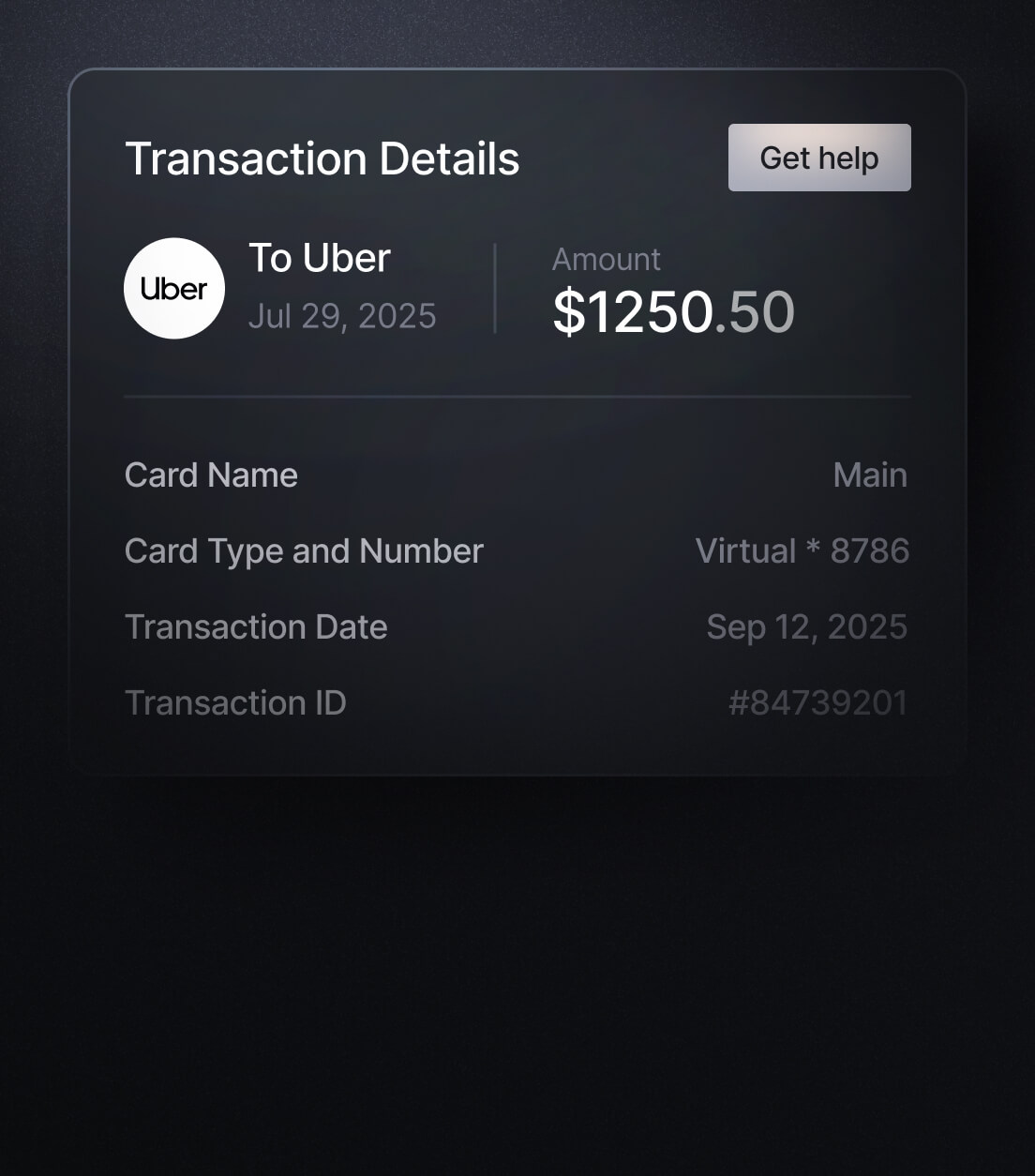
Contact the merchant.
Call their customer service to verify the charge and get transaction details.
Dispute the charge & monitor account.
If it appears fraudulent, report it to your bank or card issuer.
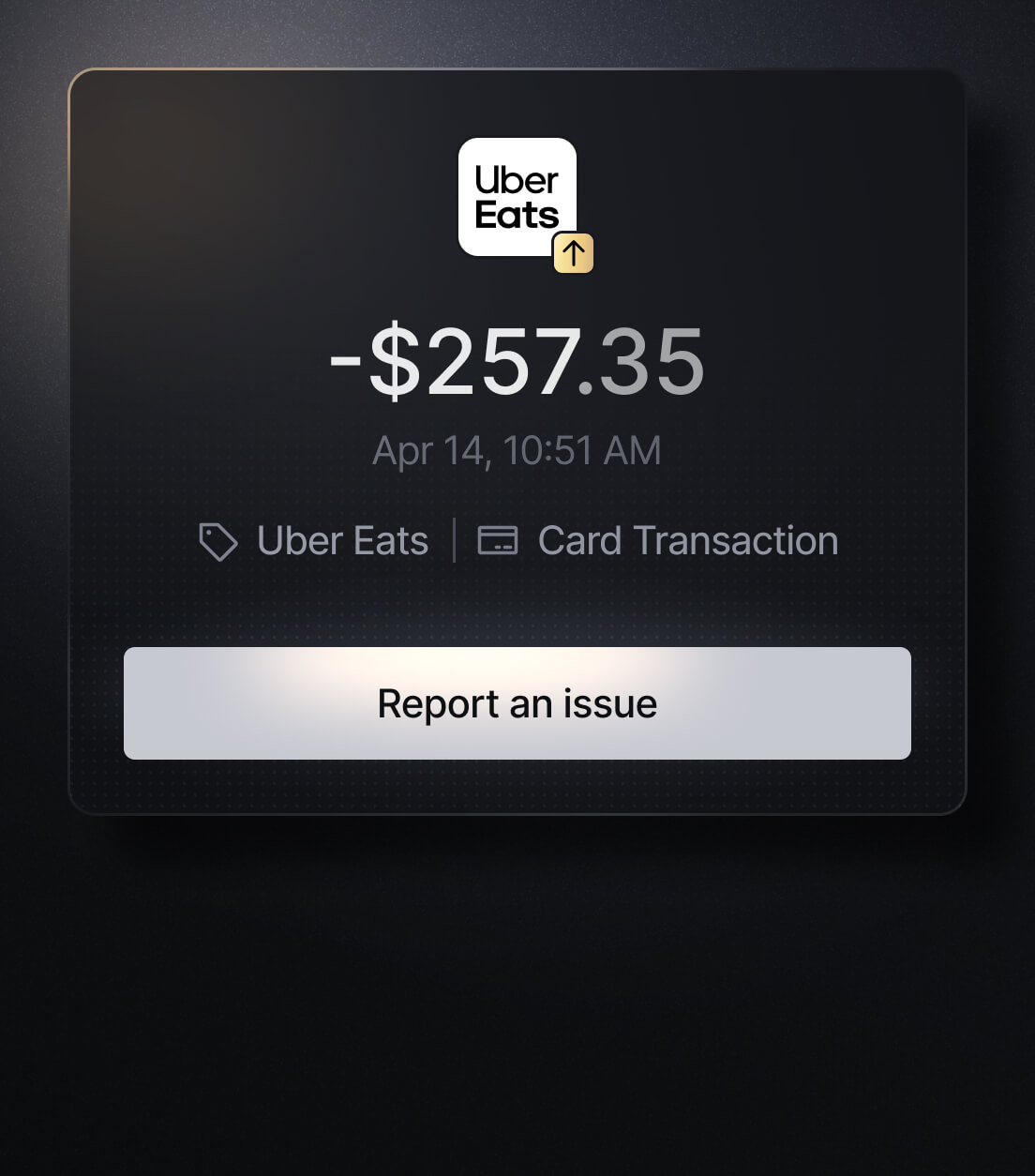
Easily Identify Every Charge with Slash
See exactly where, when, and how each charge occurred, complete with merchant names, payment types, and connected team cards with Slash’s detailed card logs and expense tracking tools.
Discover more insights


Apply in less than 10 minutes today
Join the 10,000+ businesses already using Slash.