
Unknown chargesmean unknown risk

Understand your business exposure before it compounds.
Seeing a HOMESITE INS PREM charge on your statement?
Common ways HOMESITE INS PREM charges might appear on your statement
- HOMESITE INS PREM
- HOMESITE INS PREM PPD ID: 1043361207
- HOMESITE INSURANCE PREMIUM
- HOMESITE INS PREM AUTO PAY
- HOMESITE INS PREM ACH PAYMENT
- HOMESITE INS PREM ONLINE PAYMENT
- HOMESITE INS CO
- HOMESITE INS PREMIUM BILL PAY
- HOMESITE INS PREM HOMEOWNERS
- HOMESITE INS PREM RENTERS POLICY
What is HOMESITE INS PREM?
HOMESITE INS PREM refers to Homesite Insurance Company, a U.S.-based insurance provider offering homeowners, renters, condo, and auto insurance. The descriptor appears on bank or credit card statements when customers make insurance premium payments through automatic withdrawals (ACH), online billing, or recurring policy payments. Homesite is part of the American Family Insurance group and is headquartered in Boston, Massachusetts. Learn more at homesite.com.
Common causes for HOMESITE INS PREM charges
- Monthly or annual insurance premium payments for homeowners, renters, or auto policies.
- Automatic withdrawals made through Homesite’s AutoPay system.
- One-time online payments for new or renewed insurance policies.
- Policy renewals or mid-term billing adjustments.
- Refunds or reversals after a policy change or cancellation.
Decoding HOMESITE INS PREM charge tags
- HOMESITE INS PREM / HOMESITE INSURANCE PREMIUM identify the merchant as Homesite Insurance Company.
- PPD ID: 1043361207 is the ACH identifier associated with Homesite’s electronic billing.
- AUTO PAY / ACH PAYMENT / ONLINE PAYMENT indicate the method of payment used.
- INS PREM / PREMIUM confirm that the transaction is an insurance policy payment.
- HOMESITE INS CO may appear as a shortened form for billing processor reference.
What to do
if you
don’t recognize this charge
Spot, verify, and resolve suspicious charges in minutes.
Contact your bank.
Call your bank using the number on the back of your card.

Contact the merchant.
Call their customer service to verify the charge and get transaction details.
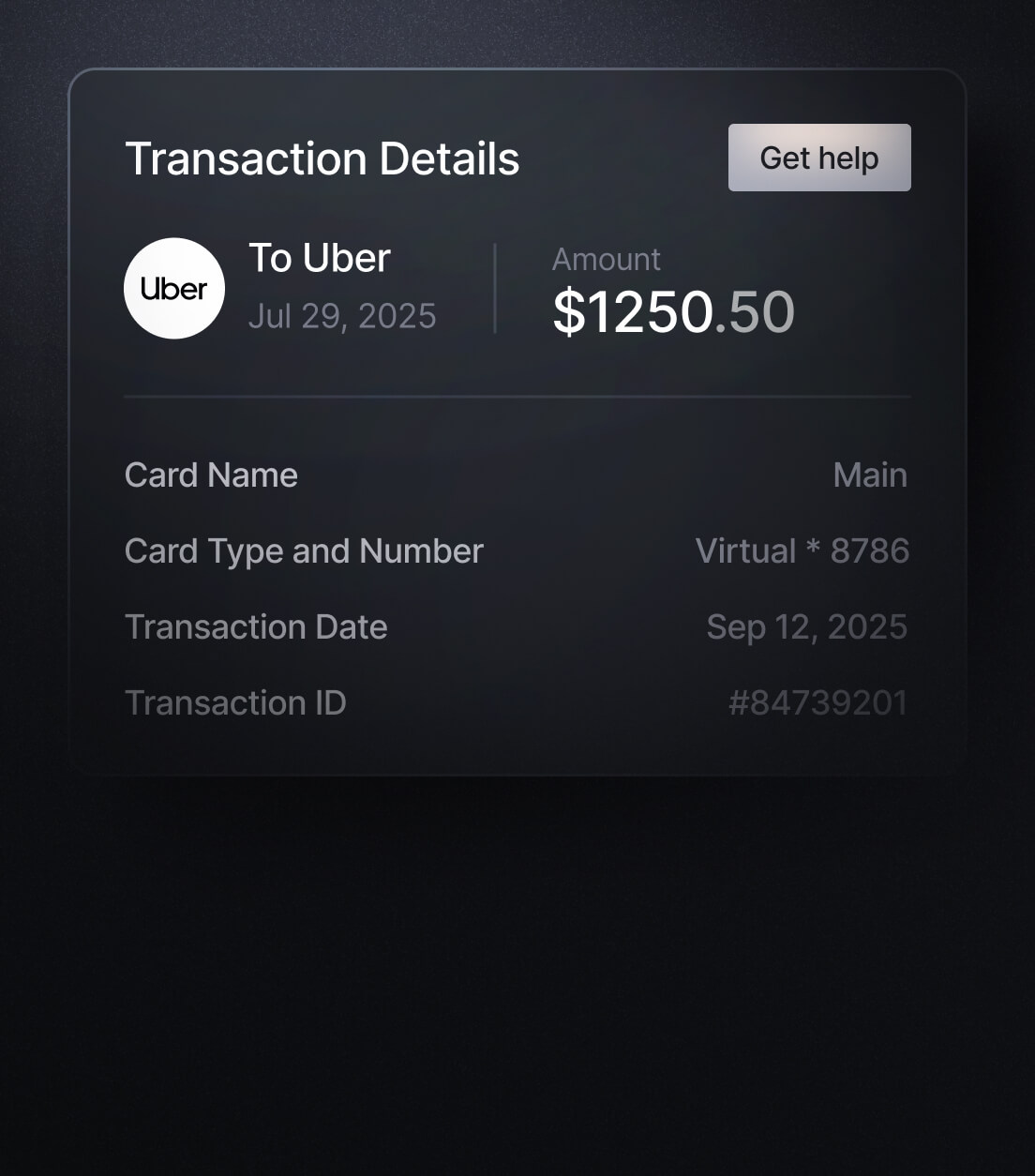
Dispute the charge & monitor account.
If it appears fraudulent, report it to your bank or card issuer.
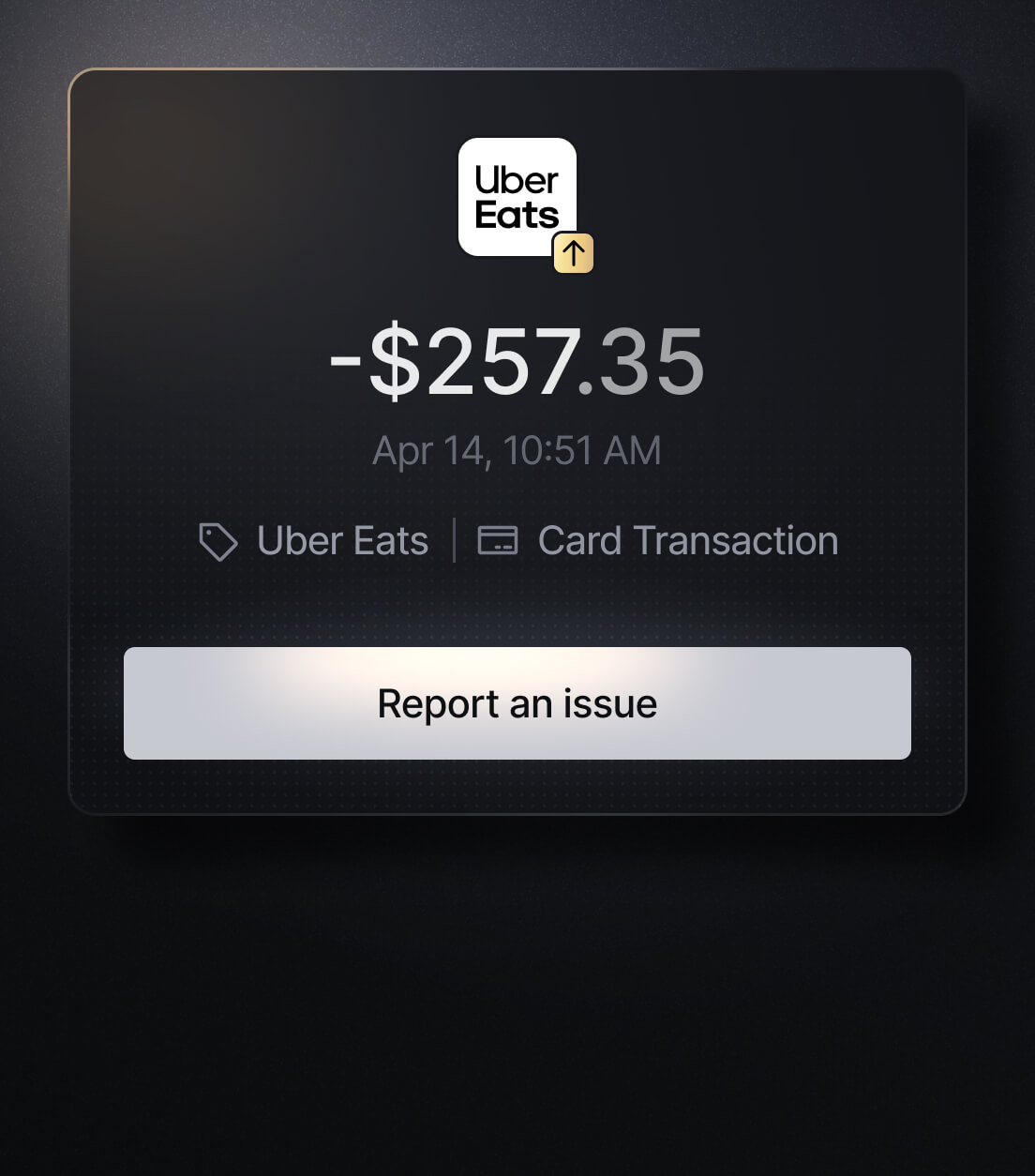
Easily Identify Every Charge with Slash
See exactly where, when, and how each charge occurred, complete with merchant names, payment types, and connected team cards with Slash’s detailed card logs and expense tracking tools.
Discover more insights


Apply in less than 10 minutes today
Join the 10,000+ businesses already using Slash.