
The inbox for financial operations
Approvals, compliance requests, expense submissions, card activations, and every other financial action — unified in a single queue with full context and direct execution.









Every minute spent hunting for approvals across products is time your team could put toward growth
Navigate by attention, not by product
Action required — your work, surfaced
Tasks where you are the actor. Payments to approve, expenses to submit, cards to activate, compliance RFIs to answer. Everything that needs you, in one place.
Pending — visibility into what you started
Tasks you originated and are waiting on someone else or automation to complete. Know exactly what's in flight without chasing status updates.
Completed — full audit trail
Terminal tasks: approved, rejected, expired, canceled. Every action recorded with timestamps, actors, and state transitions for compliance and review.
Execute actions, not just view them
Action Center isn't a list of reminders. It's an execution layer — approve payments, activate cards, submit RFIs, and upload receipts directly from your queue.
Contextual task details
Every task shows the full financial object — transaction data, card details, reimbursement memos — so you act with full context.
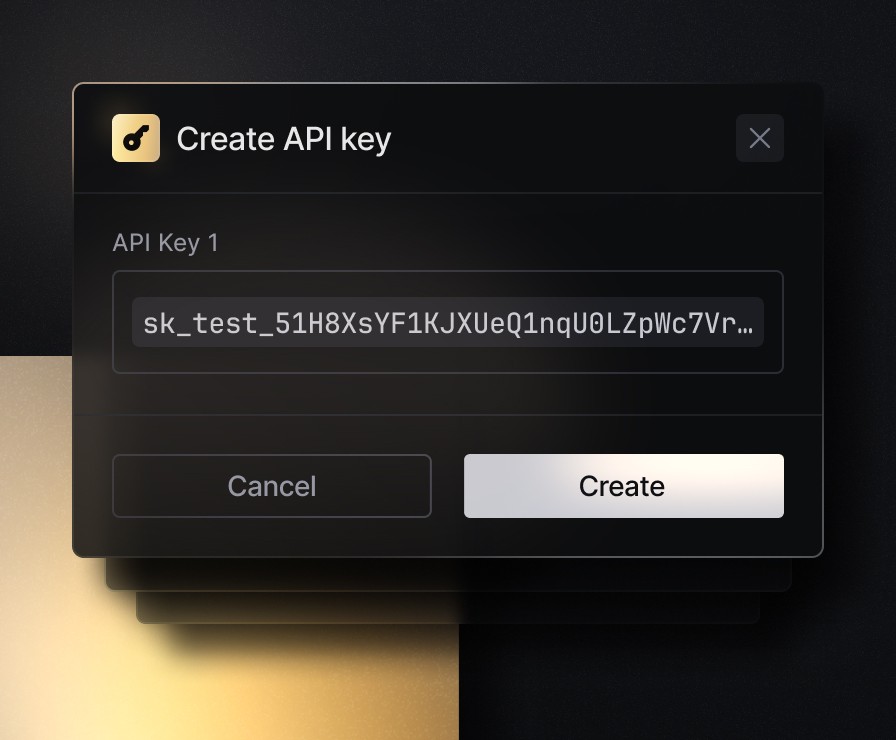
Quick actions and detail panel
Take immediate action from the row, or open the detail panel for complex workflows with typed forms and edit capabilities.
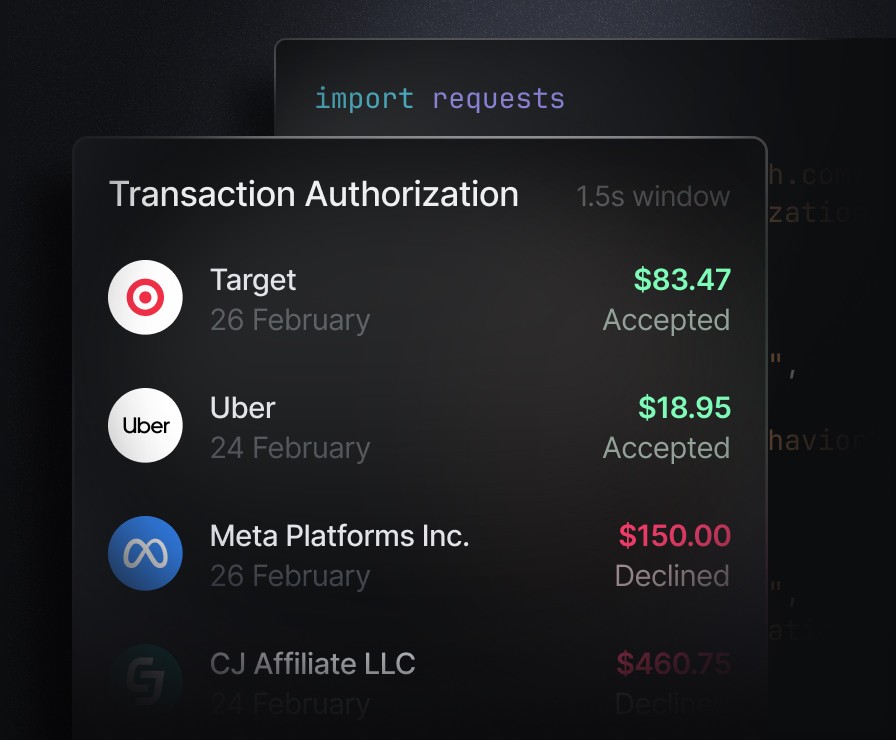
Every workflow, one framework
Action Center spans every corner of the Slash platform. Each task type defines its own schema, actions, stakeholders, and views — making the system extensible by design.
Payment approvals
Approve, reject, or cancel payment requests with full transaction context, counterparty details, and amount breakdowns.
Card requests & activations
Review card creation requests, edit limits inline, and activate physical cards the moment they arrive.
Expenses & reimbursements
Submit expenses with receipts and memos, review reimbursement requests, and enforce spend policies — all from the queue.
Applications & compliance
Submit product applications, respond to RFIs, and complete compliance requests that unblock onboarding and review workflows.
Built for real financial operations
The inbox is the easy part. The hard part is deep integration with the full financial operating system — data model, permissions, state machines, and operational depth.
Domain-native execution
Action Center doesn't just show you a task — it lets you execute it. Approve the payment, activate the card, submit the RFI, upload the receipt. Actions mutate real financial state.
Permission-aware visibility
Every task knows who can see it and what they can do. Visibility and actions are resolved from your actual permissions and legal-entity access — not a generic notification blast.
Actor vs. originator distinction
Action Required shows tasks where you need to act. Pending shows tasks you kicked off and are waiting on others. This personal queue model reduces confusion and surfaces the right work.
Real-time updates via SSE
Server-sent events push task changes instantly. Combined with optimistic removal and undo windows, Action Center feels like a modern command center, not a static table.
Extensible task framework
Adding a new task type means defining a backend schema, actions, stakeholders, and a frontend view. Every future Slash product plugs into the same attention layer automatically.
Cross-product coverage
Banking, cards, payments, expenses, reimbursements, applications, compliance, and card lifecycle — unified in a single queue. No more product-hopping to find what needs you.






Apply in less than 10 minutes today
Join the 10,000+ businesses already using Slash.
Frequently asked questions
Everything you need to know about Action Center. Contact us for anything else.
What is Action Center?
Action Center is a unified task inbox built into the Slash platform. It consolidates every financial action your business needs to take — approvals, compliance requests, expense submissions, reimbursement reviews, card activations, and more — into a single, priority-sorted queue with real-time updates.
How is Action Center different from notifications?
Notifications tell you something happened. Action Center tells you what to do about it. Every item includes the full context of the underlying financial object, the permitted actions based on your role and permissions, and the ability to execute directly — approve, reject, submit, activate — without navigating to another page.
What types of tasks appear in Action Center?
Payment approvals, card requests, reimbursement reviews, expense submissions, physical card activations, product applications, application RFIs, compliance requests, and more. New task types are added as Slash expands — Action Center is an extensible framework, not a hardcoded list.
What do the Action Required, Pending, and Completed tabs mean?
Action Required shows tasks where you are the actor — items that need your direct attention. Pending shows tasks you originated and are waiting on someone else or the system to complete. Completed shows terminal tasks: approved, rejected, expired, or canceled. Each tab maintains its own scroll position, filters, and selection state.
Can multiple team members use Action Center?
Yes. Action Center is permission-aware. Each user sees only the tasks relevant to their role and legal entity access. A CFO approving payments, an admin activating cards, and an employee submitting expenses all see their own personalized queue.
Does Action Center work in real time?
Yes. Action Center uses server-sent events for real-time task updates. When a task is created, approved, or changes status, your queue refreshes instantly. Combined with optimistic UI updates and undo windows, it delivers a responsive, modern experience.
How does Action Center compare to approval queues in Ramp or Brex?
Ramp and Brex have strong spend and card approval queues. Slash Action Center goes broader: it spans banking, cards, payments, reimbursements, expenses, applications, compliance, and card lifecycle — all in a single cross-product operational queue backed by the full Slash financial OS.
Can I search and filter tasks in Action Center?
Yes. Action Center supports full search and filtering across all tabs. Sort by due date, priority, or last updated. Quick actions on each row let you take immediate action, and the detail panel provides full context and edit capabilities for complex workflows.