
Unknown chargesmean unknown risk
Understand your business exposure before it compounds.
Seeing a HUM COMPBEN E MER charge on your statement?
What Is the HUM COMPBEN E MER Charge on Your Credit Card Statement?
If you see HUM COMPBEN E MER on your credit card or bank statement, it is typically a Humana insurance premium payment. In most cases, this is a legitimate charge tied to active coverage.
The descriptor generally breaks down as:
- HUM = Humana
- COMPBEN = CompBenefits, a Humana subsidiary for dental and vision plans
- E MER = an internal billing code
If you have any active Humana health, dental, vision, or supplemental coverage, this charge is usually a routine premium payment.
What Does HUM COMPBEN E MER Stand For?
This billing descriptor is shorthand for a Humana-related premium charge:
- HUM = Humana Inc.
- COMPBEN = CompBenefits Insurance Company, a Humana subsidiary
- E MER = an internal plan classification code not publicly defined by Humana
While E MER can look unclear, that ambiguity does not change the source of the charge: it identifies as a Humana/CompBenefits premium payment.
Why the Descriptor Changed from “Humana Comprehensive Benefits”
Some members who used to see Humana Comprehensive Benefits on statements now see HUM COMPBEN E MER instead.
This shortened descriptor appears to have become more common around 2019–2020, largely due to character limits in ACH and electronic payment merchant-name fields.
If you recognize the older full-name version, the abbreviated descriptor is generally the same charge from the same company, simply displayed differently by payment networks.
Why Some Statements Show “Roswell GA”
Some versions of this charge include ROSWELL GA in the descriptor.
This refers to Roswell, Georgia, associated with a CompBenefits administrative billing center. When payments route through that facility, the location may appear on the statement.
This indicates the billing location only—it does not represent a separate merchant.
Types of Humana Plans That Trigger This Charge
HUM COMPBEN E MER can appear for several types of Humana coverage, including:
- Medicare Advantage plans
- Medicare Supplement plans
- Dental insurance (a very common source of this charge)
- Vision coverage
- Prescription drug plans
- Supplemental health benefits
Most members see this as a monthly autopay charge, though quarterly or annual premium billing can occur and may be more likely to raise questions because the amounts are larger or less familiar.
How to Verify the Charge Is Legitimate
Start by comparing the amount on your statement to your premium listed in the Humana member portal at humana.com.
You can also contact Humana with the charge date and amount:
- 1-800-448-6262 for health plans
- 1-800-787-3311 for dental and vision plans
Humana can help confirm whether the charge matches your policy billing.
What to Do If You Do Not Recognize the Charge
If you don’t recognize the charge, contact Humana first and provide:
- Charge date
- Charge amount
- Last four digits of the card used
Humana can often confirm whether a policy exists associated with the payment.
If no policy exists and Humana cannot identify the charge, contact your bank or card issuer and dispute it as potentially unauthorized.
If coverage may have been added through an employer, it’s also worth checking with your HR or benefits administrator before disputing the transaction.
How Slash Helps Business Accounts Track Employee Benefits Charges
Slash is a banking platform that can automatically categorize HUM COMPBEN E MER and similar Humana descriptors as Employee Benefits or Health Insurance expenses. Our intelligent categorization makes it easier to track premium payments alongside payroll records, monitor recurring benefits costs, and reconcile insurance expenses against benefits budgets.
Seeing a UNITED AIRLINES INFLT charge on your statement?
Seeing a TFL TRAVEL CHG on your statement?
Seeing a AGASERVICEO MAR T ALLIANZINS.US VA charge on your statement?
Seeing a LEAD BANK SELF LEND charge on your statement?
Seeing a THP NEA ONLINE charge on your statement?
Seeing a DMI DELL BUS ONLINE charge on your statement?
What to do
if you
don’t recognize this charge
Spot, verify, and resolve suspicious charges in minutes.
Contact your bank.
Call your bank using the number on the back of your card.
Contact the merchant.
Call their customer service to verify the charge and get transaction details.
Dispute the charge & monitor account.
If it appears fraudulent, report it to your bank or card issuer.
Easily Identify Every Charge with Slash
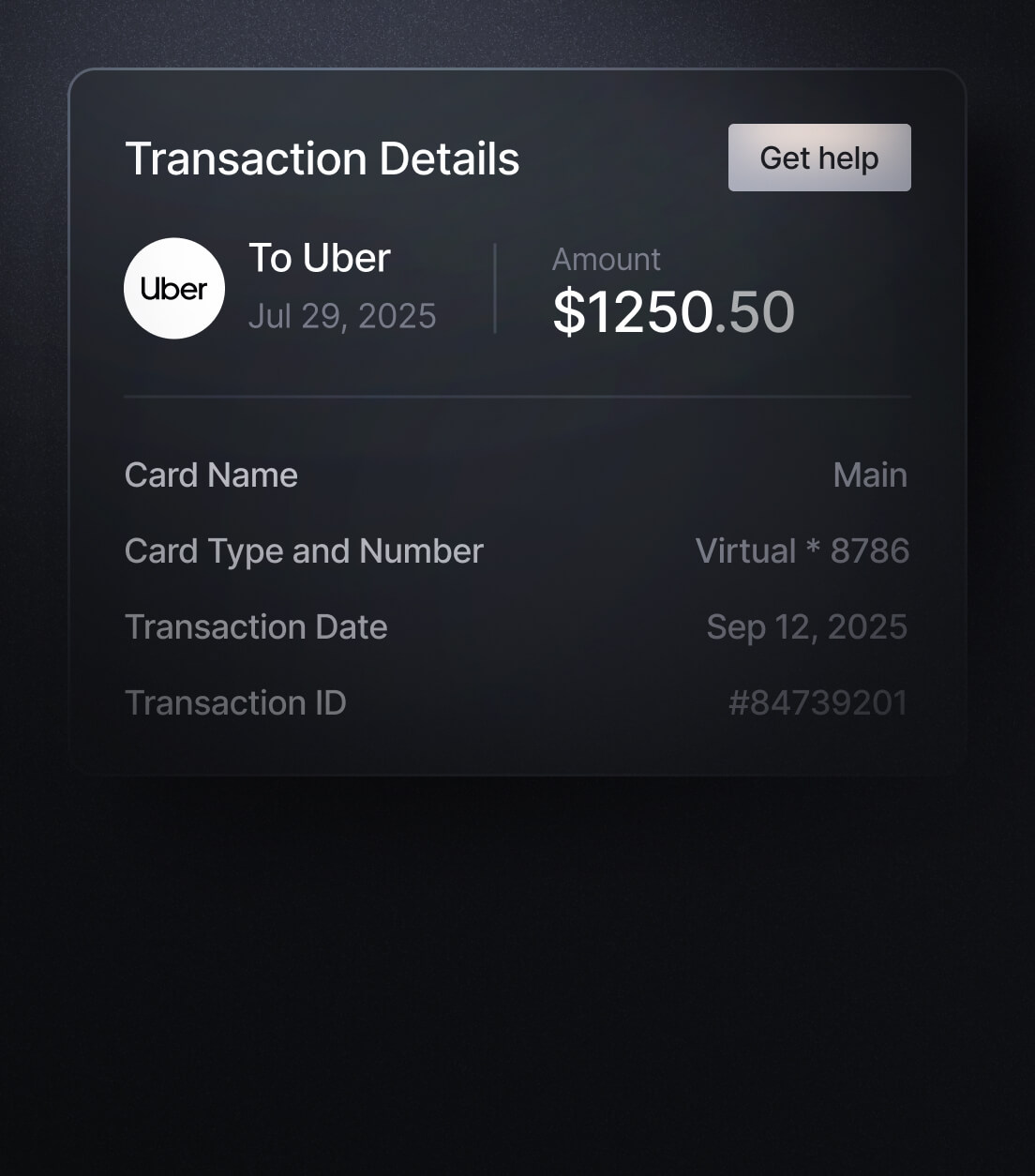
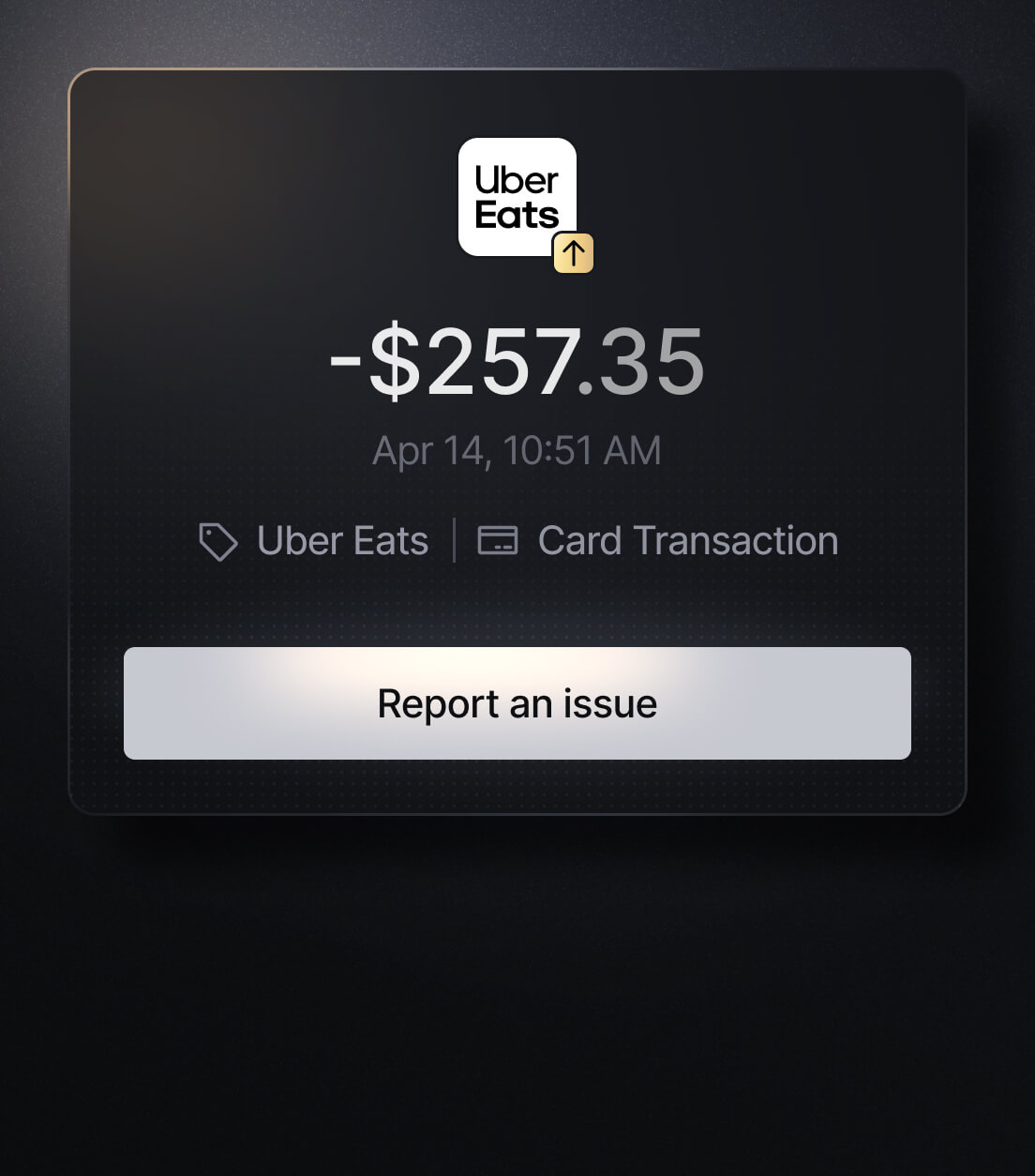
See exactly where, when, and how each charge occurred, complete with merchant names, payment types, and connected team cards with Slash’s detailed card logs and expense tracking tools.
Discover more insights


Apply in less than 10 minutes today
Join the 5,000+ businesses already using Slash.