

Ultimate Guide to Choosing the Right Enterprise Resource Planning (ERP) Software
When your business gets to a certain stage of growth, you'll reach a point where the lightweight tools don't cut it anymore. You're drowning in invoices and purchase orders, you have no idea where there are kinks in your supply chain or what your inventory levels are, your finances are a mess. Eventually, you need to make the jump to a heavier solution for managing all of the numbers behind your business; the industry term for this is an enterprise resource planning (ERP) software, and there are a number of providers to choose from.
In this guide, we're going to cover everything you need to know while looking into the right ERP for your business, depending on your business's size, what you do, and what you're willing to spend on a solution. We'll walk through the major providers and what each one is built for, break down how their pricing works, and lay out how to weigh them against what your business’s needs and existing tools.
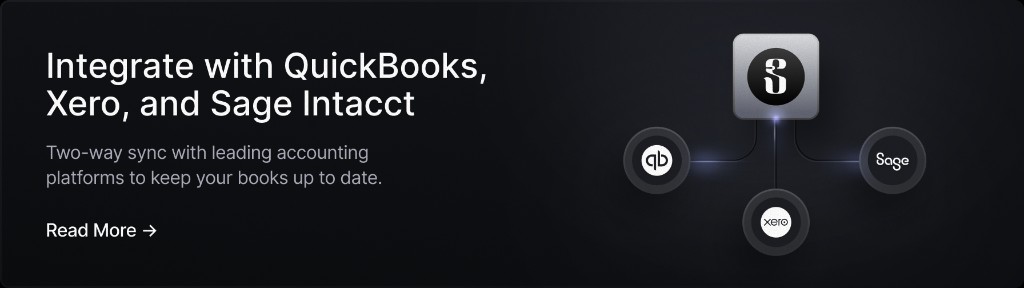
One thing worth keeping in mind before you start shopping: an ERP doesn't create the data it manages, it inherits it. Every figure in the system starts as a payment someone sent or a bill someone approved, and if that activity reaches the ledger late or miscoded, a good ERP just organizes the mess more neatly. That’s where Slash comes in. It's a business banking platform, not an ERP, that runs the accounts, cards, and payments behind your business and syncs with major accounting systems like NetSuite and Sage Intacct.¹ Get the money side right, and whichever ERP you choose has clean numbers to work with from day one.
What is enterprise resource planning software?
Enterprise resource planning (ERP) software is a suite of connected applications that runs a company's core business processes. Instead of each department keeping its own spreadsheets or standalone tool, everyone works off the same records with an ERP, so a sale entered by a rep updates inventory, triggers a fulfillment task, and lands on the finance team's books without anyone re-typing the data.
The "enterprise" in ERP can be a bit misleading. The software category started in the 1990s and originally catered to large-scale manufacturers and corporates, but modern cloud ERP systems have scaled down the usability to companies with a few dozen employees. What defines ERP isn't company size, it's the idea of one system of record instead of a patchwork of disconnected tools.
What can an enterprise resource planning system do?
At a certain point, most companies will all hit the same wall: they have too many employees, customers, and operations going on at once to reliably keep track. You start drowning in invoices and purchase orders, missing inventory restocks, or losing sales pipelines because no one is keeping things up to date. An ERP syncs everything together, from accounting to sales to inventory, so everyone is on the same page.
Here are a few different modules included in ERPs for different processes, along with some examples to explain how they show up:
Project management software
ERPs can let project managers log labor hours, purchased materials, and subcontractor costs directly within a project’s budget. This module tends to be most built out in ERP systems aimed at professional services, engineering, and construction firms, where a project's profitability depends on catching cost overruns early.
Inventory management software
Inventory management ties stock counts to purchasing and sales: a sale decreases available inventory the moment it's recorded, and a received purchase order adds to it the same way. For businesses that manufacture, the link extends to production, too; a work order consuming raw materials reduces that stock automatically, and finished units get added back to inventory once production completes. Because all of that runs through the same database as sales history, the system can set reorder points based on actual lead times and sell-through rates.
Accounting & financial management software
A sale logged in CRM, a shipment recorded in inventory, or a labor hour posted to a project all generate the corresponding accounting entry on their own, so the general ledger reflects what's happening in the business in near real time rather than after someone enters it by hand. Multi-entity companies also get consolidation built into this layer: currency conversion and intercompany eliminations run automatically across entities, work that would otherwise happen manually in a spreadsheet during close.
Customer relationship management (CRM)
When CRM runs inside ERP rather than as a separate tool, a customer's order history, open invoices, and current quotes all sit on the same record. A sales rep working a renewal can see whether the account has a past-due balance before offering new terms, and finance can see what was promised to a customer without asking sales to check.
Supply chain management software
Supply chain management in ERP ties procurement and vendor data to the same demand signals driving sales and inventory, so purchasing decisions are based on sell-through and lead times instead of a manual forecast. If a supplier's lead time slips, the system can show which upcoming customer orders will be delayed finding out from a missed shipment.
Data analytics software
ERP reporting can combine those data sets from each of these processes together, giving you a more complete, data-driven approach to managing your business’s operations. A gross margin report by product line, for instance, can pull cost data from inventory and revenue data from sales. Many ERP platforms now have integrated AI tools to help simplify data analysis.
Benefits of using ERP software for your business
Although ERPs are expensive, the downstream advantages of using one at the right time are hard to ignore. Most of the payoff traces back to a single change: everyone working from one set of records instead of a patchwork that constantly needs reconciling. Here are some benefits that can result from making the switch:
- Workflow automation: Manual, repetitive steps, like re-entering a sales order into the accounting system or matching an invoice to a purchase order by hand, get routed through automated rules instead. That frees up staff time for the judgment calls the software can't make, like negotiating with a vendor or reviewing a transaction that looks off.
- Enhanced data visibility: With one shared database, a manager can see current inventory, open invoices, and project status without waiting on another department to send a report. That real-time visibility is what makes it possible to catch a problem, like a cash crunch or a stockout, while there's still time to act on it.
- Improved collaboration: When finance, operations, and sales work from the same numbers, disagreements about whose data is right can disappear. This matters even more for companies managing multiple subsidiaries or locations, where consolidating reporting across entities in one dashboard replaces a lot of manual spreadsheet rollups.
- Cost efficiency: While ERPs can be expensive, they can lead to downstream savings from fewer duplicated tools, less manual administrative labor, and tighter inventory and cash management. For a business that's outgrown its current tools, the ongoing cost of manual work and disconnected systems is usually the larger expense.
Top 6 leading enterprise resource planning software providers in 2026
Pricing for most ERP systems is quote-based rather than publicly listed, since it depends on user count, modules, and deployment size. The figures below combine official vendor pricing where available with third-party estimates where it isn't; treat estimates as a starting point for budgeting, not a quote, and confirm current numbers directly with the vendor.
Microsoft Dynamics 365 (Business Central)
Microsoft splits its ERP line in two. Business Central is built for small and mid-sized companies already using Microsoft 365. The separate Finance & Operations edition is for large, multi-entity enterprises running more complex operations.
- Price: Essentials starts at $80 per user per month and Premium at $110 per user per month (annual billing), with a lower-cost Team Member license around $8 per user per month for light users. Finance & Operations is quote-based; partners commonly cite figures around $210 per user per month, though Microsoft doesn't publish that rate directly.
- Best for: Business Central fits SMBs and lower-mid-market companies, very roughly 20 to 300 users, that already live in the Microsoft ecosystem. Finance & Operations suits large enterprises with multi-entity, multi-country operations.
- What stands out: It connects directly to Power BI, Power Apps, and Power Automate, and there are thousands of add-ons in Microsoft's AppSource marketplace. Recent Copilot features add AI tools that handle routine finance work, including an assistant that helps process supplier invoices and one that helps match bank transactions during reconciliation.
- Financial tools: Handles multiple currencies and recalculates foreign-currency balances automatically as exchange rates move. It can also move transactions between a company's own subsidiaries and combine their books into a single set of group numbers, even when each entity categorizes its accounts differently.
Acumatica
Acumatica charges by how much you use the system rather than by headcount, which stands out for companies with a lot of people who only need occasional access.
- Price: No public price listed; licensing is based on resource consumption rather than user count, so adding users doesn't add cost. Third-party estimates put smaller deployments around $6,000 to $25,000 per year, mid-market implementations between $25,000 to $75,000 per year, and larger deployments beyond that.
- Best for: SMBs and mid-market companies, especially manufacturers, distributors, and construction firms with large field or frontline teams who need access without paying for a seat each.
- What stands out: Industry-specific editions for construction, distribution, manufacturing, retail, field service, and professional services, plus a built-in Shopify connector for retailers and no-code tools for connecting AI models.
- Financial tools: A general ledger that works across currencies, support for an unlimited number of legal entities each with its own account structure, and an Advanced Financials module that automates currency adjustments and cancels out transactions between a company's own subsidiaries so they don't inflate group totals.
Oracle Netsuite
NetSuite is often the step up from fast-growing companies that have outgrown basic accounting software like QuickBooks or Netsuite.
- Price: Quote-based and custom. Third-party estimates put the base platform license around $999 to $5,000 per month depending on edition, with per-user licensing commonly $129 to $199 per user per month. Total costs often land between $25,000 and $250,000 per year, with implementation typically billed separately.
- Best for: Mid-market to lower-enterprise companies, roughly $25 million to $500 million in revenue, particularly fast-scaling or multi-subsidiary businesses in retail, ecommerce, software, and wholesale distribution.
- What stands out: SuiteSuccess offers more than a dozen preconfigured setups by industry, OneWorld runs global operations across 190-plus currencies, and SuiteCommerce builds online storefronts into the platform.
- Financial tools: Automated revenue recognition that follows the ASC 606 and IFRS 15 accounting rules, which govern when a company can record revenue; native multi-currency support; and real-time consolidation that combines subsidiaries and cancels out transactions between them. NetSuite also syncs two ways with Slash, so card, invoice, and bill pay activity flows into the ledger automatically.
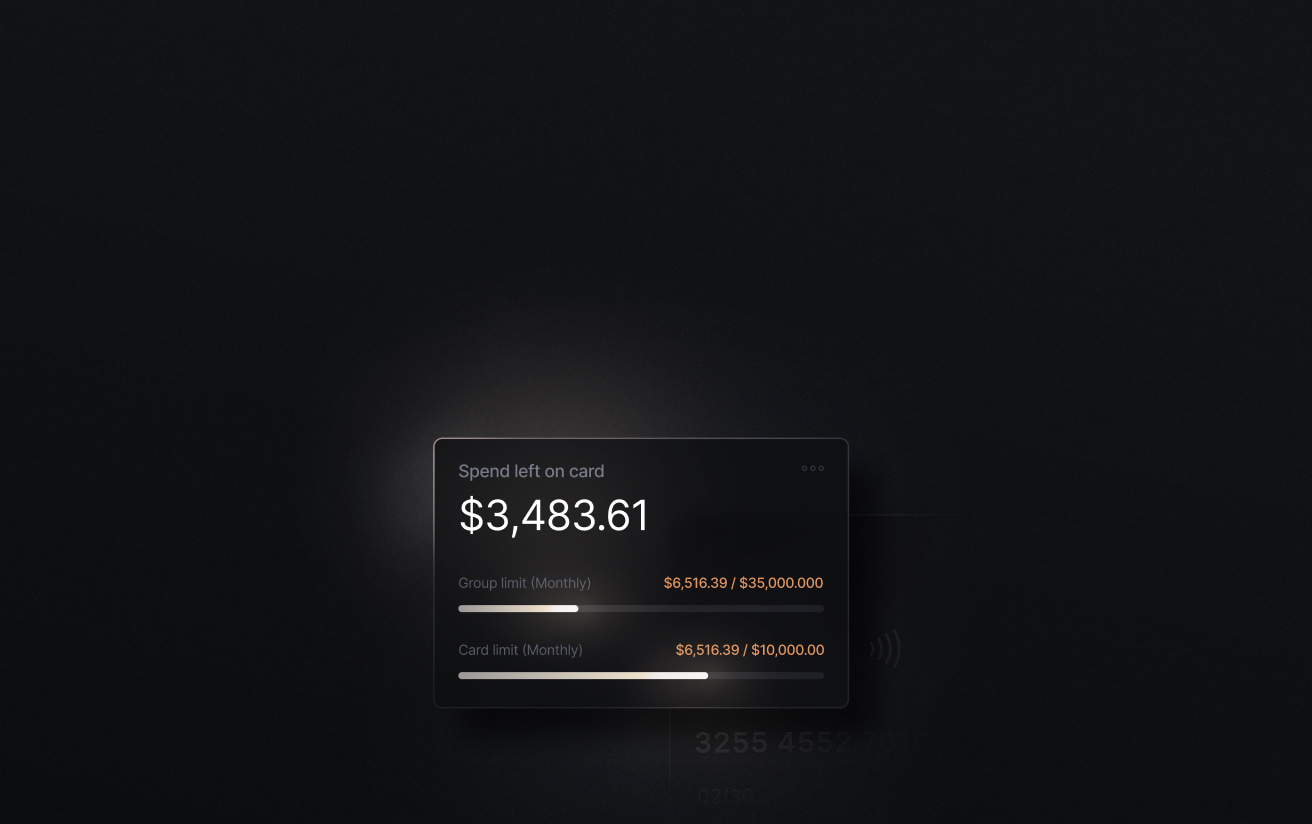
The standard in finance
Slash goes above with better controls, better rewards, and better support for your business.

Sage Intacct
Sage Intacct is aimed at organizations that care more about detailed financial reporting than about tracking inventory or running a factory floor.
- Price: Custom and quote-based. Third-party estimates suggest roughly $200 to $400 per user per month plus a base platform fee, with typical annual subscriptions between $9,000 and $35,000. Implementation often costs one to one and a half times the first year's subscription.
- Best for: Mid-market organizations, generally 51 to 1,000 employees or $4 million-plus in revenue. It's especially common among nonprofits, professional services firms, SaaS companies, and financial services businesses.
- What stands out: Sage Copilot brings AI to the month-end close, including automated invoice matching and a finance assistant you can ask questions in plain language, and a marketplace of integrations extends the core system.
- Financial tools: A general ledger, accounts payable, and accounts receivable that can expand into project accounting and subscription billing; real-time consolidation across multiple entities and currencies; and a separate module for budgeting and forecasting. Sage Intacct also connects two ways with Slash, pulling in card spend, invoicing, and bill pay data.
SAP S/4HANA Cloud (Public Edition)
S/4HANA is SAP's flagship ERP, and the Public Edition is the standardized, cloud-native version aimed at companies that want SAP's core ERP without the heavy customization of the private or on-premise versions.
- Price: List pricing runs roughly $180 to $400 per user per month depending on the type of user, with everyday full-access users typically landing around $200 to $300. Large buyers commonly negotiate 30 to 50 percent off list through volume and multi-year commitments. Hosting and implementation are billed separately.
- Best for: Mid-market to large enterprises already in or considering the SAP ecosystem, especially those that want a standardized cloud system with automatic quarterly updates rather than a heavily customized build.
- What stands out: Core modules cover finance, sales, procurement, manufacturing, and professional services, all on SAP's Fiori interface. A Group Reporting module handles the legally required combining of group financials across different countries' accounting rules, and SAP has built AI into finance workflows for tasks like matching transactions and flagging anomalies.
- Financial tools: General ledger, accounts payable and receivable, and asset accounting. It can split a single transaction across dimensions like department or region for more detailed statements, and keep the books under two accounting standards at once (say, US GAAP and IFRS). A closing tool coordinates the month-end close, and a treasury module covers cash planning, foreign-exchange exposure, and hedging.
IFS Cloud
IFS Cloud is built for industries where the main thing being managed is physical assets, not just financial transactions.
- Price: Custom and quote-based, priced by user tier and the modules you choose. Third-party estimates suggest roughly $110 to $250 per user per month, with higher tiers up to $500. A 100-user deployment over three years has been estimated at $496,000 to $1.3 million in total cost.
- Best for: Mid-market to large enterprises in asset-heavy industries: aerospace and defense, energy and utilities, construction and engineering, manufacturing, and telecom or field services.
- What stands out: IFS combines ERP with enterprise asset management (EAM) and field service management (FSM) on one platform, which matters for companies that maintain physical equipment. Its IFS.ai layer adds predictive maintenance, AI-driven scheduling for field crews, and demand forecasting.
- Financial tools: General ledger, accounts payable and receivable, and fixed assets; a built-in module for budgeting and forecasting; multi-currency transactions; and group consolidation that converts each subsidiary's local-currency figures into the parent company's currency.
How to choose the right ERP software for your business
Choosing an ERP and getting it running can take months, so going in with a clear plan saves you a lot of that time. These six steps can help you narrow the field and set up the switch with fewer surprises:
1. Start with the problems, not the features
Name the specific things your current setup gets wrong: inventory counts that never match what’s on the shelf, an accounting close that drags on for three weeks, sales and finance working off different customer records. That list – not a software’s marketing materials – should decide which modules you need. Every module you buy for a problem you don't have is one more thing to configure and pay for.
2. Evaluate the modules your industry uses
Compare vendors on the handful of modules that fix your business’s problems, not on total feature count. A services firm should focus on project accounting and utilization reporting; a distributor needs inventory, purchasing, and warehouse management; a manufacturer needs bills of materials and production planning. A platform that's strong in one area may be lackluster in another, so ask each vendor to demo the workflows you actually care about.
3. Check how it fits the tools you're keeping
Prioritize the system that works well with the tools you’re already using. You likely aren’t ditching your existing bank, corporate card provider, or HR and payroll system. Get each vendor to confirm which of your tools have a native connector before you sign. And ask if updates are bidirectional; two-way syncs beat one-way exports. For example, Slash syncs both ways with NetSuite and Sage Intacct; that means it posts card and bill payments to the right accounts automatically, and then changes in your ERP are reflected automatically back in Slash.
4. Add up the full cost, not the license
Implementation – which includes configuration, data migration, integrations, and employee training – can cost one to three times your first-year license (or even higher for large enterprise systems). Build a three-year view covering subscription, implementation, add-on modules, and support. Then, add a contingency, since scope changes surface on almost every rollout. A low headline rate with a large implementation can cost more over three years than a pricier system that deploys fast.
5. Negotiate the contract
List prices are a starting point. Discounts of 15 to 30 percent are common on mid-market deals, more on large multi-year ones, and vendors are most flexible near the end of their fiscal quarter. Some terms matter as much as the discount: cap the annual increase in writing (a 5 percent cap is achievable), lock in your first-year discount so it survives into year two, and price sandboxes and premium support up front. Don't over-commit to users or modules early, since adding them later is easy and removing them isn't.
6. Plan the implementation in detail
Budget realistically: a straightforward deployment takes a few months, a complex multi-entity one closer to a year. Data migration is the piece most teams underestimate, since the real work is cleaning up years of inconsistent records, not moving them. A phased rollout, one module or entity at a time, is usually much more doable than switching everything at once. Name an internal DRI who can make calls, test against real scenarios before go-live, and lead training.
Automate your financial workflows with Slash
Your ERP is the system of record, but most of what fills it starts outside the ledger, as a card charge or a bill that came due. Slash is where that financial activity happens first. The platform supports two-way sync with Sage Intacct, NetSuite, DualEntry, and other leading accounting software.
Every transaction made through Slash is logged and categorized as it happens, receipts attach themselves through a text to the cardholder, and each charge reaches your ledger already carrying its memo and the project or department it belongs to. Bill pay and invoicing work the same way: Slash reads incoming vendor bills and routes them for approval before paying, sends your invoices with payment links built in, and keeps payables and receivables current in your books without anyone entering them twice.
Here’s what else you get with Slash:
- Slash Visa Platinum Card: A corporate charge card that earns up to 2% cash back. Issue unlimited virtual cards, set spend limits and rules by card or team, and track every transaction in real time.
- Payments to power your business: Move money on whatever rail the moment calls for, from domestic and international ACH and wires (reaching 180+ countries and 135+ currencies over SWIFT) to real-time rails like RTP and FedNow, plus USD stablecoins such as USDC and USDT for near-instant cross-border transfers.⁴
- AI-powered finance: Ask Twin, Slash's built-in AI financial assistant, about your spending in plain language or hand it a task like issuing a card or chasing a missing receipt. It works within the permissions and approval rules you already set to manage your money for you.
- Accounts payable & receivable: On the payables side, upload a vendor bill and Slash reads it, routes it for approval, and pays it, tracking each one from pending to paid. On the receivables side, send professional invoices with payment links built in, set up recurring billing, and track all of your invoices in one clear view.
- Multi-entity management: Run several businesses or subsidiaries from one dashboard and switch between them without separate logins, so entity-level and consolidated views stay in one place.
Apply in less than 10 minutes today
Join the 10,000+ businesses already using Slash.
Frequently asked questions
Which software is used for ERP?
The best-known ERP platforms include Microsoft Dynamics 365, Oracle NetSuite, SAP S/4HANA, Sage Intacct, Acumatica, and IFS Cloud. Smaller businesses often start on lighter accounting tools like QuickBooks or Xero and move up to one of these once those stop keeping up. There's no single standard, since the right fit depends on your size, industry, and budget.
How to Keep Track of Business Expenses Efficiently: A Step-by-Step Guide

The Best Accounting Automation Software Tools in 2026

How long does it take to set up an ERP?
Usually anywhere from a few months to a year. A straightforward single-entity cloud deployment can go live in two to six months, while a complex multi-entity or heavily customized rollout often takes six to twelve, with cleaning up and migrating your existing data typically the part that drags longest.
What are the 3 common types of ERP?
They're usually grouped by how they're deployed: on-premise ERP that runs on your own servers, cloud (or SaaS) ERP that the vendor hosts and updates for you, and hybrid setups that combine the two. Most modern systems, including the ones in this guide, are cloud-based.
Read more from us


