


Bill Pay Solutions for Small Businesses: The Best Tools to Automate and Streamline Vendor Payments
If you’re a small business owner trying to handle several financial responsibilities at once, you know how valuable your time is. As you begin onboarding vendors and suppliers, the time you spend manually paying different bills can add up quickly. It may even lead to mistakes, since transcribing and calculating data by hand is an easy thing to mess up.
Automated bill pay solutions can speed up the process without the need to sacrifice accuracy or hire extra employees. With the help of automation, your bill pay workflow can be more efficient, less error-prone, and easier to audit. Additionally, most businesses are unlikely to outgrow these tools as they expand, as most bill pay solutions are built to scale.
If you’re looking for a way to automate your bill pay process, there are quite a few options on the market. To help sort through them, we’re going to cover what the leading solutions are, how they work, and what features matter most when evaluating each one. We’ll also discuss Slash, a neobank that allows users to revamp the way they pay their bills and invoices.¹ With AI-powered invoice parsing and custom approval policies, Slash makes sure the most tedious aspects of your bill pay workflow are automatic.
The standard in finance
Slash goes above with better controls, better rewards, and better support for your business.


What Are Bill Pay Solutions for Small Businesses?
Bill pay software manages the end-to-end process of paying vendor invoices, which can be a more complex process than small business owners expect. Most solutions handle receipt/data capture, approval, scheduling, payment execution, and reconciliation.
A good bill pay system includes these three components:
- Vendor management: A record of all vendor relationships, including payment details, preferred payment methods, tax documentation status, and payment history. With good vendor management, a new team member can process a payment to any supplier without sorting through their email and notes for banking details.
- Payment processing: The ability to initiate ACH transfers, wire transfers, virtual card payments, and check payments to vendors.
- Approval systems: Workflows that route invoices to the appropriate approver based on configurable rules before payment is authorized. These rules might revolve around the payment amount, vendor, department, or category. Approval workflows can also create a clean audit trail and prevent unauthorized payments.
Using a bill payment solution can improve your money management, increase your visibility into cash flows, and lead to better decision-making based on up-to-date information. Research from The Institute of Finance and Management (IOFM) shows that automated AP processes can reduce invoice processing costs by 60–80% compared to manual handling, and reduce payment errors by a similar margin.
How Automated Bill Pay Works
The goal of a modern bill pay platform is to automate as much of the workflow as possible while allowing admins to be able to monitor and tweak the process. Visibility can be just as important of a factor as efficiency. Overall, the workflow typically follows these steps:
- Invoice receipt and data capture: Small businesses typically receive invoice PDFs via email, vendor portal, or direct upload. If the platform has OCR (optical character recognition) technology, it can extract key fields like vendor name, invoice number, amount, and due date from the invoice document automatically.
- Approval workflow automation: The captured invoice is automatically sent to the appropriate approver based on predefined rules. A $500 software subscription might auto-approve based on a configured policy, while a $15,000 equipment invoice routes to the COO for review. Approvers can receive a notification through the platform, review the invoice details, and approve or reject it.
- Payment scheduling and execution: Once approved, the payment is scheduled. Many platforms can execute the payment through an appropriate rail, depending on vendor preference and timing. Solutions like Slash offer a wide variety of rails, including ACH, wire, virtual card, and even stablecoin.⁴
- Reconciliation and reporting: Each payment generates a transaction record that links back to the original invoice, the approval chain, and the payment confirmation. This data syncs to the accounting system and helps speed up reconciliation at the end of the period.
Leading Bill Pay Solutions for Small Businesses
Some examples of bill pay software aren’t exclusively meant for bills and invoices. Certain solutions come with a plethora of financial tools, ranging from expense management capabilities to treasury accounts. Here are some popular platforms small businesses should take a look at:
Slash
Slash stands out by building its bill pay features into an all-in-one banking platform. If you own a small business and you want to consolidate vendor payments, banking, corporate cards, and expense tracking in one place, Slash might be for you.
When you receive a bill in PDF or photo form, you can forward it to a dedicated accounts payable (AP) inbox found on the financial dashboard. Slash’s OCR tools extract the data that you’d normally have to transcribe manually. From there, you can build custom approval policies and automate payment through any rail that you or your vendor prefers. If you’re looking to adjust your cash flow or you have a custom agreement with a vendor, you can also pay bills partially rather than in full.
Each transaction is automatically synced with popular accounting solutions like QuickBooks Online, NetSuite, Xero, and Sage Intacct, creating an instant audit trail and making end-of-month reconciliation a lot easier.
Best for: Small businesses that want banking, bill pay, cards, and expense management in the same system.
BILL
BILL is one of the oldest bill pay options on the market, which is probably part of how it landed its name. It comes with a custom vendor network, accounting integrations, and a mobile app that allows users to review and make payments while out of the office.
Despite its experience in the industry, the system still comes with some blind spots. Its OCR technology doesn’t completely capture some bills, their ACH transfer times can take up to 7 business days, and their automated approvals are set around simple thresholds. Additionally, the service is fairly pricey, ranging from $49/user/month to $89/user/month. BILL does a lot of things right, but you may find that they have too many limitations to adopt at that price point early in your business’s lifetime.
Best for: Larger businesses with significant AP volume and vendor relationships that can justify the price.
Ramp
Ramp is primarily a corporate card and spend management platform that has expanded into bill pay, meaning it approaches vendor payments from the card and expense side rather than from pure AP automation. Its bill pay feature supports ACH and check payments, with approval routing, vendor management, and accounting integrations.
There are a couple limitations to keep in mind for small businesses who might be interested in Ramp. For one, you need a $25,000 minimum cash balance to sign on with Ramp, no matter what feature you’re interested in. Additionally, if you live in Nevada or work within certain industries (crypto, cannabis, adult content), you can’t make international payments at all.
Best for: Post-revenue startups and small businesses that have the cash reserves to be able to access Ramp
Tipalti
Tipalti is built for high-volume, global payments, supporting billing to 200 countries in over 120 currencies. It also handles mass vendor onboarding and tax/regulatory compliance for AP operations across multiple jurisdictions. If you’re a business that manages large supplier networks or pays international contractors regularly, Tipalti is a strong choice.
However, many of the businesses that align with Tipalti’s features are on the larger side. With pricing that starts at approximately $499/month, it’s more expensive than what many small businesses can justify. With complex tools and an infrastructure meant for heavy payment volumes, it may not be right for early-stage companies.
Best for: Mid-sized companies or fast-growing businesses with global vendor networks and significant AP volume.
Melio
Melio is an example of a platform that aligns itself more closely with the needs of small businesses. This solution specializes in simple, low-cost vendor payment capabilities without the feature complexity of enterprise AP platforms. Its free tier supports ACH bank transfers and check payments with no per-transaction fee, while its paid tier adds expedited ACH, wire transfers, and the ability to pay vendors by card.
With this simplicity comes a few drawbacks. Melio only two-way integrates with QuickBooks Online and Xero, which falls short of many other bill pay solutions. It also lacks dedicated expense management tools. On the bright side, Melio is free to use and doesn’t come with a setup or subscription fee, but it does charge a 2.5% fee for card payments.
Best for: Very small businesses that want a free or low-cost way to manage vendor payments more smoothly.
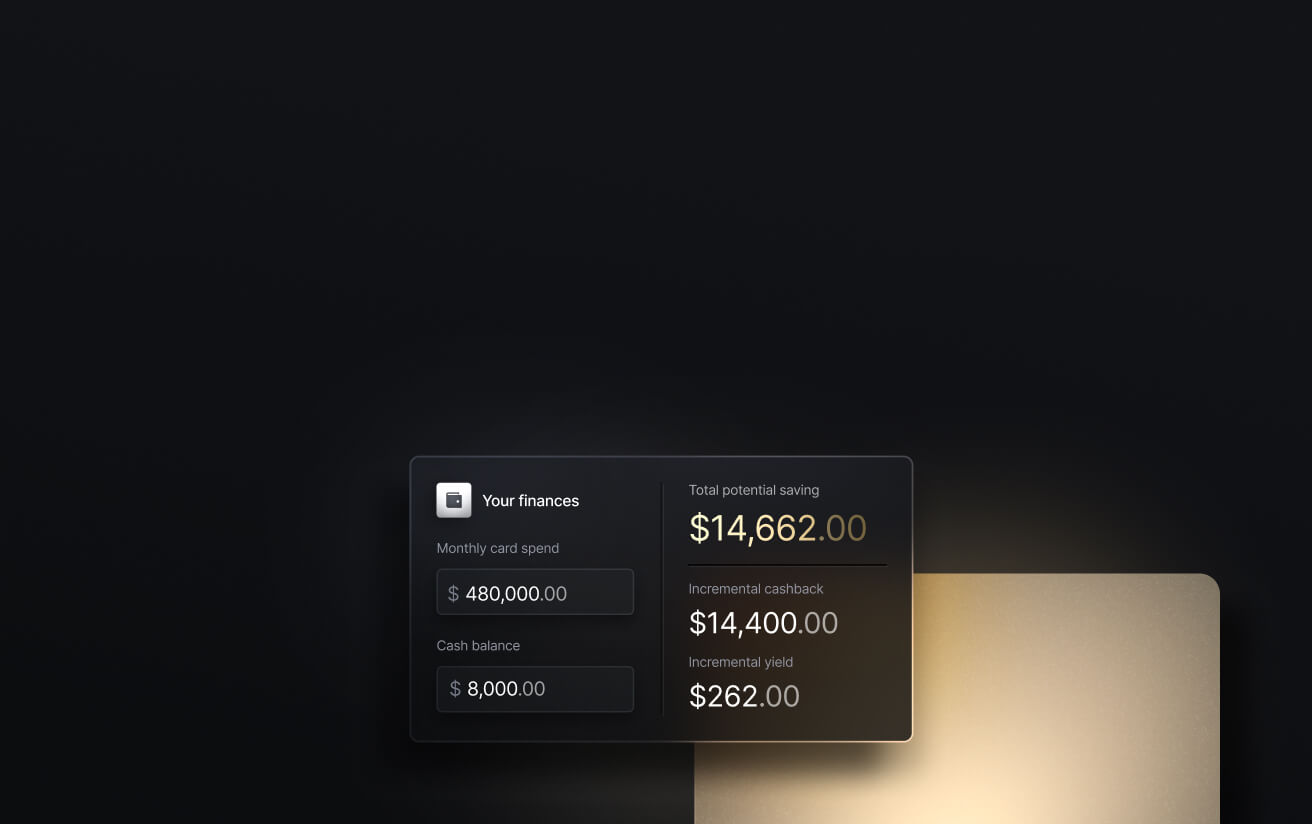
See the ROI behind your spend
Use this calculator to understand impact, then manage and track it all in Slash.

Key Features to Look for in Bill Pay Software
As you can see, bill pay solutions come in quite a few shapes and sizes. Whether they come as part of a larger platform or they’re meant specifically for accounts payable, there are several features you should prioritize when making your choice:
- Approval workflow customization: You should be able to streamline multi-level approval chains based on amount, vendor, department, or payment type. If you have a bill pay tool without configurable approvals, you might as well do it manually.
- Payment method options: ACH, domestic wire, international wire, virtual card, and check should all be available. Different vendors have different preferences, and a platform that only supports a few will lead to headaches and frustrated partners.
- Accounting integrations: Your bill pay platform should both support the accounting software you use and any accounting solutions you’ve considered using. QuickBooks Online, Xero, and NetSuite are some baseline integrations to look out for.
- Mobile accessibility: Approvers need to be able to review and approve invoices on their phones, just in case they need to move money along in a pinch.
- Security and compliance features: Some important security features include two-factor authentication, role-based permissions, audit logs, and vendor bank account verification.
- Reporting and analytics: It should be easy to see your payment statuses, upcoming payment schedules, vendor payment history, and cash flow projections. Platforms like Slash feature all of these on a dedicated dashboard, making it easy to monitor your entire cash flow without switching logins or working with old data.
- Multi-entity and multi-location support: If your business operates across different legal entities, you should be able to manage payments across those entities from a single interface while maintaining separate books.
Streamline Vendor Payments with Slash
If you’re looking to add a bill pay solution, you’re actually looking to subtract from how complex your overall financial stack is. You don’t want a dedicated AP tool attached to a separate bank account, card program, and expense management tool. You want it all to work together as one system.
Slash is a business banking platform that handles bill payments, banking, corporate cards, and expense tracking in one platform. Your AP team can take advantage of diverse payment rails, configurable permissions for multi-user access, and approval workflows that route payment requests to the appropriate team member before execution. Your corporate card transactions and bill payments flow through the same platform, giving your finance team a unified view of all outgoing payments in real time. Thanks to our integrations with accounting solutions, vendor payments are automatically recorded in the general ledger without the need to copy anything by hand.
Here are some other Slash features that can help small businesses:
- Slash Visa® Platinum Card: The Slash Card allows you to set customizable spending controls and issue unlimited virtual cards for handling team expenses, vendor payments, subscriptions, and more. Users can also earn up to 2% cash back on business purchases.
- AI-powered finance: Our platform comes with Twin, a built-in AI agent that can be prompted with natural language to complete complex tasks. Users can ask it to create cards, pay invoices, review your cash flow, and much more.
- Working capital financing: Access short-term financing with flexible 30-, 60-, or 90-day repayment terms to help bridge cash flow gaps.⁵
- High-yield treasury: Earn up to 3.75% annualized yield on idle funds with money market investments from BlackRock and Morgan Stanley, managed directly within your Slash account.⁶
- Native cryptocurrency support: Send and receive USD-pegged stablecoins USDC and USDT across eight supported blockchains for faster, lower-cost global payments.
If you’re a small business that wants a powerful, low-cost bill pay solution (and everything else), get in touch with Slash today.
Apply in less than 10 minutes today
Join the 10,000+ businesses already using Slash.
Frequently Asked Questions
How long does it take to implement bill pay automation?
Implementation timelines can range from hours to months depending on their complexity. On the shorter end, a neobank like Slash typically requires 2-3 weeks, while a larger scale platform like Tipalti can take up to 2 months.
Accounts Payable Automation: 6 Best Practices to Streamline Your AP Process

Can bill pay software integrate with my existing accounting system?
Most modern bill pay platforms support QuickBooks Online and Xero as standard integrations, though smaller options like Melio may only integrate with that pair. Slash integrates with QuickBooks Online, Xero, NetSuite, and Sage Intacct.
A Complete Guide to Invoice Matching

What happens if I pay my bills late?
Late bill payments not only lead to financial penalties, but can also harm vendor relationships and make an already messy audit trail even tougher to nail down.


