

Transform Your Accounts Payable Process with Automation: Tips and Best Practices
Your accounts payable process affects more areas of your business than you might expect.
It can shape your reputation with vendors and suppliers, where timely and consistent payments build the trust that keeps supply chains running smoothly. It's a vital component of cash flow management, since accurate forecasting depends on having a clear, up-to-date picture of what you owe and when. It can even affect your compliance posture, as incomplete documentation or inconsistent approval records can create issues during an audit or at tax time.
Automation can bring structure, visibility, and consistency to your AP workflow. With AP automation software and AP workflow automation in place, accounts payable automation can reduce data entry errors, simplify invoice management, improve visibility into upcoming obligations, and help ensure payments are accurate and on time. The result is stronger vendor relationships, cleaner records, and more confident cash flow planning.
In this guide, we'll provide practical guidance for implementing automation in your accounts payable process, including accounts payable automation best practices, common pitfalls to avoid, and the metrics that matter most for measuring performance. We'll also show how Slash is a streamlined AP automation solution that gives you diverse payment methods, automated transaction tracking, and integrations with leading accounting platforms for simplified invoice processing and reconciliation.¹
The standard in finance
Slash goes above with better controls, better rewards, and better support for your business.

What is accounts payable automation?
Accounts payable refers to the short-term obligations a business owes to vendors and suppliers for goods or services purchased on credit. When evaluating your AP process, invoice management is the natural starting point, since every payment begins with how invoices are received, reviewed, and recorded. Embracing invoice processing automation here can dramatically reduce manual work and errors.
Automating accounts payable involves using software to manage the entire invoice and payment lifecycle: intake, validation, approval, and settlement. Instead of manually reviewing each invoice, AP automation software can perform automated invoice matching to purchase orders, route them to the correct approver, and schedule vendor payments based on payment terms. Each step is recorded automatically, creating clear audit trails that support internal controls and financial reporting.
The core processes that AP automation typically encompasses include:
- Invoice processing: Capturing invoice data automatically using optical character recognition (OCR), then validating it against purchase orders and contracts before routing for approval through clearly defined invoice approval workflows.
- Payment execution: Scheduling and sending payments across multiple rails (ACH, wire transfer, real-time payments, card, and more) based on the vendor's payment terms and due dates.
- Recordkeeping: Logging every action in the invoice and payment lifecycle automatically to support audit trails, internal controls, and financial reporting.
- Forecasting and budgeting: Utilizing real-time data on outstanding obligations so finance teams can project short-term cash needs and manage cash flow more accurately, improving real-time cash flow visibility.
- Communication with suppliers: Reducing the back-and-forth associated with manual AP processes by giving vendors predictable payment timing and fewer discrepancies to resolve.
- Accounting: Syncing payment and transaction data directly with your accounting system to automate reconciliation, expense reporting, and month-end close.
- Risk management and compliance enforcement: Enforcing consistent workflows and maintaining documentation that supports internal audits, fraud detection, and financial controls.
Accounts payable optimization: 6 best practices
AP automation is only as effective as the processes it's built on. Before you implement new tools, it's worth establishing strong operational foundations that will allow automation to work reliably at scale. The following best practices cover both the structural decisions and the day-to-day habits involved in effectively moving AP functions into an automated, digital format:
1. Standardize and digitize invoice intake
One of the most common sources of AP errors is inconsistent invoice processing. Vendors may send invoices through different channels and in different formats, which can slow down your intake and complicate recordkeeping. Establishing a centralized intake process can ensure every electronic invoice enters your system the same way, with invoice numbers, amounts, and vendor details captured consistently from the start.
2. Implement clear approval workflows
Automated AP can route invoices to the right approver, but only if approval workflows are clearly defined in advance. Map out which invoice types require which levels of approval, establish spending thresholds that trigger additional review, and document the process so it can be enforced consistently. Defining invoice approval workflows also reduces the risk of fraud by ensuring no invoice is approved or paid without proper authorization.
3. Integrate with accounting systems
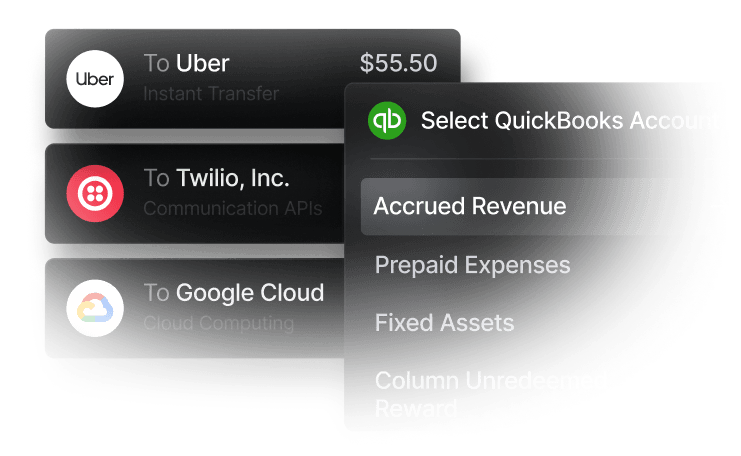
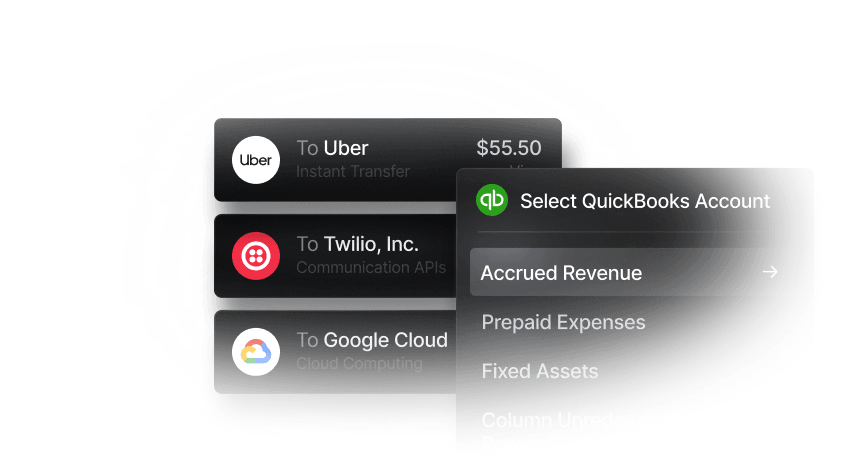
Integrating your AP workflow with your accounting system (or a broader enterprise resource planning platform) allows transaction data to sync automatically, eliminating manual data entry and reducing reconciliation time. Slash integrates directly with QuickBooks, allowing card transactions, bank transfers, and invoice settlements to flow into your accounting workflow without additional manual work.
4. Utilize automated invoice matching
Keeping accurate AP records requires consistently matching invoices to the purchase orders and transaction records they correspond to. Automated invoice matching flags discrepancies before payment processing occurs, catching mistakes, potential overpayments, and duplicate invoices for payment before they reach your accounts. QuickBooks can automatically match uploaded purchase orders, invoices, and transaction records, reducing the manual effort required to stay current on outstanding payables.
5. Monitor real-time cash flow metrics
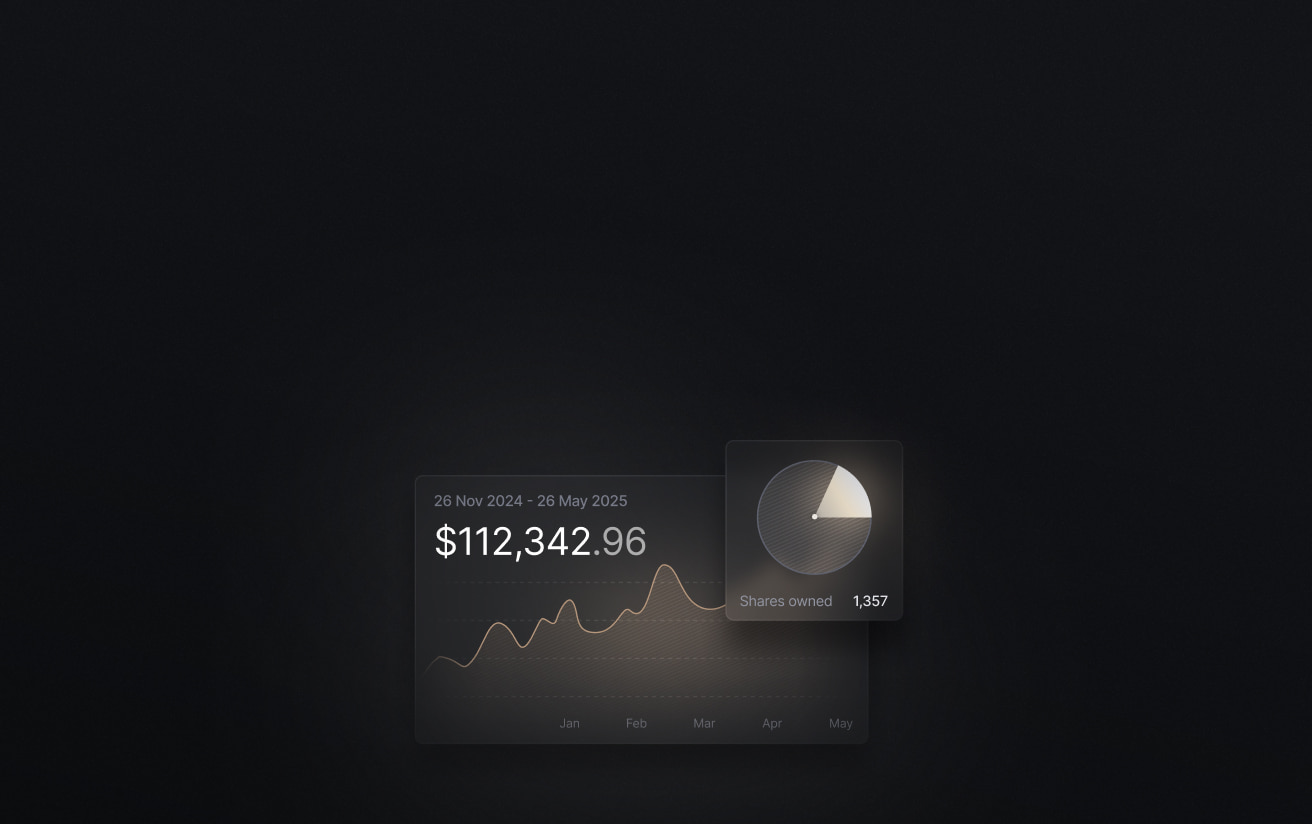
Optimizing payment timing around cash flow is one of the most effective ways to manage working capital and avoid liquidity gaps. When you have a real-time view of what you owe and when it's due, your team can prioritize vendor payments strategically rather than reactively. Slash's analytics dashboard shows upcoming payment obligations alongside recent activity, giving your team the real-time cash flow visibility needed to stay current and plan ahead.
6. Track performance with KPIs
Regularly reviewing key performance indicators (KPIs) helps you identify where the process is working well, where bottlenecks persist, and where further optimization is possible. Tracking accounts payable KPIs and treating AP automation software as a system to be continuously improved is what separates businesses that see lasting efficiency gains from those that plateau shortly after implementation.
Accounts payable management: Common AP automation pitfalls to avoid
If you're regularly experiencing any of the following issues in your AP process (whether it's automated or not) it may be a sign that your system or underlying procedures need attention. Addressing these problems early prevents them from compounding as your vendor network and invoice volume grow:
Limited visibility into outstanding obligations
When you lack a clear view of what's due and when, cash flow forecasting can become reactive instead of proactive. Slash's analytics dashboard gives you a centralized view of upcoming payment obligations, with the ability to schedule recurring transfers or card payments for regular expenses to keep payables organized and predictable.
Inefficient payment methods
Relying on limited or outdated transfer methods can slow time-to-pay and introduce unnecessary reconciliation work. Using a platform like Slash that supports multiple payment rails including ACH, wires, real-time payment networks, and crypto can help you settle vendor payments faster and more cost-effectively.
Lack of procedural consistency
Automation enforces whatever processes you give it, which means inconsistent procedures get replicated at higher volume rather than corrected. Standardizing your approval workflows and invoice handling practices before implementation is what ensures automation actually improves your AP function.
Inconsistent invoice formats
Vendors don't always send invoices in a uniform way. Without a structured intake process, AP teams end up normalizing data manually, which can reintroduce the errors and delays automation was meant to eliminate. A dedicated intake channel and OCR-based capture tools can bring consistency to varied vendor invoice formats.
Exposure to operational risk
Payment delays and processing errors can strain vendor relationships, disrupt supply timelines, and affect access to goods and services your business depends on. Building in automated invoice matching, clear approval workflows, and real-time alerts creates the controls needed to catch problems before they escalate.
Overly complicated approval workflows
When approval chains are unclear or unnecessarily layered, invoices can stall and payment timelines slip. Excessive back-and-forth between departments increases the risk of missed deadlines, duplicate work, and inconsistent documentation. Streamlining approval rules, clearly defining authorization thresholds, and standardizing workflows helps keep invoices moving while maintaining appropriate internal controls.
How to measure the performance of AP automation
Tracking the right key performance indicators helps finance teams understand whether their AP function is improving over time, identify where bottlenecks persist, and make the case for continued process improvement. The following accounts payable KPIs are among the most useful for evaluating the efficiency and effectiveness of your AP automation software:
- Invoice processing time: The average time from invoice receipt to payment approval. A well-automated AP function should reduce this significantly compared to manual processing.
- Cost per invoice: The total cost of processing a single invoice, including labor, software, and error correction. Automation typically drives this number down as volume scales.
- Invoice exception rate: The percentage of invoices that require manual intervention due to errors, mismatches, or missing information. A declining exception rate indicates that intake and matching processes are improving.
- On-time payment rate: The percentage of invoices paid by their due date. This directly reflects the health of your AP function and its impact on vendor relationships.
- Early payment discount capture rate: The percentage of available early payment discounts that are actually taken. Low capture rates often signal that invoice processing is too slow to act within discount windows.
- Duplicate payment rate: The frequency with which the same invoice is paid more than once. Automated matching should drive this close to zero.
- Days payable outstanding (DPO): The average number of days a business takes to pay its invoices. Tracking DPO over time helps balance cash flow optimization against vendor relationship management.
How Slash simplifies the AP and invoicing process
Effective AP management requires real-time visibility into outstanding obligations, payment infrastructure that works for your vendors, and transaction records that flow cleanly into your accounting system. Slash is built to support all three. The analytics dashboard keeps your team current on what's owed and when, diverse payment rails ensure you're never limited in how you settle an obligation, and direct QuickBooks integration prevents reconciliation from becoming a separate project.
Slash isn't just an accounts payable solution. It's an industry-aware financial management platform that gives you access to advanced capabilities, including native support for USD-pegged cryptocurrency transfers, embedded financing and treasury options, and the ability to separate entities and accounts for improved financial visibility.⁴, ⁵ Here are some of Slash's additional capabilities that can elevate how your business manages its finances:
- Diverse payment rails: Slash supports domestic and global ACH, wire transfers to more than 180 countries, and real-time payments over networks like RTP and FedNow. .. on- and off-ramps between USD and stablecoins including USDC and USDT. Pro users pay no additional per-transaction fees.
- Real-time cash flow visibility: The Slash analytics dashboard shows upcoming payment obligations and recent activity, giving finance teams a current picture of what they owe and when.
- High cashback corporate cards: The Slash Visa Platinum Card earns up to 2% cash back on business expenses, with customizable spending controls and unlimited virtual cards for team members, vendors, and subscriptions.
- Working capital financing: Slash offers short-term financing with flexible 30-, 60-, or 90-day repayment terms to bridge cash flow gaps when obligations come due before receivables arrive.
- Accounting integrations: Transaction data syncs directly with QuickBooks to automate reconciliation, simplify expense reporting, and reduce time spent on month-end close.
Apply in less than 10 minutes today
Join the 10,000+ businesses already using Slash.
Frequently asked questions
How do AP automation platforms integrate with accounting systems?
AP automation platforms like Slash integrate with accounting systems through direct APIs or secure data syncs. Invoice data, payment details, vendor records, and coding information automatically flow into your general ledger, reducing manual data entry and minimizing reconciliation errors. Slash also supports two-way sync with QuickBooks, so updates made in your accounting software are reflected in your AP system.
How to Streamline the Accounts Payable Process for Faster Payments & Better Cash Flow

What are the costs associated with implementing AP automation?
Costs typically include software subscription fees, potential implementation or onboarding fees, and payment processing charges depending on the transfer methods used. Pricing may vary based on invoice volume, number of users, or advanced features such as approval routing and analytics.
Payment Automation Explained for Businesses in 2026

Read more from us


