


Bank Reconciliation: The Ultimate Guide for Accurate Financial Management
last updated - October 13, 2026
Financial management can sometimes feel like a detective game. Discovering and catching errors, solving money mysteries, and finding the missing pieces of the puzzle in bank records. Bank reconciliation streamlines record-keeping by enabling the comparison and resolution of differences in cash balances. Understanding common errors or how reconciliation affects broader cash‑flow and operational decisions can help streamline workflows.
Slash simplifies the detailed reconciliation process, making it easier to keep your statement balances, balance sheets, and book balances aligned. By connecting Slash’s banking platform to modern accounting software like QuickBooks or Xero, the process of tracking bank fees and other transactions becomes smoother.¹ Easier tracking can enable teams to improve accuracy and lessen the likelihood of compliance or regulatory blunders.
Business banking doesn’t have to be complicated. Uncovering errors in transactions may feel like a detective game, but cash flow shouldn’t be a mystery. In this article, we’ll help you understand what exactly is a bank reconciliation, and how to apply it to your needs so you can move forward with clarity.
What is a bank reconciliation: Definition and importance
Bank reconciliation is the process of comparing transaction records and cash balances to ensure they match internal accounting records. Ultimately, its purpose is to reduce the likelihood of fraud or errors in financial accounts. Common internal record errors include deposits in transit, outstanding checks, and unauthorized transactions. Left unaddressed, they can cause unnecessary delays in accounting operations.
There are several benefits to reconciling the book balance with bank statements, including:
- Boosting cash flow management. Reconciliation practices can clean up historical data, such as cash inflows or outflows. This can provide an accurate picture of past cash flow and serve as a predictor of future financial performance.
- Identifying and preventing errors. Comparing multiple sources, such as internal accounting records and bank statements, can flag data mismatches or duplicate entries. This catches small mistakes before they snowball into bigger problems.
- Detecting fraudulent activity. Suspicious transactions can be caught with bank reconciliation. By verifying that records match, accounting teams can identify irregularities and provide greater protection of company funds.
- Faster finance operations. Modern reconciliation can auto-match transactions, which reduces the need for tedious cross-checking.
- Improving compliance and regulatory approvals. Reconciliation can improve the accuracy of financial reporting, tax preparation, and audit readiness by confirming cash balances and bank records. This creates a more accountable system that complies with legal requirements.
Bank reconciliation process, step by step
Consider these steps below before beginning the bank reconciliation process to understand how everything will flow and improve operational efficiency beyond bookkeeping:
Step 1. Gathering Financial Records
Collect bank statements, card activity, and general ledger data from banks, accounting software, ERPs, and platforms such as Slash to create a single source of truth. Automated bank feeds and system integrations eliminate manual data collection and file uploads.
Step 2. Comparing Balances
Compare book balances to bank balances across all accounts and currencies to confirm that cash positions align. Automated systems surface balance differences instantly, removing the need for manual comparisons.
Step 3. Investigating Discrepancies
Identify and analyze unmatched transactions, timing differences, FX variances, or data errors to understand why balances differ. Exception detection and multi-currency logic flag only the items that require review, reducing noise and manual effort.
Step 4. Resolving Differences
Make corrections, document explanations, and record adjustments to bring balances into alignment. Automated workflows support approvals, documentation, and journal entry creation, accelerating resolution.
Step 5. Final Review & Reporting
Review and approve completed reconciliations, then report results for close and audit purposes. Dashboards, audit trails, and real-time reconciliation status provide visibility, control, and audit readiness.
5 challenges that bank reconciliations present
Reconciliation can present challenges. Understanding their impact helps teams prepare effectively. Here are some common challenges when reconciling:
Outstanding checks and deposits in transit
Outstanding checks or deposits can create timing mismatches. There may be instances where a check has not cleared at the bank, leaving current bank data sets out of date with the latest payments. Until a check or deposit is cleared, it may be overlooked or incorrectly posted. Automated bank reconciliation can quickly clear items once they hit the bank, saving the time it would take a company to verify the bank statement.
Bank fees and interest adjustments
Banks set their own fees and interest rates, which are subject to change over time. These adjustments made by banks are not always immediately recorded. Meaning, accounting records may not be 100% accurate given ongoing fluctuations in banking costs.
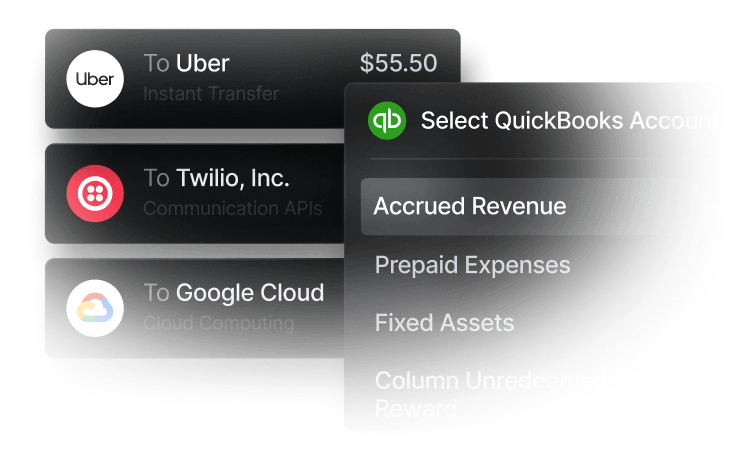
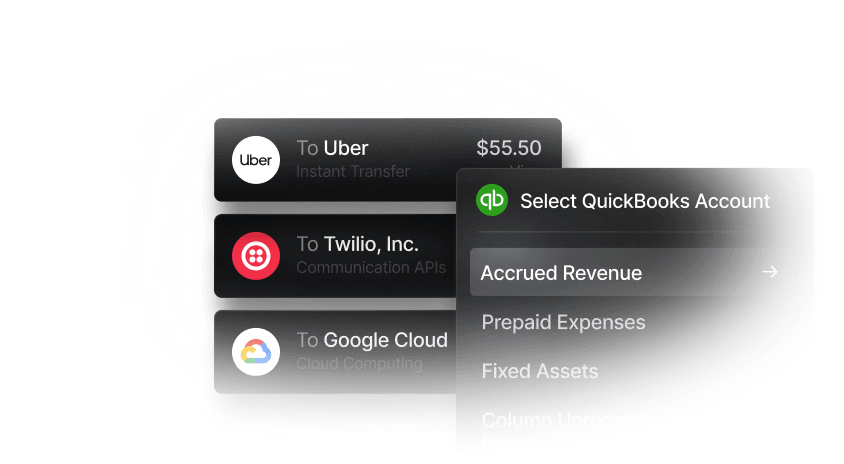
This is especially applicable if your business has multiple bank accounts or bank accounts in different countries. Slash supports multi-entity accounting and integrations supporting multi-currency ledger matching, which compares general ledger entries by currency, amounts, and timing. Using reconciliation services like Slash can help resolve mismatches across bank accounts and ensure records stay up to date.
Catching errors and misentries
When cross-referencing book or statement balances, sometimes errors aren’t always obvious. They may appear to be any other valid bank transaction, making them hard to distinguish from routine transactions. Spreadsheet formulas or copy-paste errors can also inaccurately place a transaction, which can affect future cash flow and forecasting. Automating this data in the reconciliation process enables comparison of independent data sources and earlier flagging of misentries.
Missing transactions
Missing transactions can create gaps between bank and accounting records. This means teams need to determine whether activity on a balance sheet was omitted, delayed, or recorded incorrectly. This creates uncertainty about cash activity, so a manual process is needed to investigate where and why these gaps exist. Reconciliation solutions within software can identify these problems quickly, leading to faster problem-solving.
Fraud or unauthorized transactions
Fraud can be challenging to detect during reconciliation because unauthorized transactions often resemble legitimate activity. Without consistent review and controls, these transactions may go unnoticed for extended periods. Reconciliation tools help by highlighting discrepancies, unexpected entries, or unmatched transactions, allowing teams to investigate potential fraud earlier and reduce the risk of ongoing losses.
How does bank reconciliation help catch payment fraud?
Reconciliation is not only a books exercise. It is also a fraud control. The Association of Certified Fraud Examiners' Occupational Fraud 2026: A Report to the Nations found that account reconciliation was the detection method in 77 cases, with a median loss of $163,000. Check and payment tampering, one of the schemes reconciliation is built to surface, appeared in 10% of the 2,402 cases studied and carried a median loss of $114,000. Forced or altered account reconciliations were also used as a concealment method in 7% of cases, which is a reminder that the process itself needs an independent review.
A clean monthly close still matters, but the highest-value catches come from matching every bank outflow to an approved vendor, payroll, or card settlement. Flag any wire, ACH, or check that has no matching invoice or approval, and treat duplicate payees or round-dollar transfers as exceptions until someone explains them.
Automating the match shortens that review. Connect your business bank feed to QuickBooks or Xero, reconcile at least weekly instead of only at month-end, and keep a short exception log of unresolved items. When cash moves through one account with clear owners and categories, unauthorized payments stand out faster.
Reconcile from a clean bank feed
Connect Slash to QuickBooks or Xero and match every transaction as it posts.

5 best practices for successful bank reconciliations
After you’ve begun reconciling your accounting data, it’s helpful to continuously monitor and optimize that process over time. For the best results, here are some tips to help you organize your business finances:
Maintain clear documentation
Clearly define the information to be recorded so receipts and other banking transactions are easy to find. Slash automatically captures and records receipt and payment information for items such as cards and bank transfers. Having this level of internal control and organization can keep things like statement records simple and consistent for finance teams to track.
Standardize reconciliation procedures
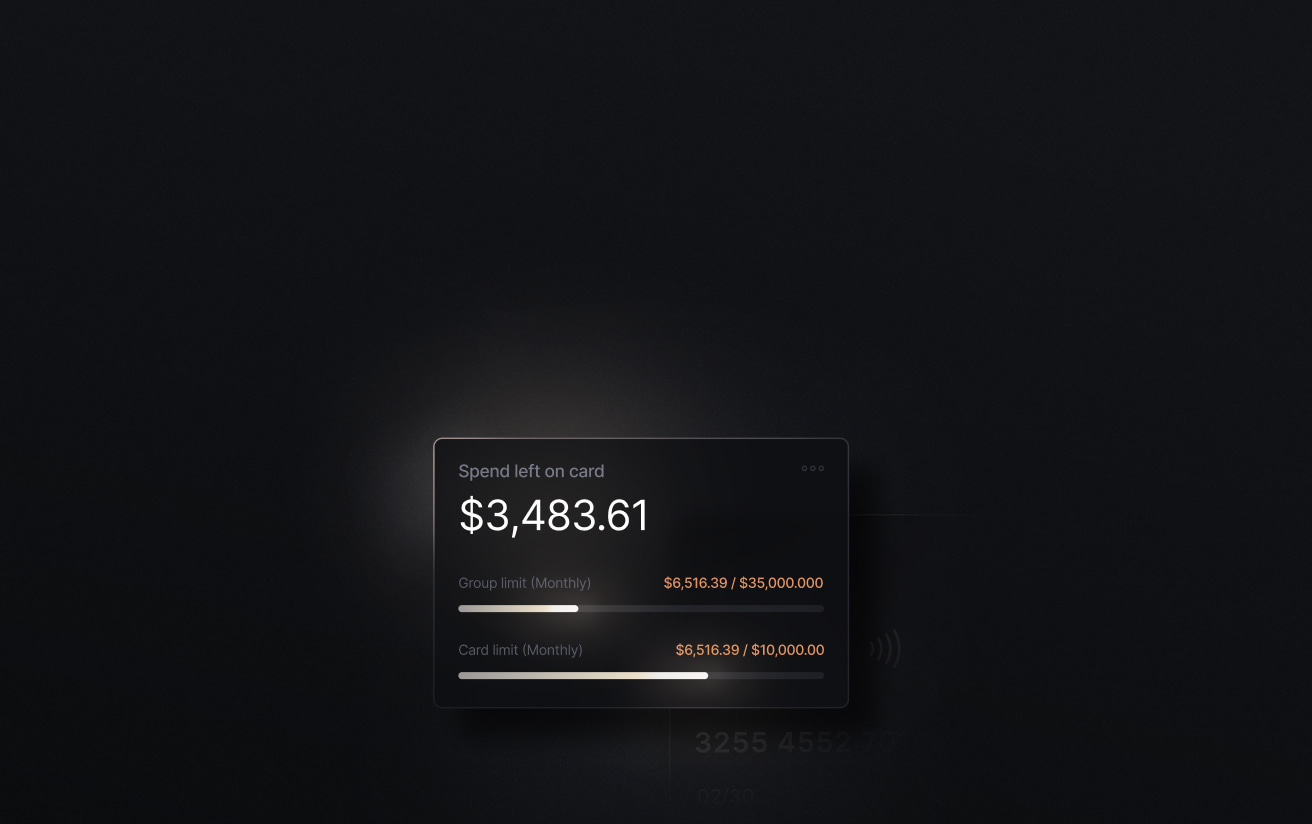
Clear procedures are optimal to minimize confusion among team members. Slash can help enforce company spend policies with the Slash Platinum Card: set customizable spending rules for individual cards or entire teams, configure spend limits, and AI-powered monitoring can flag suspicious activity.
Reconcile frequently
Ongoing accounting matching and review help to identify system errors before they become bigger problems. By automatically syncing your transaction data with an accounting platform like QuickBooks, you can save time by reducing manual matching and reconciliation.
Resolve errors promptly
When training finance teams on reconciliation, it is in the company's best interest to resolve errors, such as missed fraudulent transactions, as they arise. This can prevent mistakes from accumulating and overwhelming your company's operations later, and can prevent these incorrect statements from carrying forward unresolved.
Continuously review and improve processes
Review, refine, and improve. Ongoing check-ins can be an important touchpoint for assessing patterns that are not serving the business well. Weaknesses can be identified, and tools can be added to your workflow to address and refine them. Over time, finance teams can track if these changes are improving bank reconciliation procedures.
Streamline reconciliation workflows with Slash
Using platforms that integrate bank feeds, accounting systems, and transaction tracking, such as Slash, can transform reconciliation from a tedious month-end task into an ongoing operational advantage. When teams combine a structured reconciliation process with modern accounting tools and automation, they can significantly reduce manual effort, minimize discrepancies, and support smarter financial decision-making across multiple accounts and currencies.
Slash helps streamline bank reconciliation workflows by automating transaction matching and centralizing financial data across accounts, improving accuracy as information flows into accounting systems. With automated workflows, support for FDIC insurance coverage, and integrations with QuickBooks and Xero, Slash delivers a scalable, transparent, and efficient foundation for day-to-day financial operations.
Beyond the basics, Slash goes beyond to offer:
- Up to 2% cashback on all eligible spend.
- Treasury management offering up to 3.9% yield supported by BlackRock and Morgan Stanley.⁶
- Working capital funding with flexible 30, 60, and 90-day term loans.⁵
- An all-in-one platform supporting stablecoin payments, banking, expense tracking, and more.⁴
Get started today and see how Slash can streamline your reconciliation.
Apply in less than 10 minutes today
Join the 10,000+ businesses already using Slash.
Frequently asked questions
What does banked mean in accounting?
Banked means the funds have been deposited into the bank, even if they haven’t fully cleared yet. Even if it’s in the bank, that doesn’t mean it’s fully reported in accounting records yet.
How often should a company perform bank reconciliation?
The frequency of bank reconciliation depends on the size and complexity of the business. Low-activity businesses may only need a quarterly check-in, while high-volume businesses that need rapid detection of fraud should reconcile everyday.
The Best Accounting Automation Software Tools in 2026

How do intercompany transactions affect bank reconciliation?
Intercompany transactions complicate bank reconciliation because they span multiple entities, accounts, and currencies. With automation, they can be reconciled accurately and efficiently so the banking activity aligns with company records.
The Best Multi-Entity Accounting Software: Comparison, Features, and Benefits

Read more from us


